MyPresenter AI Media Library
Media Library: Turn Every Word Into a Visual Moment
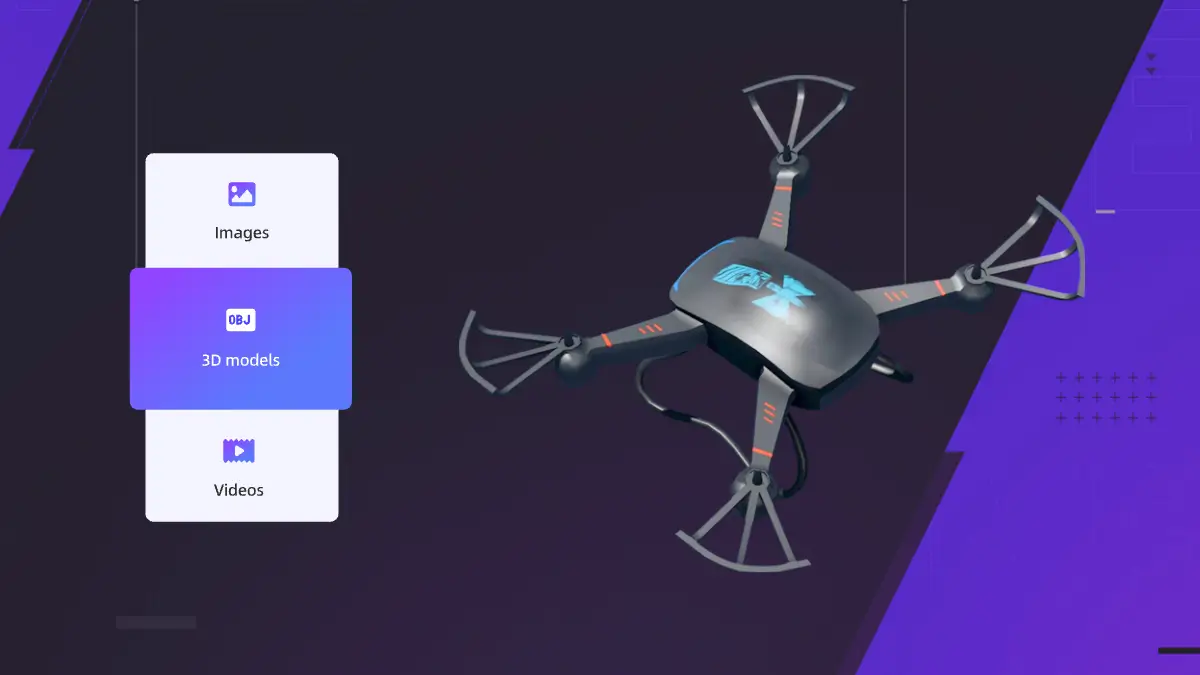
Upload images, videos, and 3D models, then time each one to the exact words in your presentation.
Upload your private media assets and specify exactly which text segments should trigger their appearance. When the AI narrator reaches those specific words, your images, videos, or 3D models appear instantly — creating perfectly synchronized visual moments.
Media Library in Our Products
See how Media Library enhances our core presentation products
Interactive Slide Show
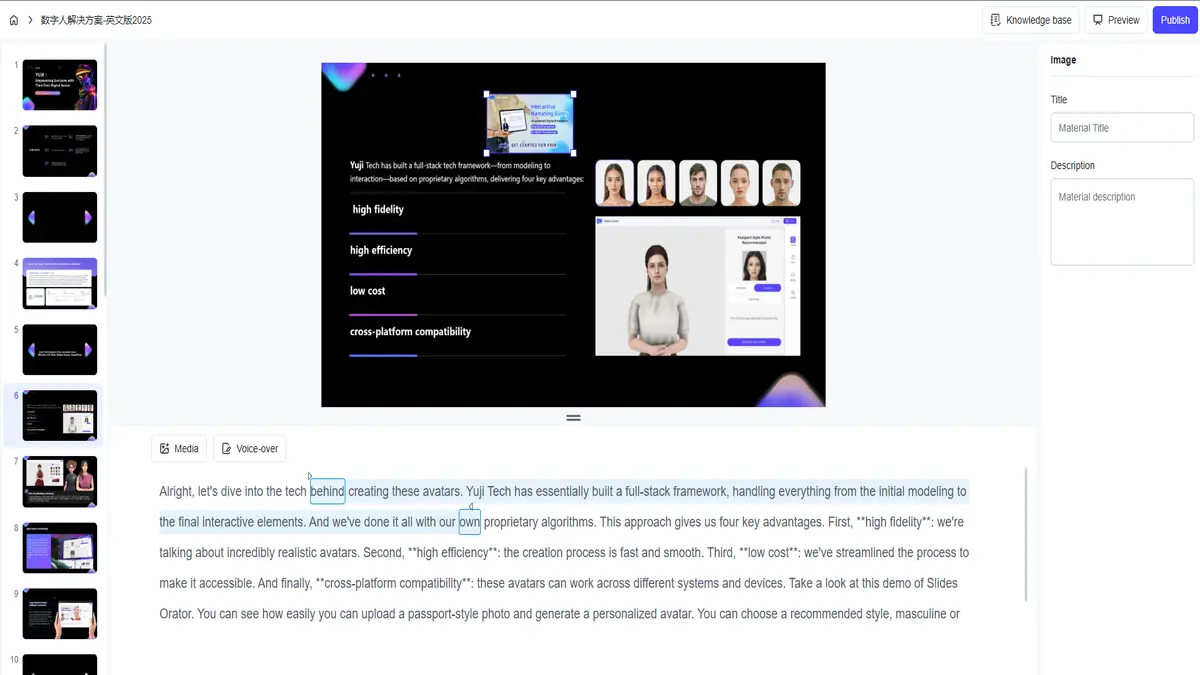
Upload media assets to enhance your interactive presentations. Assets appear precisely when the AI narrator mentions specific content, creating engaging visual moments.
Explore Interactive Slide Show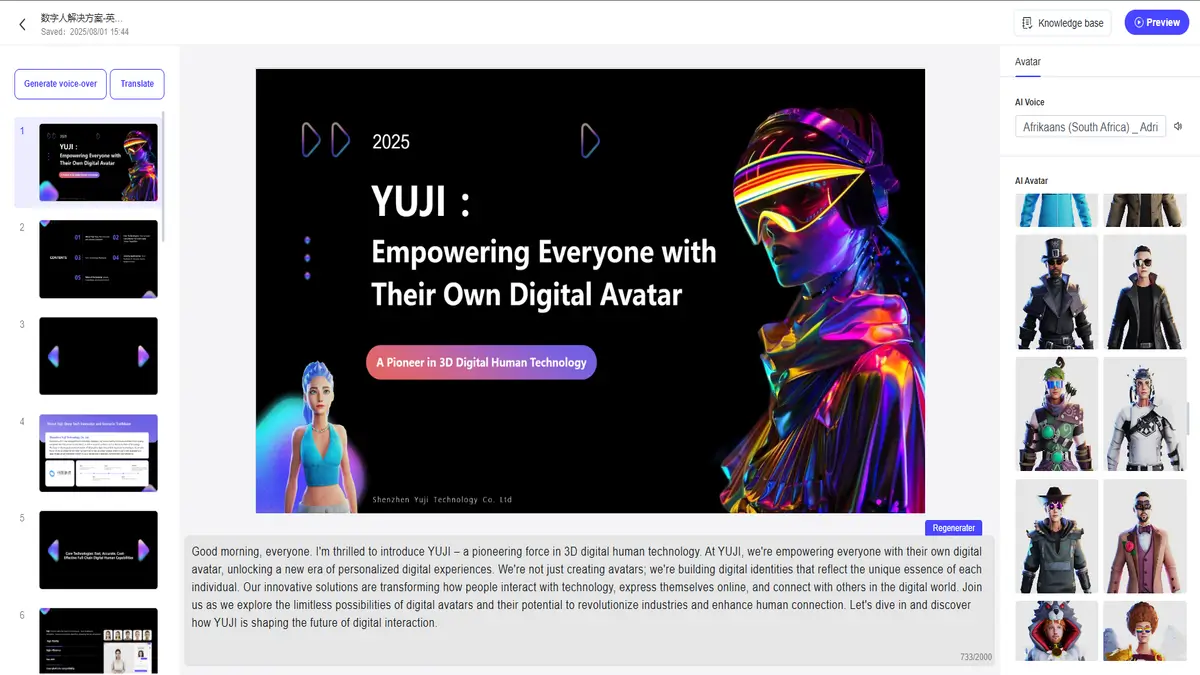
3D Avatar Presentations
Upload personal assets to create custom 3D avatar presentations. Your avatar can reference and display assets at perfect moments during real-time interactions.
Try 3D AvatarExplore Other Use Cases
Discover how MyPresenter AI transforms presentations across different scenarios
Speech Copilot
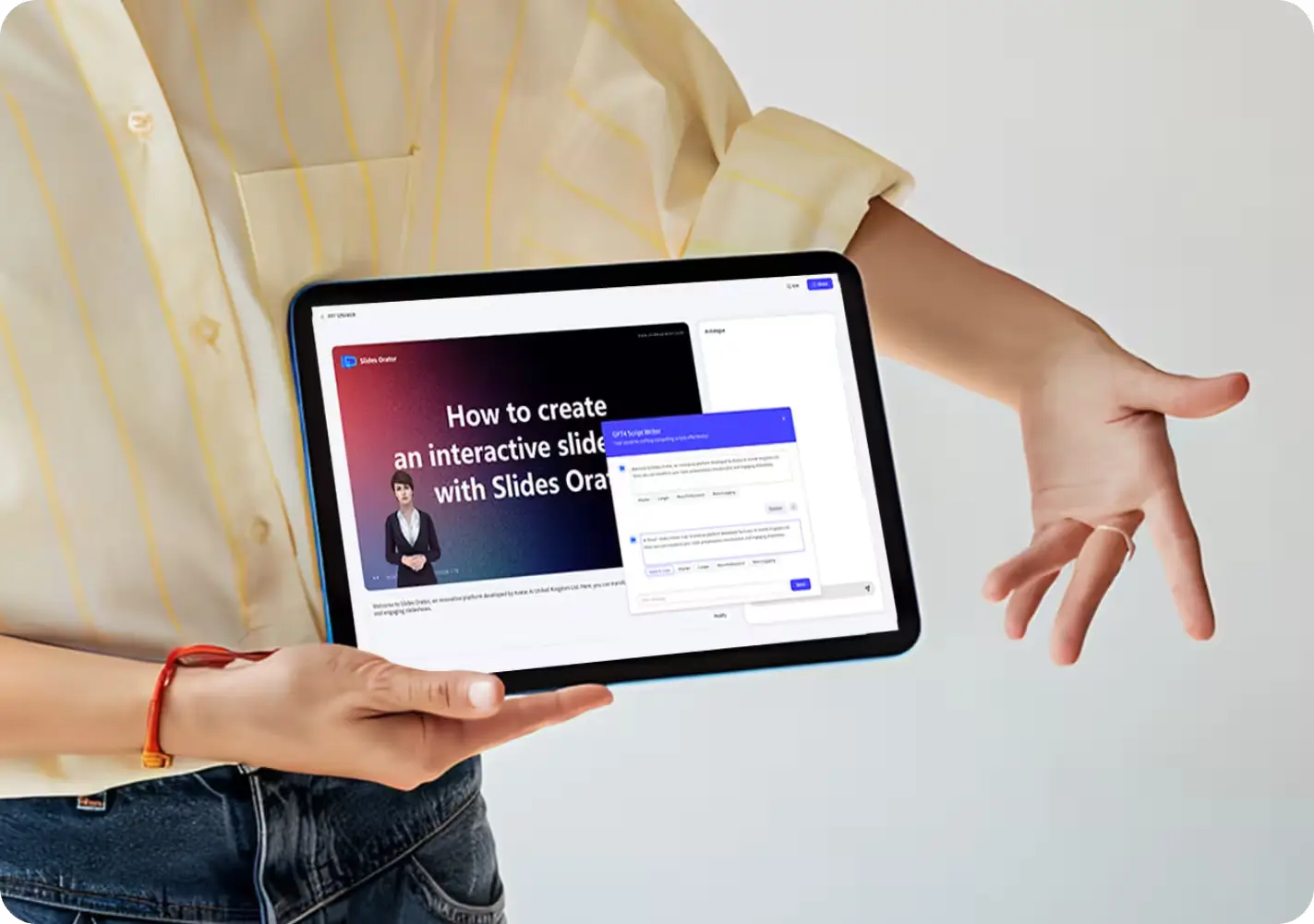
Upload visual assets to enhance your speech rehearsals. Assets appear precisely during AI-generated narration, making your presentations more engaging.
Try Speech Copilot
Education
Upload educational assets for interactive learning. Students see visual aids appear at perfect moments during AI teacher explanations.
Explore Education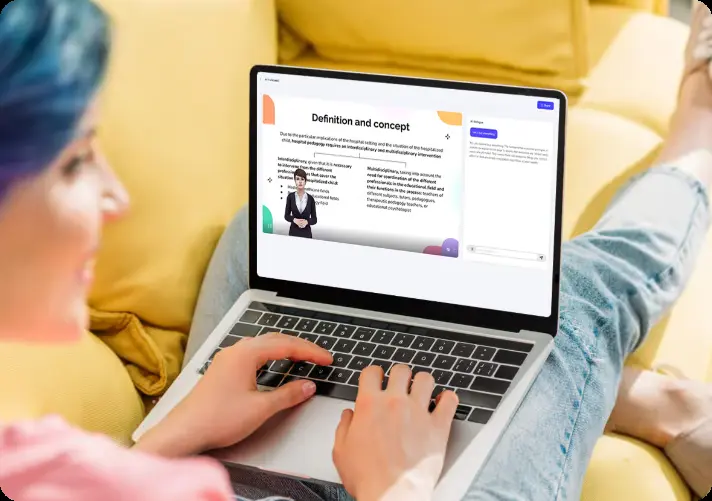
Corporate Training
Upload training assets to streamline employee onboarding. Assets appear precisely when mentioned, making complex procedures easy to understand.
Discover Training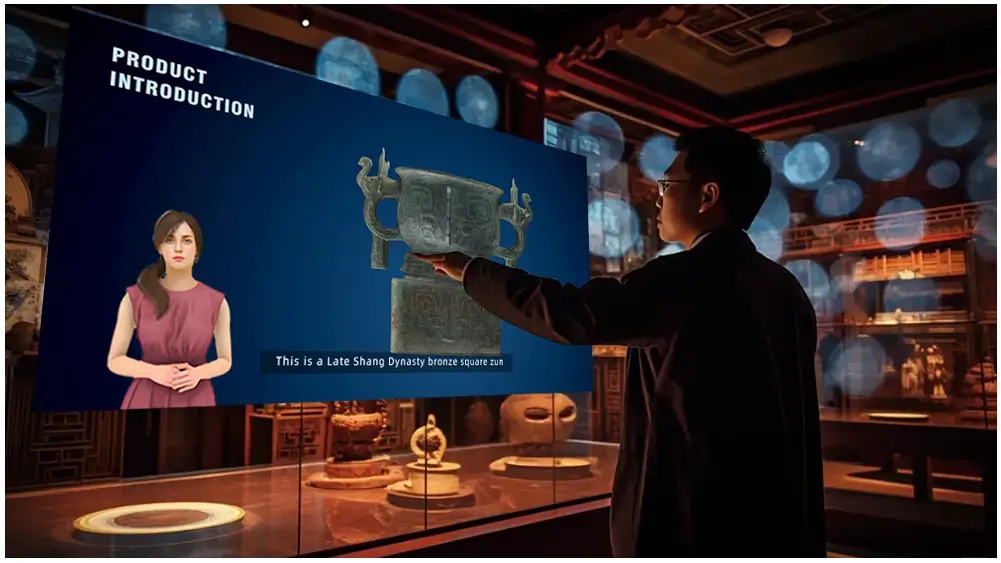
Exhibition
Upload exhibit assets to create immersive virtual tours. Assets appear exactly when describing specific features, providing 24/7 interactive experiences.
View ExhibitionHow It Works
Follow these simple steps to integrate your assets and create dynamic presentations.
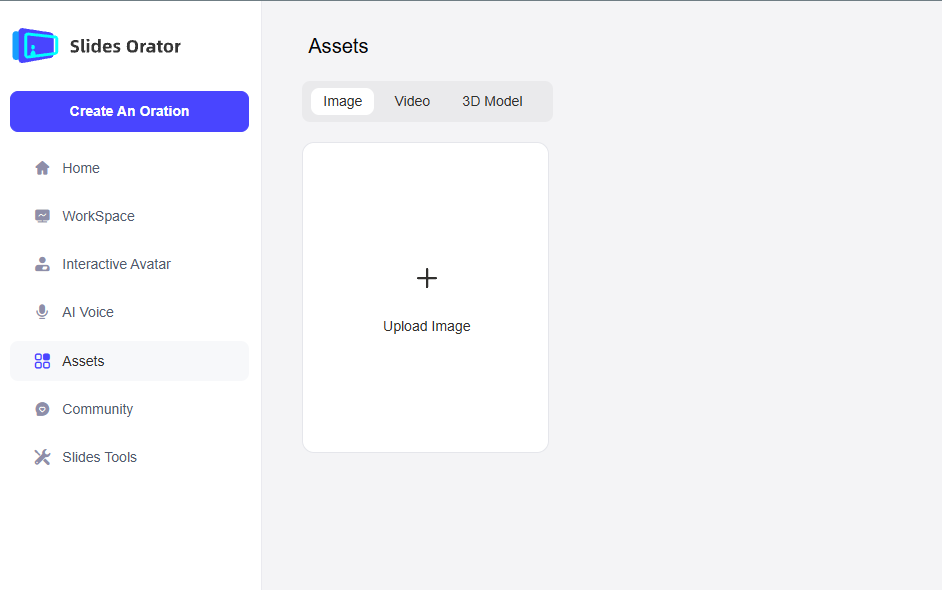
Upload your media
Upload your image, video, or 3D model to your private asset library
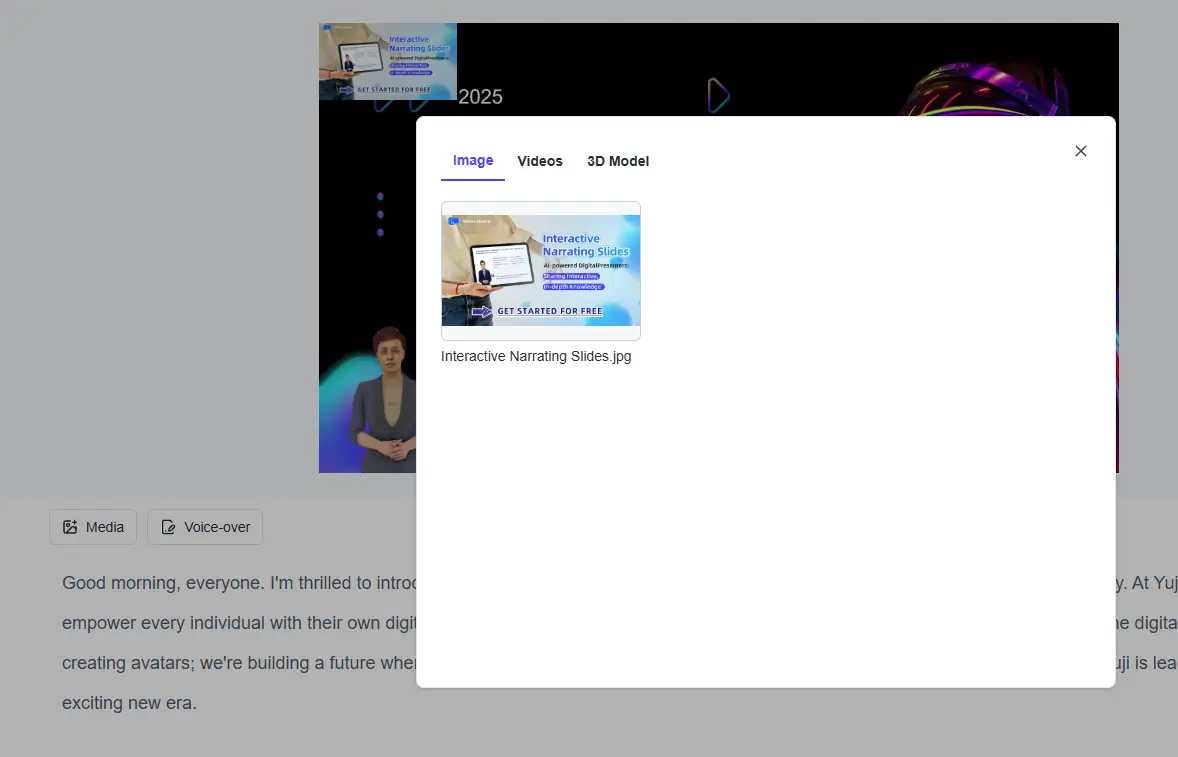
Select your asset
Choose the specific asset you want to use in your presentation
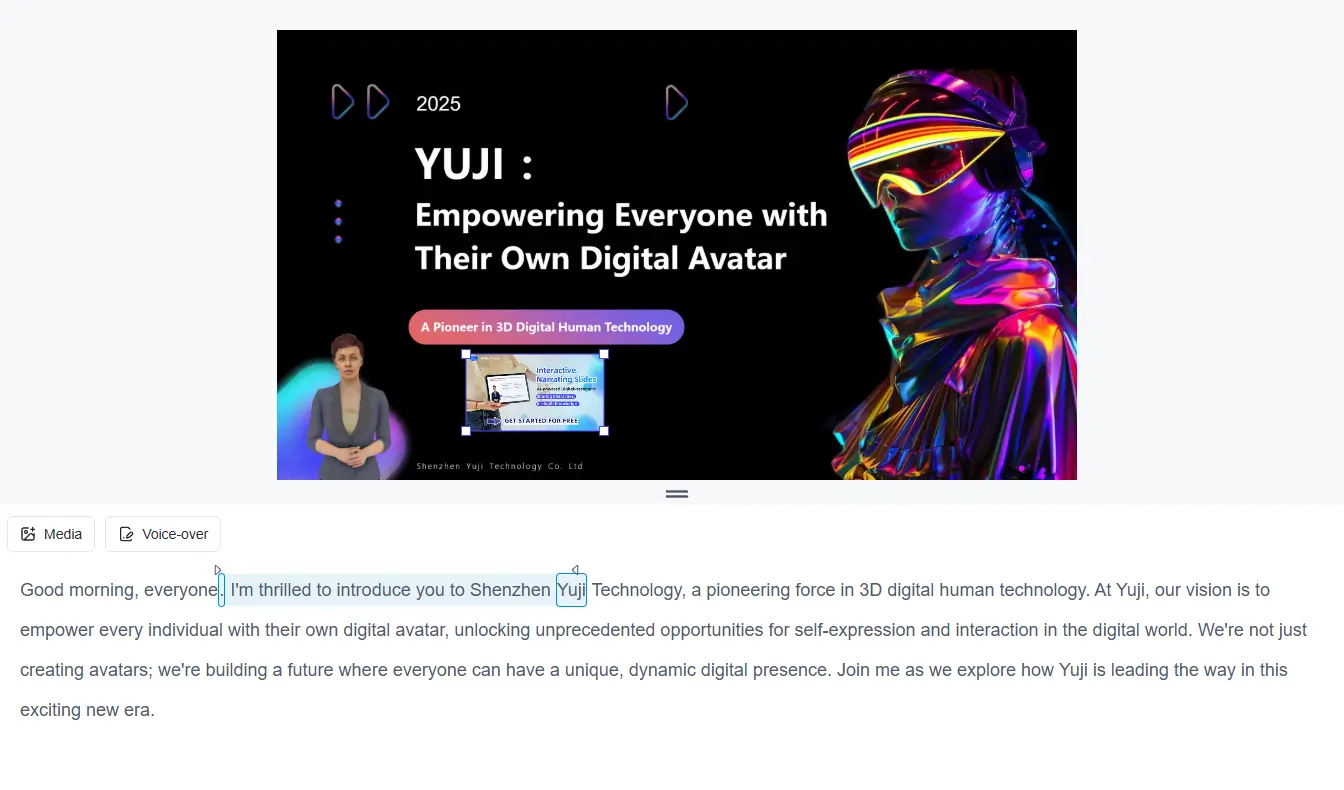
Select voice line
Inside the presentation editor, select the specific voice line or word
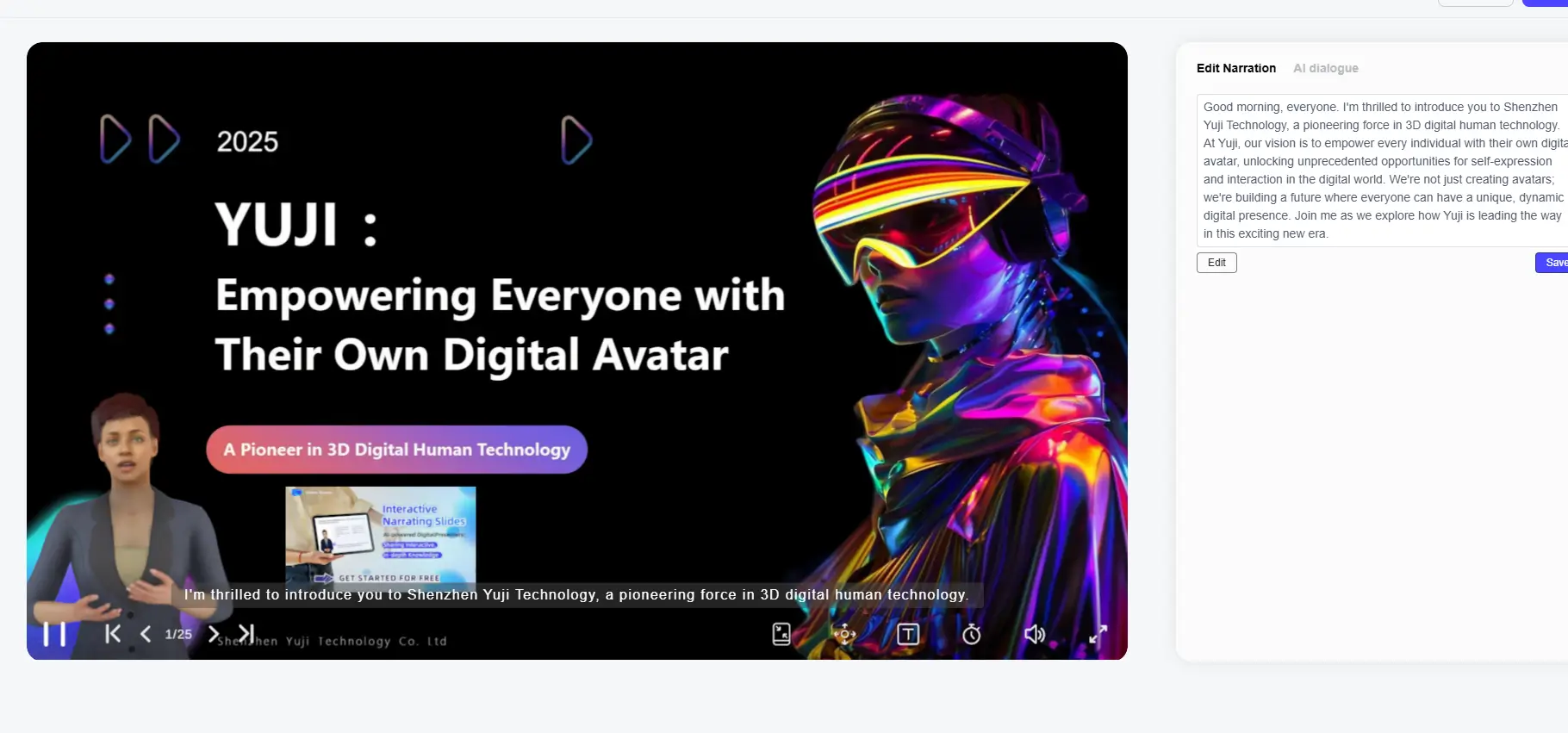
Play and preview
Play your presentation to see the asset appear at the perfect moment