Create editable AI-narrated lessons from PDF courseware

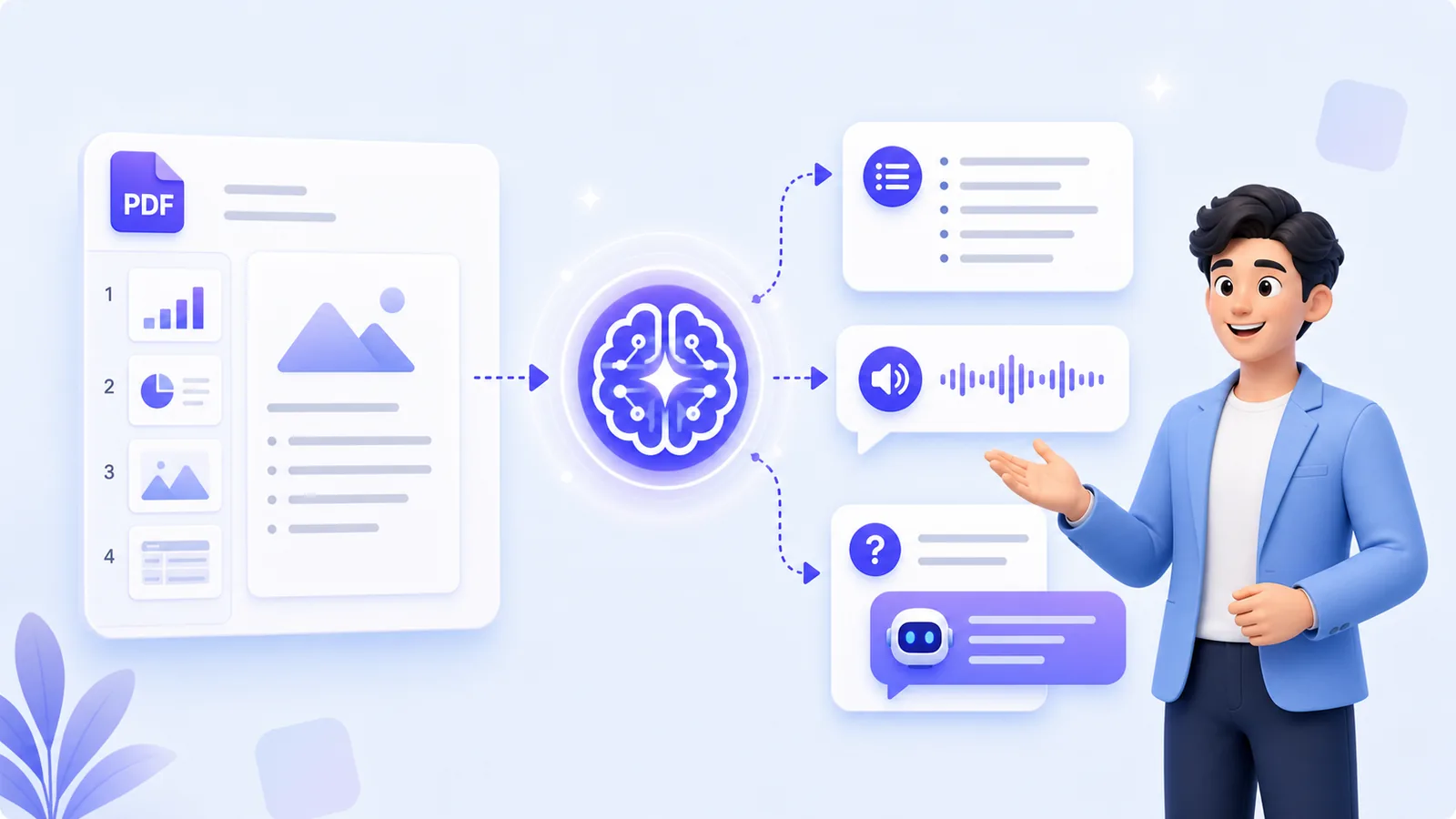
Upload PDF slides, generate narration, edit each page, choose a digital presenter and voice, then share a lesson link for class, preview, or review.

AI for Teachers

Daily Pain Points

Common classroom and preparation challenges that AI can help streamline.

Long prep time; many repetitive segments

Hard to maintain attention in class

Repeat the same content every semester

Lack of reusable digital content

What AI Can Do for Teachers

Tools that speed up prep, keep delivery consistent, and make lessons more engaging.

Auto narration script from PDF

Intelligent content analysis and script generation with natural voice narration for teaching materials.

Bilingual / multilingual

Switch among 20+ languages; deliver consistent dual-language output.

Let AI handle repetitive knowledge

Definitions and formulas narrated by AI; teachers focus on interaction.

Student review signals

Use Q&A and review workflows to understand where students need more support.

Share link playback

No download required; share lessons instantly via link.

Full Teaching Flow

Upload courseware, set voice/emotion/output language, choose presenter, review and edit narration for each slide, save and share, play in class, and support Q&A review.
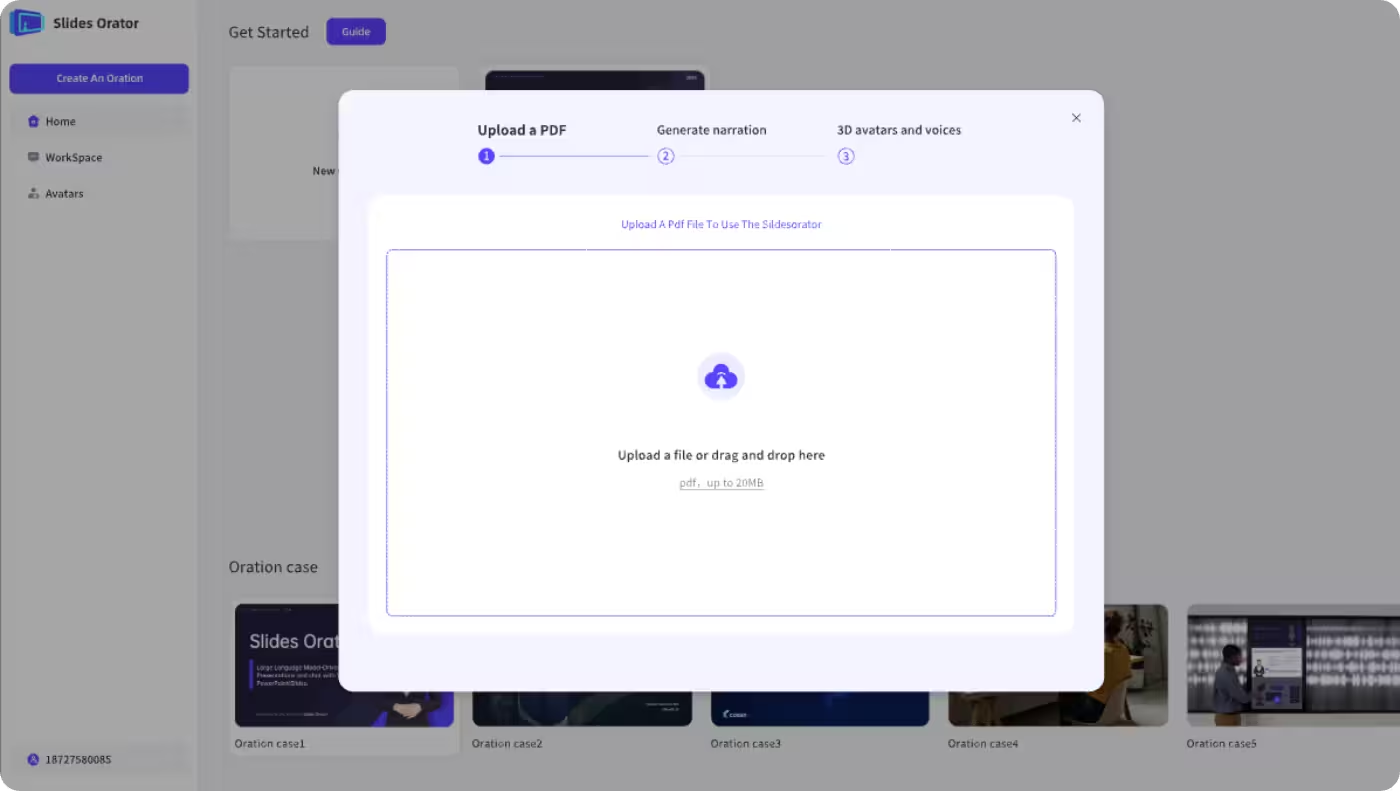
Upload Courseware (PDF)

Upload Courseware (PDF)

Upload your slides or documents; the system parses structure and prepares content.

Choose Voice, Emotion & Output Language

Choose Voice, Emotion & Output Language

Configure voice timbre, emotion, and target output language(s); AI prepares narration accordingly.
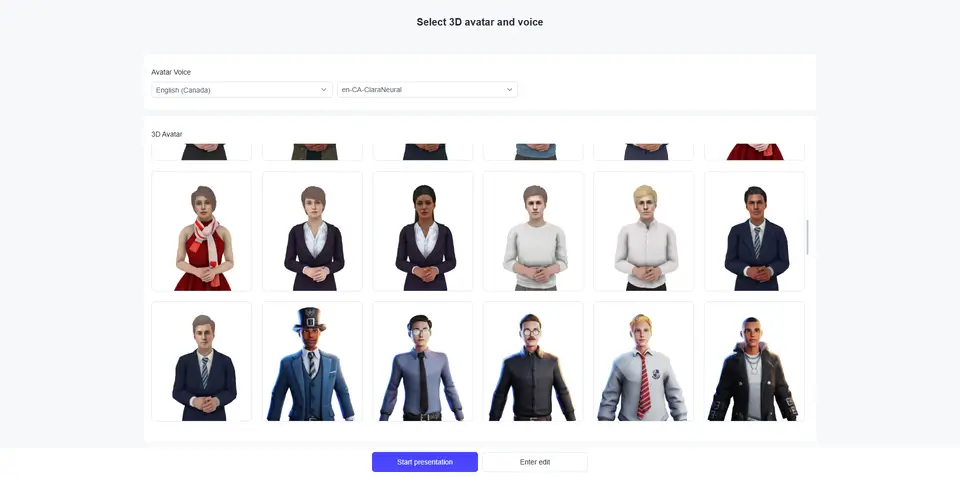
Choose Digital Presenter

Choose Digital Presenter

Select a digital presenter (character/avatar) that matches your course style.

Review & Edit Narration

Review & Edit Narration

Check the narration for each slide and fix any errors or unclear parts before finalizing.

Save & Share Link

Save & Share Link

Save the generated lesson and share a secure playback link with students or colleagues.
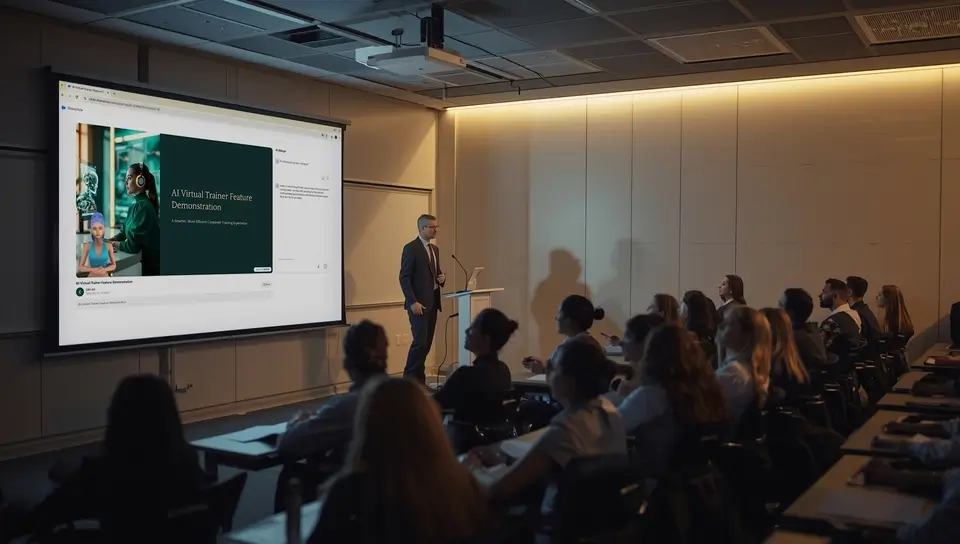
Play on Big Screen

Play on Big Screen

Use the classroom display to play standardized modules, focusing on Q&A and interaction.

Results & Data

Supported workflow signals for teachers using PDF-based AI narration and Q&A.

Supported
AI narration setup
Supported
Preview and review flow
Supported
In-class Q&A
Custom
Advanced dashboards

MyPresenter vs Traditional

Why AI narration and Q&A workflows help teachers deliver clearer lessons.

Content generation

MyPresenter.ai

Auto script + digital presenter

Traditional

Manual writing + live narration

Multilingual delivery

MyPresenter.ai

20+ languages, consistent

Traditional

Usually single language

Review signals

MyPresenter.ai

Q&A and review workflows; dashboards require custom cooperation

Traditional

Manual collection after class

Reuse across terms

MyPresenter.ai

Update & reuse content

Traditional

Recreate and repeat

Explore More

See how MyPresenter AI supports different roles and education stages across your campus.

AI Education Hub

AI Education Hub

Browse PDF-based AI education workflows for teachers, students, classrooms, schools, and higher education.

Explore →
AI for Students

AI for Students

Review PDF lessons with AI narration, knowledge cards, and Q&A grounded in the current material.

Explore →
K‑12

K‑12

Create K-12 narrated lessons from PDF materials with quick checks and guided preview or review.

Explore →
In Classrooms

In Classrooms

Play AI-narrated PDF lessons in class while teachers guide Q&A and page-level checks.

Explore →
For Schools

For Schools

Standardize PDF-based lesson narration across classes; analytics and integrations require custom cooperation.

Explore →
Higher Education

Higher Education

Turn lecture slides and research presentations into editable, multilingual AI-narrated lessons.

Explore →

FAQ

Lesson prep, editing per-page narration, in-class question banks, bilingual output, and sharing lessons with your class.

Focus on teaching. Let AI handle the repetition.

Create scripts, narrate consistently, and reuse content every semester.