AI Presentation Rehearsal Tool Powered by Speech Copilot
MyPresenter AI helps you rehearse your presentation with AI —
use AI-generated narration, click to play, and hear the full speech in minutes.
The narration is modified according to your needs and updated to the digital avatar's delivery in real time.
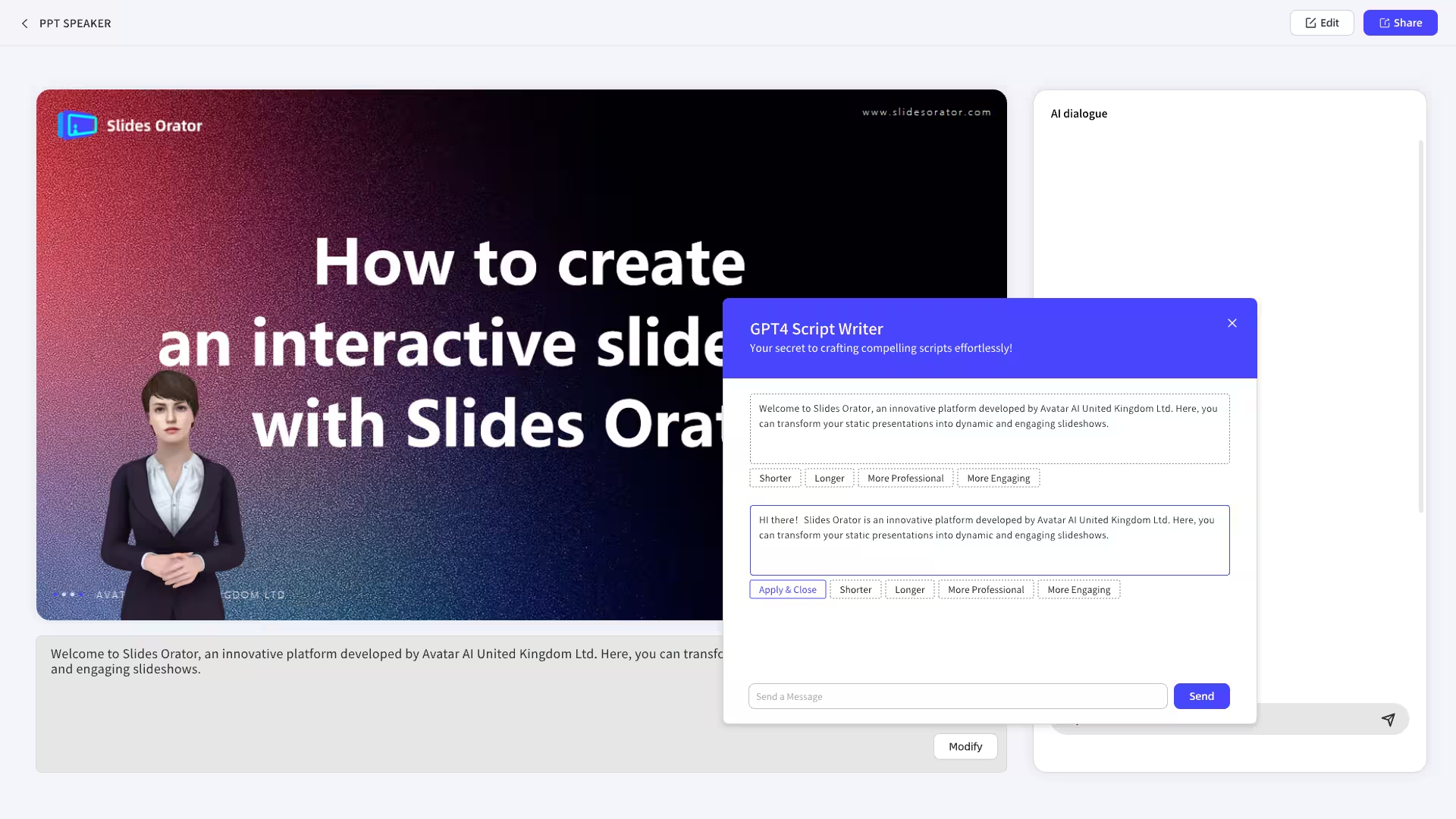
How It Works
Run a full AI presentation rehearsal in 7 steps — from slides to narration, avatar delivery, and audience Q&A prep.
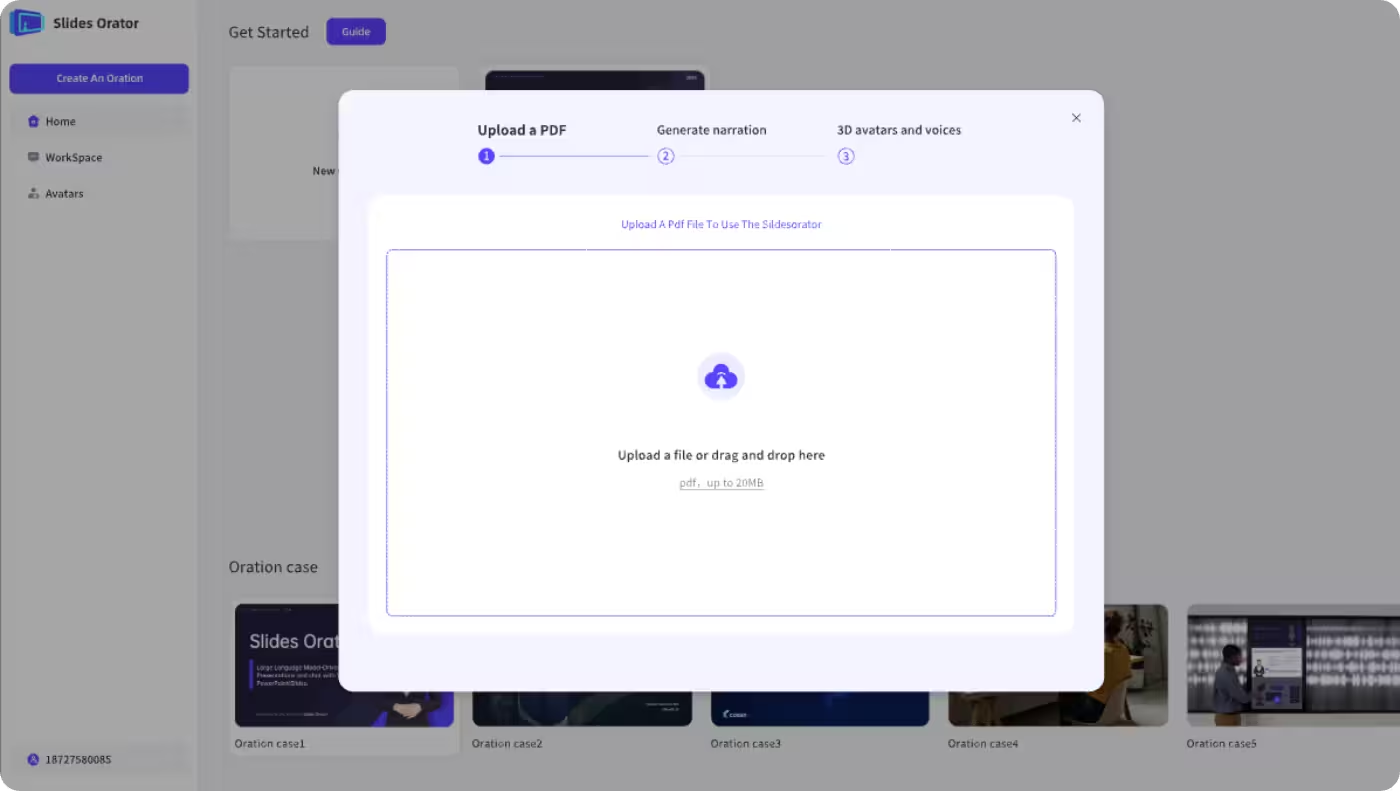
Upload PDF Slides
Start by uploading your presentation in PDF format to begin your AI-powered rehearsal journey.
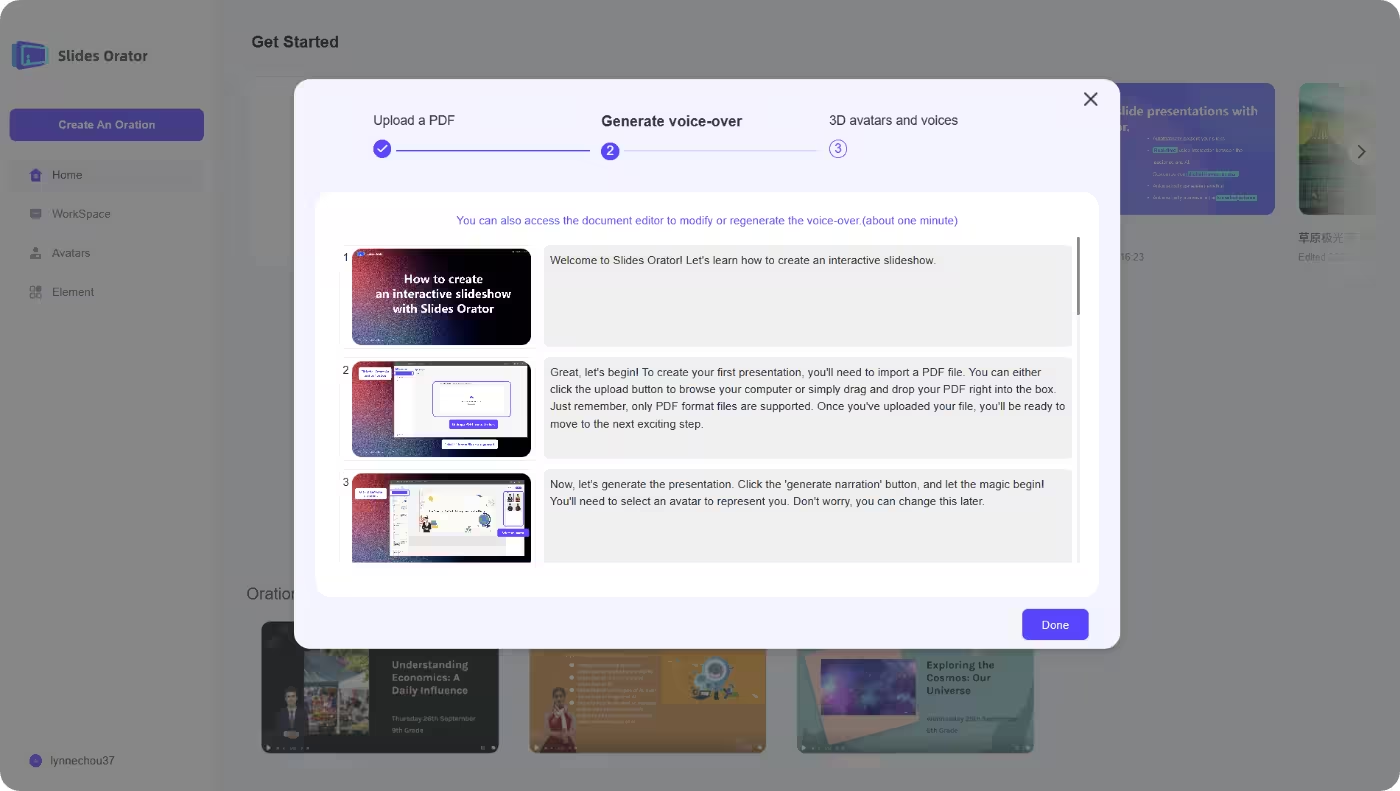
AI-Generated Narration
Let AI create natural, engaging narration for each slide, tailored to your content.
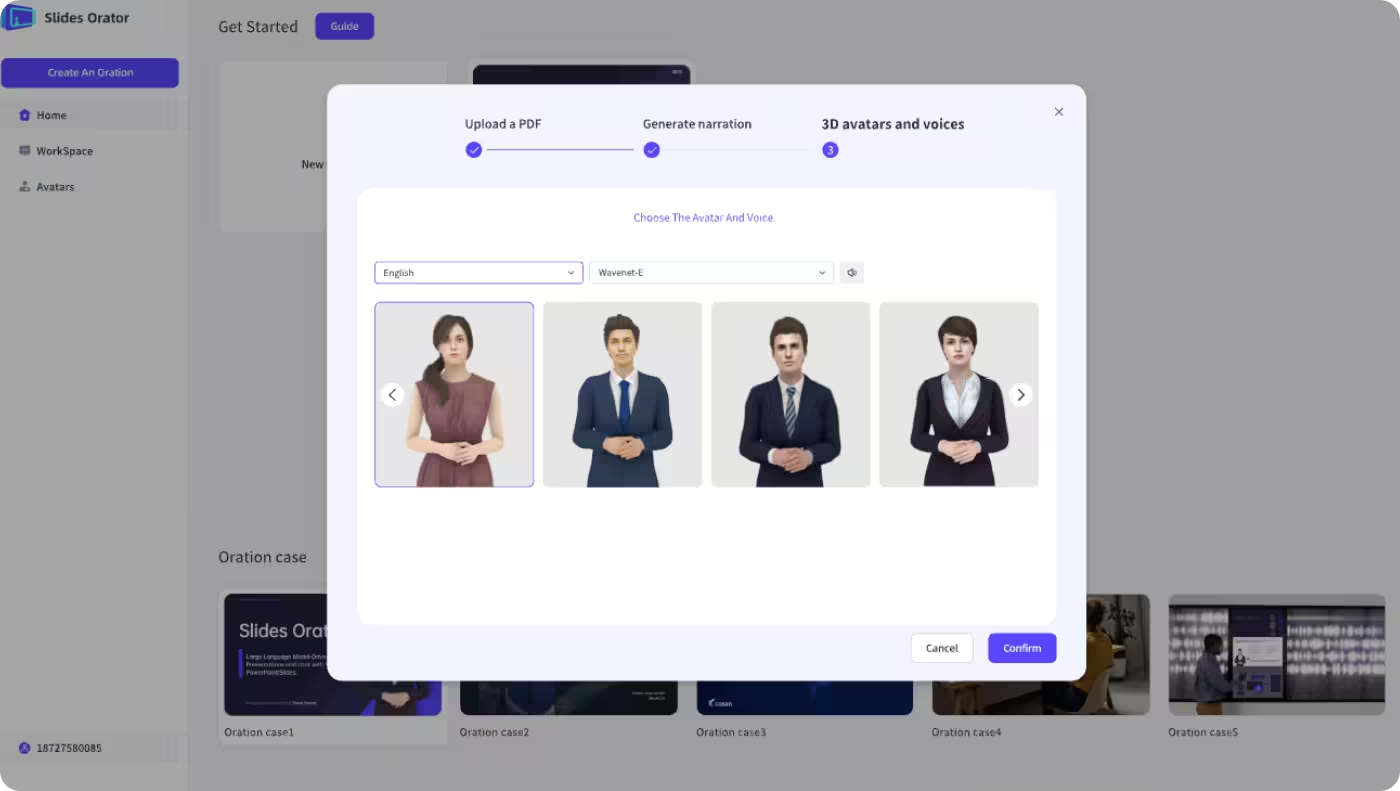
Choose or Create Avatar
Select from a variety of digital avatars or customize your own for a unique presentation style.
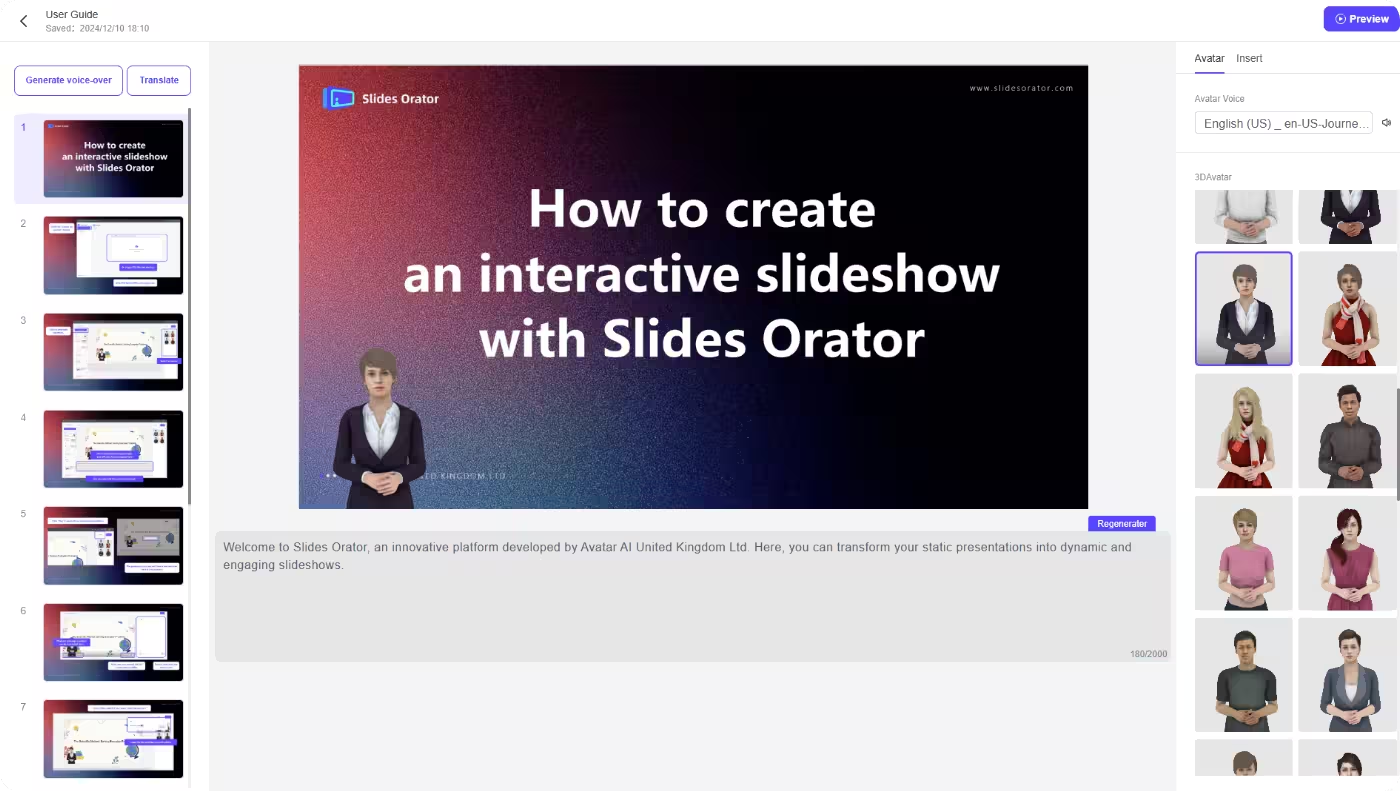
Rehearse & Preview
Run a full rehearsal — see and hear your AI presentation exactly as your audience will experience it.
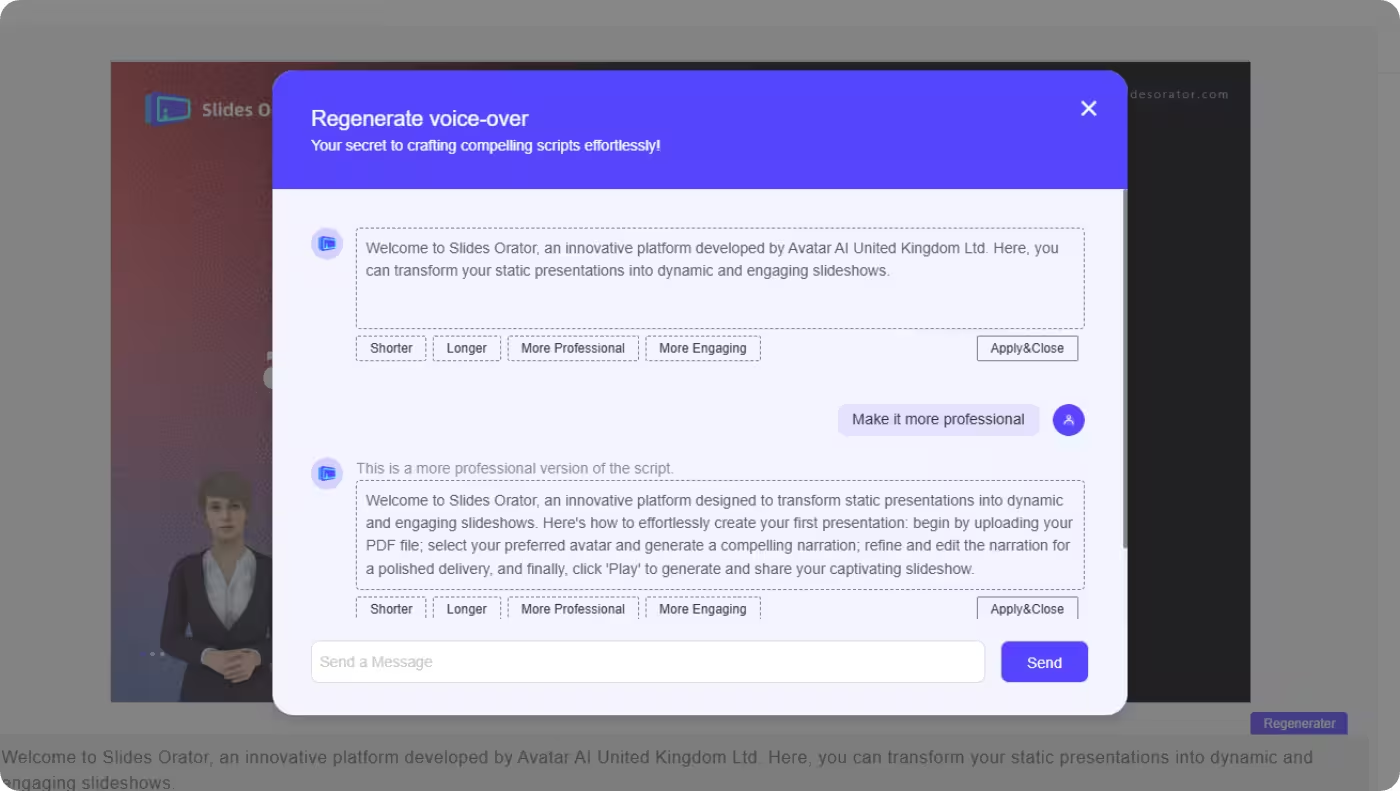
Real-Time Script Editing
Continuously adjust the narration during rehearsal or playback for maximum impact.
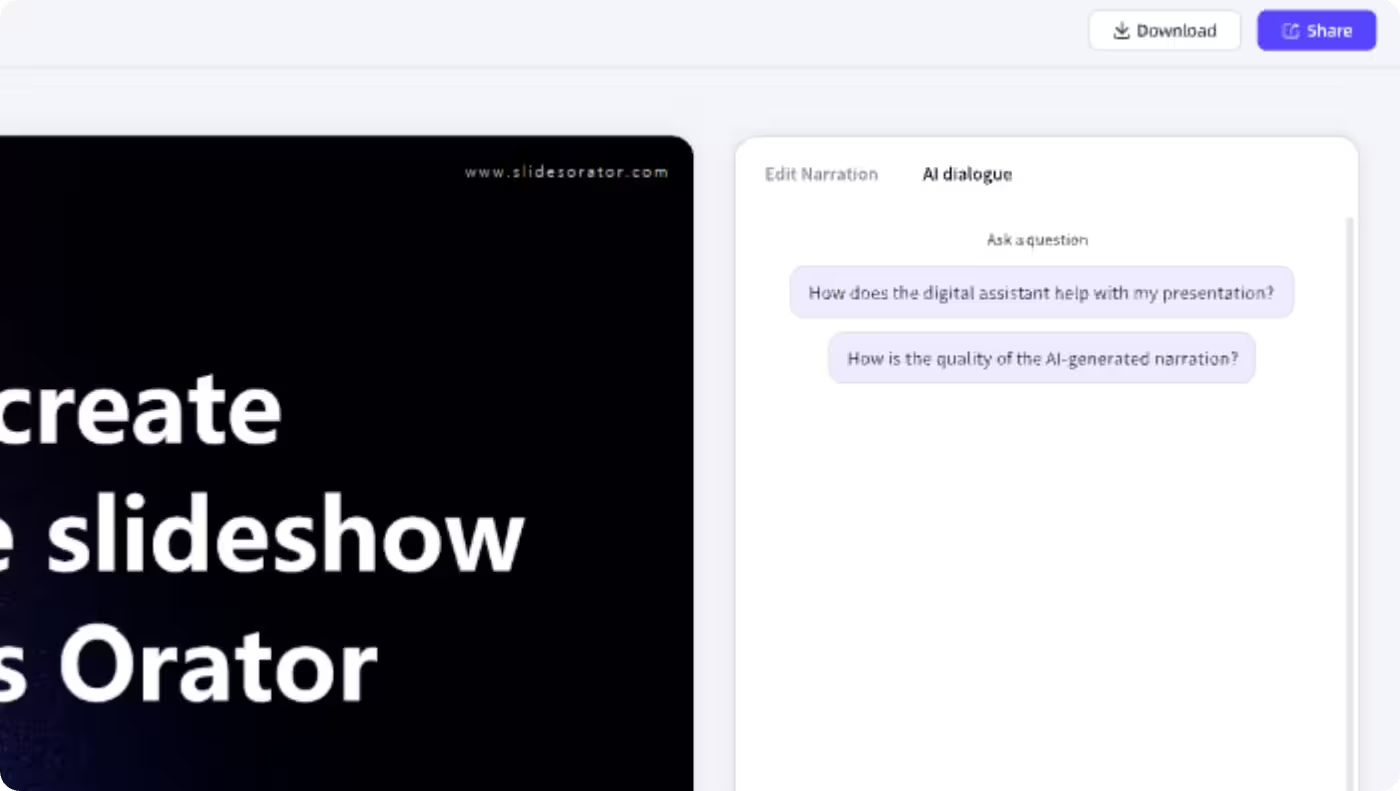
AI Q&A Generation
AI generates potential audience questions and answers to help you prepare confidently.
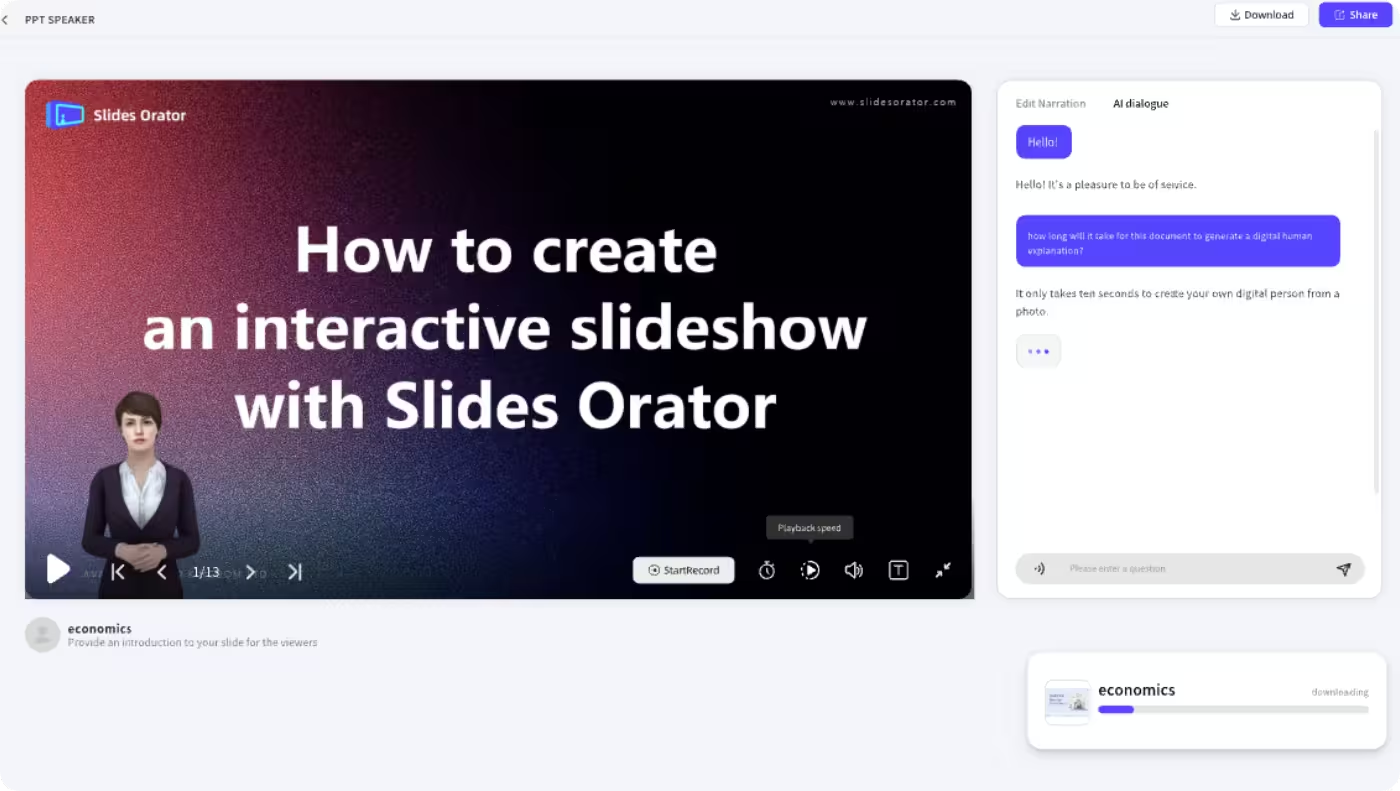
Export & Share
Export your narration, Q&A, and prompt cards for review or sharing after your presentation.
Related Solutions
Explore other AI-powered presentation solutions for different scenarios and industries

Education Presentations
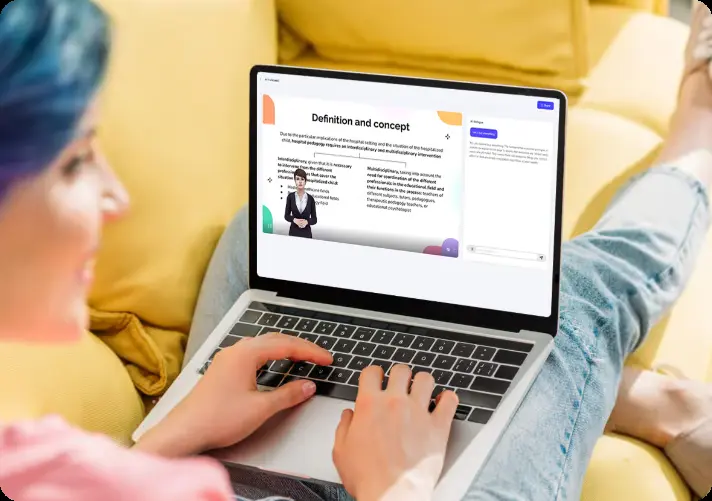
Transform classroom presentations with AI-generated content and interactive learning experiences. Enhance student engagement through dynamic visual presentations and real-time feedback.
Corporate Training Solutions
Streamline employee training with AI-enhanced presentations and interactive learning modules. Create engaging training content that improves knowledge retention and skill development.
Exhibition & Trade Shows
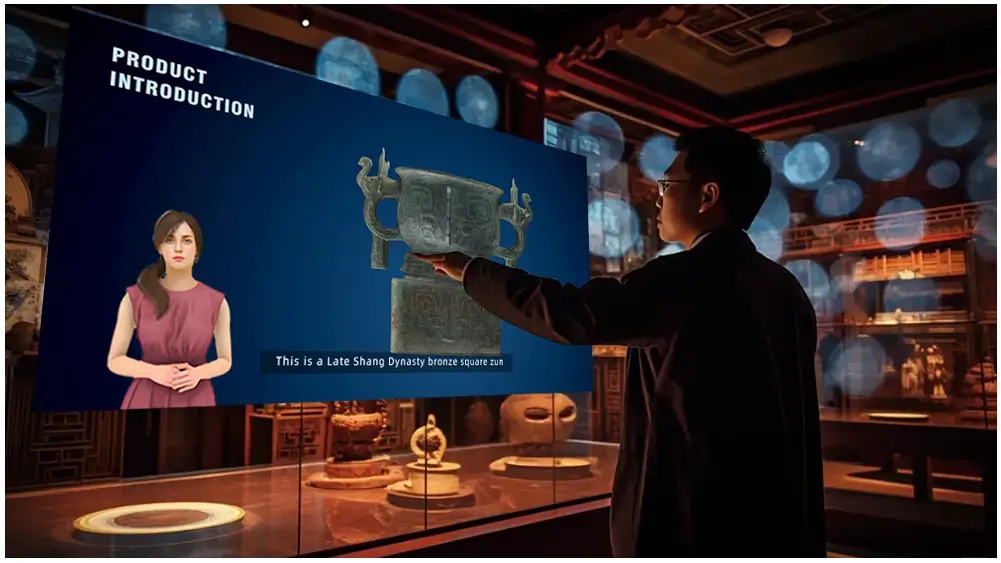
Create captivating exhibition displays with AI-generated content and interactive presentations. Stand out at trade shows with dynamic visual storytelling and immersive experiences.