AI Education Hub
Browse PDF-based AI education workflows for teachers, students, classrooms, schools, and higher education.
Explore →Upload course slides in PDF, choose a digital teacher and language, review narrated explanations, and ask questions grounded in your current material.

MyPresenter AI acts as a virtual tutor for self‑study—helping you preview, review, and explain tricky points even when no one else is around.
Chapter tough points (concepts, formulas, proofs)
Preview challenges (hard to extract key points before class)
Review challenges (low retention, lack of structured recap)
Explanation challenges (need step‑by‑step guidance for slides/sections)
Preview and review materials, get clear chapter explanations, and study with an LLM chat that’s grounded in your slides.
Turn slides into narrated previews and spaced review cards to grasp key points fast and reinforce learning.
Ask for step‑by‑step explanations, key takeaways, and examples for any chapter or slide.
Quickly explain tough problems in the current chapter and clarify anything you don’t understand—grounded in your materials.
Example student review workflows with MyPresenter AI: preview, explanation, Q&A, and after-class review.
“Narrated previews can help students understand what a lesson is about before class.”
“Step-by-step explanations can make difficult concepts easier to revisit.”
“After-class review links help students return to key points when they need them.”
Compare MyPresenter AI with traditional learning methods across key study tasks.
Narrated overview with auto-generated key points
Skim slides/textbook; easy to miss key ideas
Chapter explanations with step-by-step reasoning and examples
Self-interpretation; limited guidance
Spaced knowledge cards generated from your materials
Manual notes; hard to revisit consistently
LLM study chat grounded in your slides/materials
Wait for teacher/peers; generic search results
Fast setup; reusable across classes
High prep time; repetitive work
Follow four simple steps to get narrated previews and study materials with MyPresenter AI.
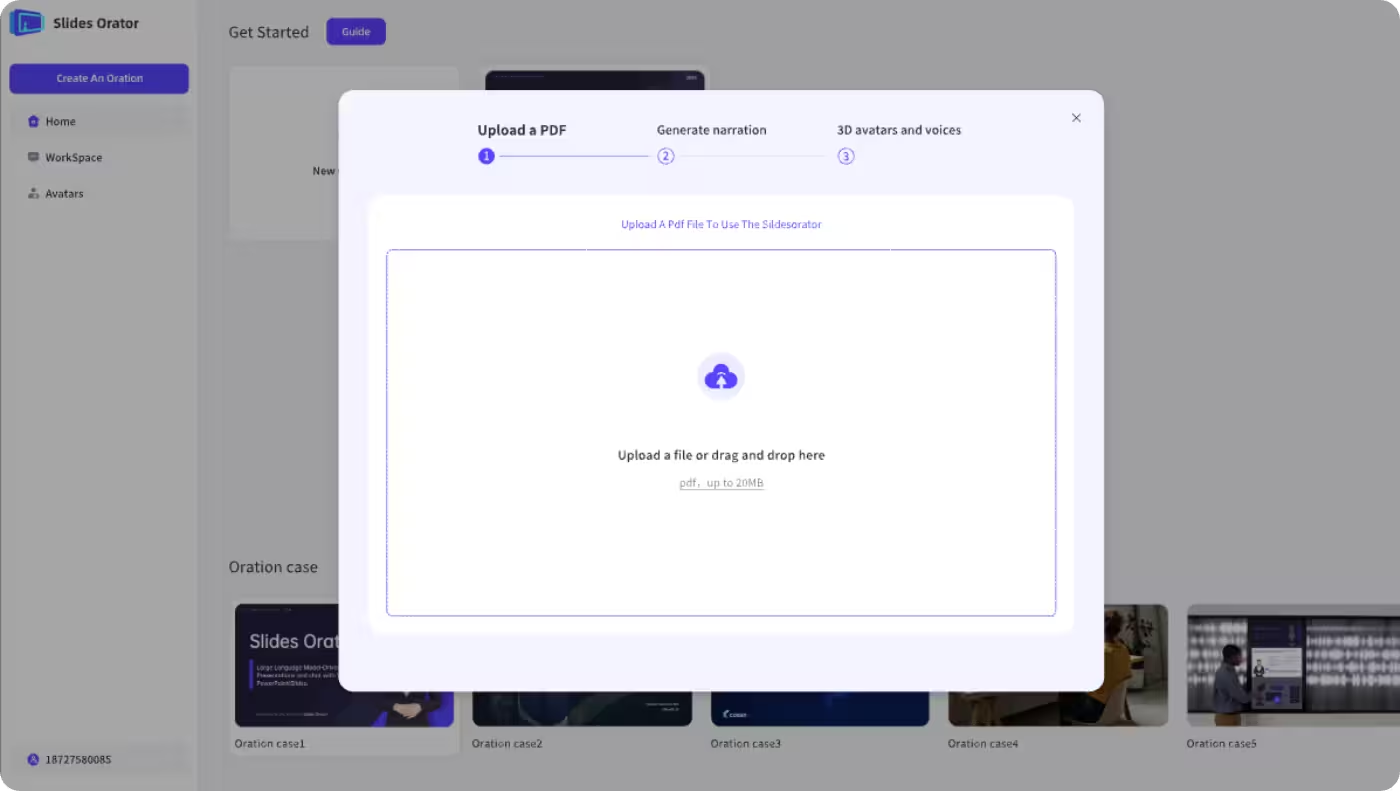
Upload the slides or materials you need to preview or study. Supports PDF only for now.
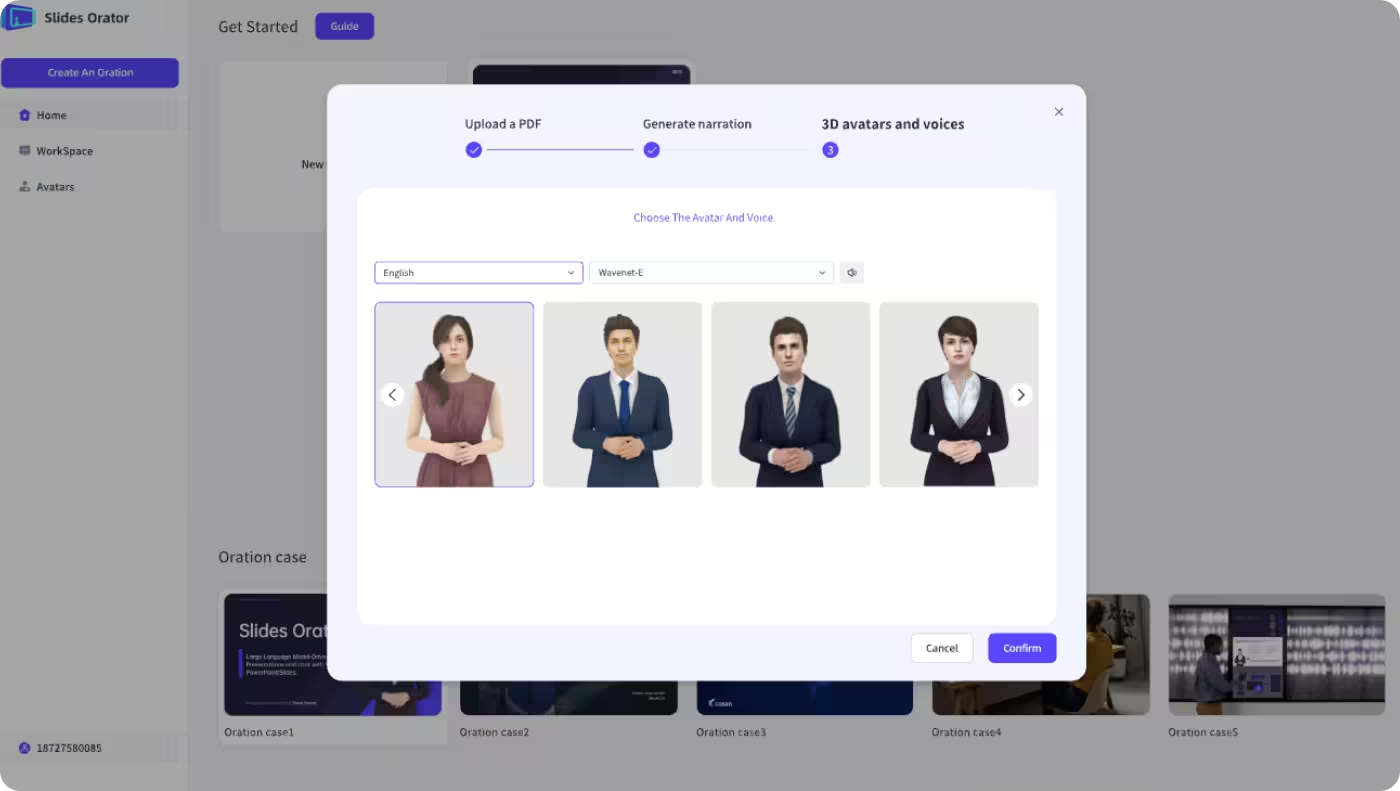
Pick a digital teacher avatar and select the country/region and language that fit your class.
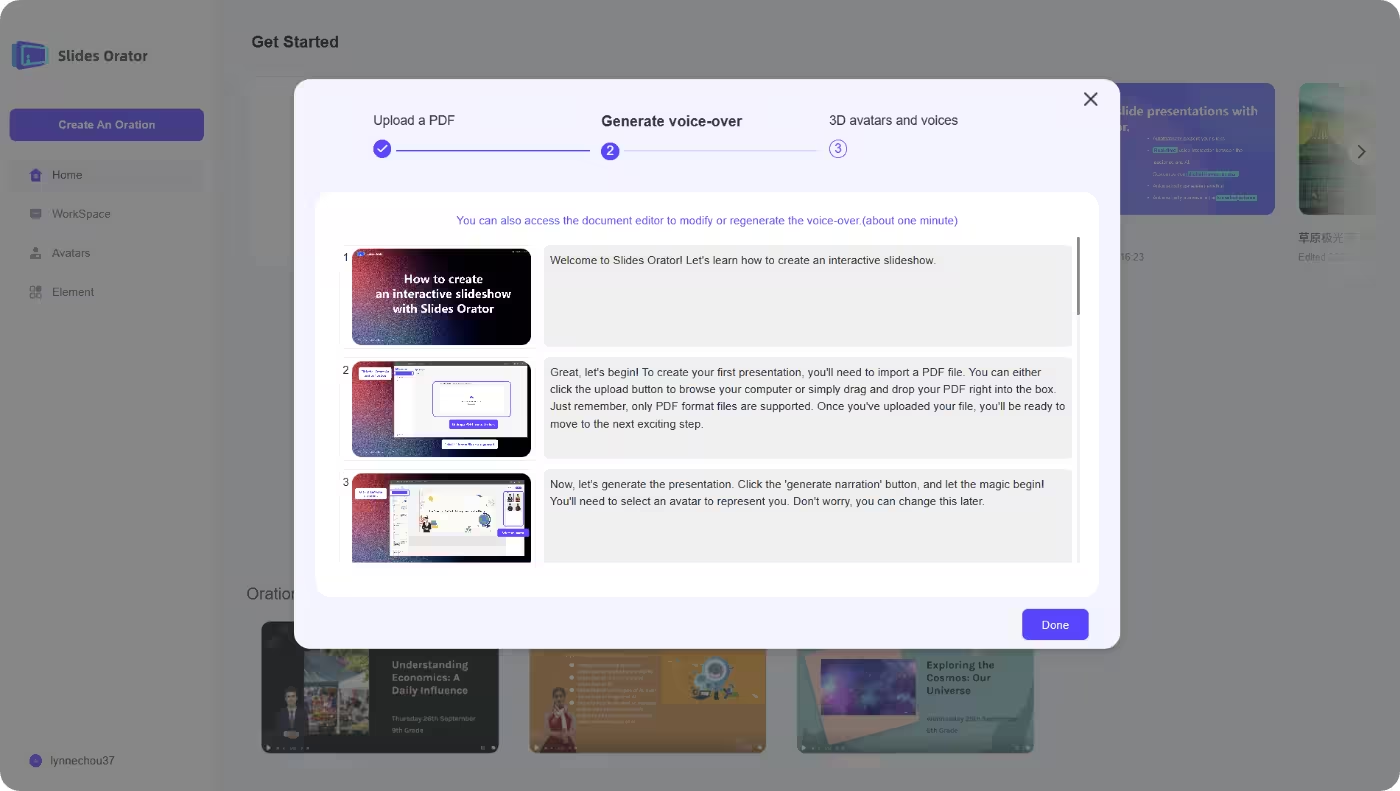
Automatically create slide-by-slide narration, key points, and review cards to aid learning.
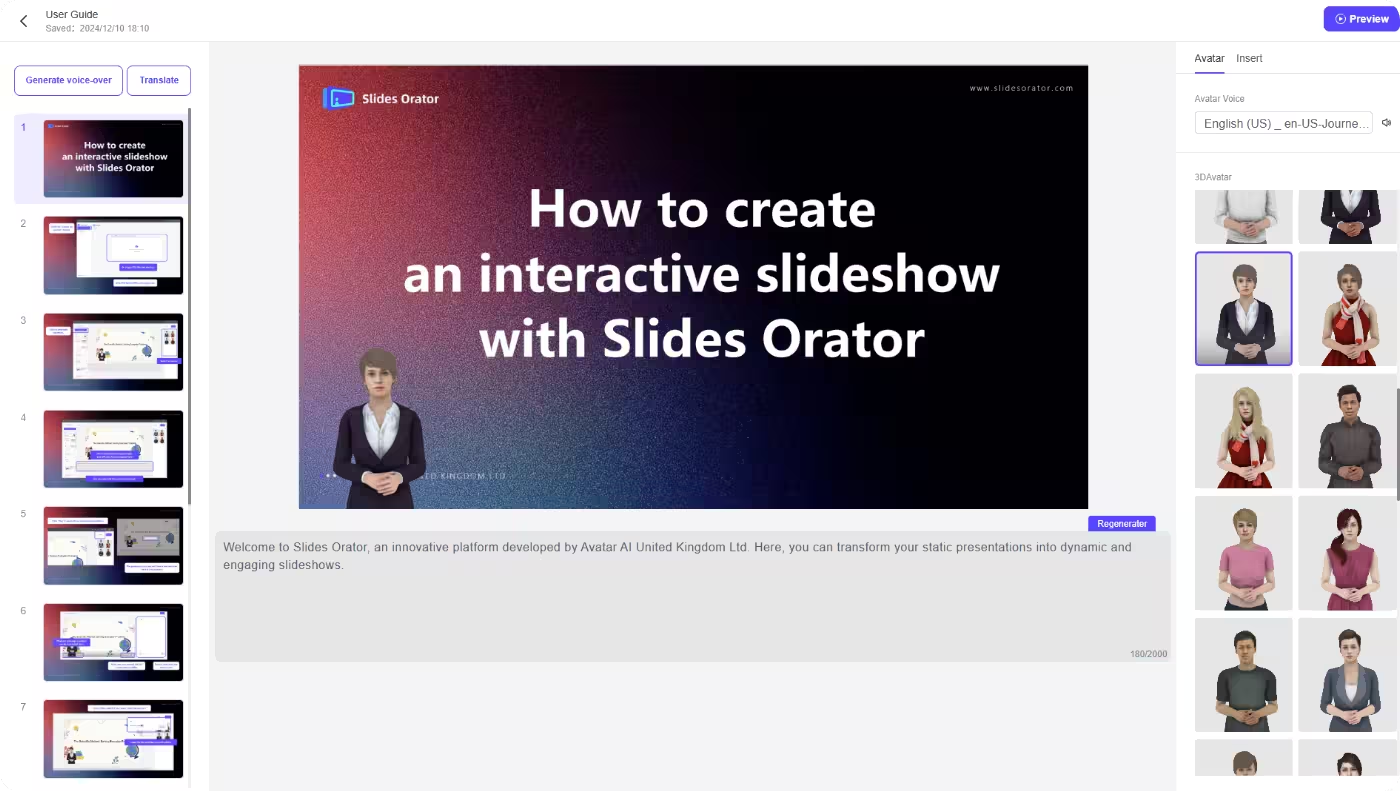
Open the playback page to preview or study with narration and on-screen guidance.
See how MyPresenter AI supports different roles and education stages across your campus.

Browse PDF-based AI education workflows for teachers, students, classrooms, schools, and higher education.
Explore →
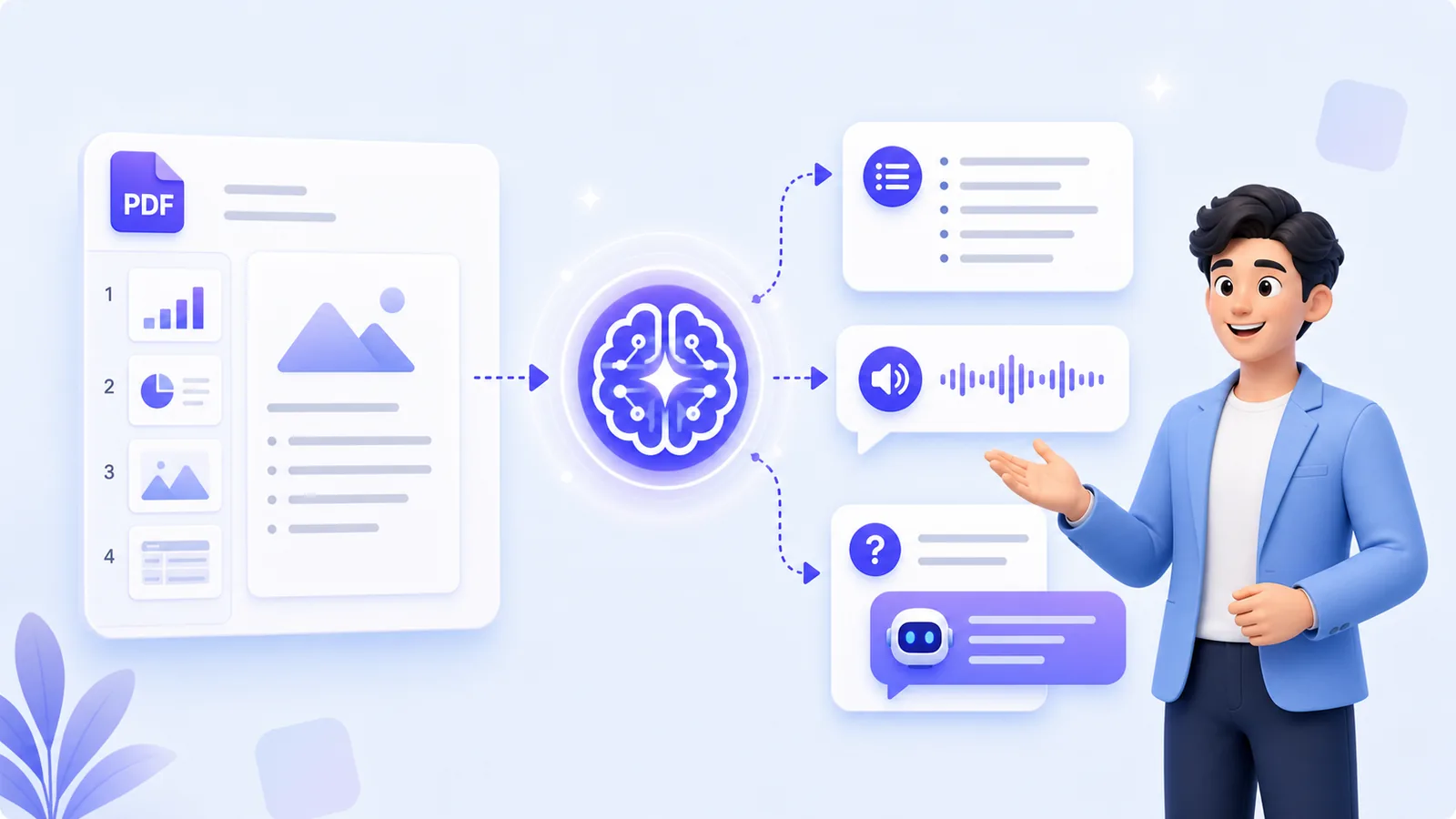
Upload PDF courseware, edit generated narration, choose voices, and share reusable lesson links.
Explore →
Create K-12 narrated lessons from PDF materials with quick checks and guided preview or review.
Explore →
Play AI-narrated PDF lessons in class while teachers guide Q&A and page-level checks.
Explore →
Standardize PDF-based lesson narration across classes; analytics and integrations require custom cooperation.
Explore →
Turn lecture slides and research presentations into editable, multilingual AI-narrated lessons.
Explore →Previewing and reviewing lessons, studying with knowledge cards, and asking questions grounded in your own material.
Practice confidently and study smarter with AI narration and knowledge cards.