AI Corporate Training Assistant for PDF Materials
Upload onboarding, policy, SOP, and product training PDFs. MyPresenter AI generates editable AI narration, a digital presenter, and Q&A workflows for repeatable training presentations.

Too Much Training Content, Not Enough Manpower?
Enterprises need to repeatedly explain: onboarding processes, cultural guidelines, work standards, safety operations... Now, just upload once, and AI can automatically explain + Q&A + data feedback, reusable anytime.
New Employee Training
Onboarding Process
Policy & Process Guidelines
Standard Communication
Technical SOP
Operation Standards
Internal Knowledge Sharing
Team Learning
Key Features
Automatic Standard Explanation
Transform training materials (PDF) into consistent, AI-narrated content with standardized delivery and professional tone across all sessions.
Employee Interaction & Q&A
Training videos with embedded Q&A, employees can ask questions anytime, AI auto-answers, managers can view question summaries.
Training Interaction Review
Review Q&A and presentation interaction signals. Completion reports, enterprise analytics, and HR integrations are handled as custom engagements.
How It Works
Follow these simple steps to integrate your assets and create dynamic presentations.
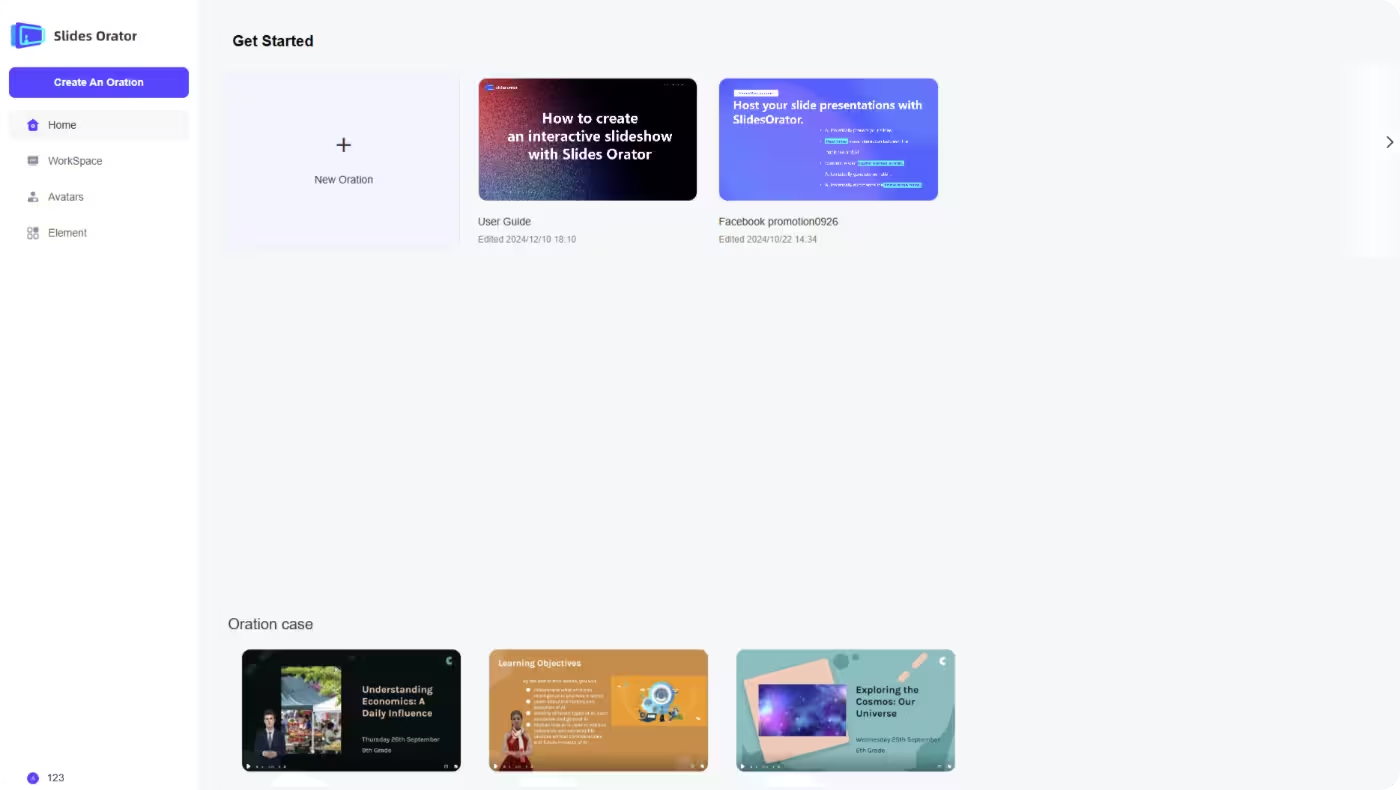
Upload Content
Upload PDF training materials
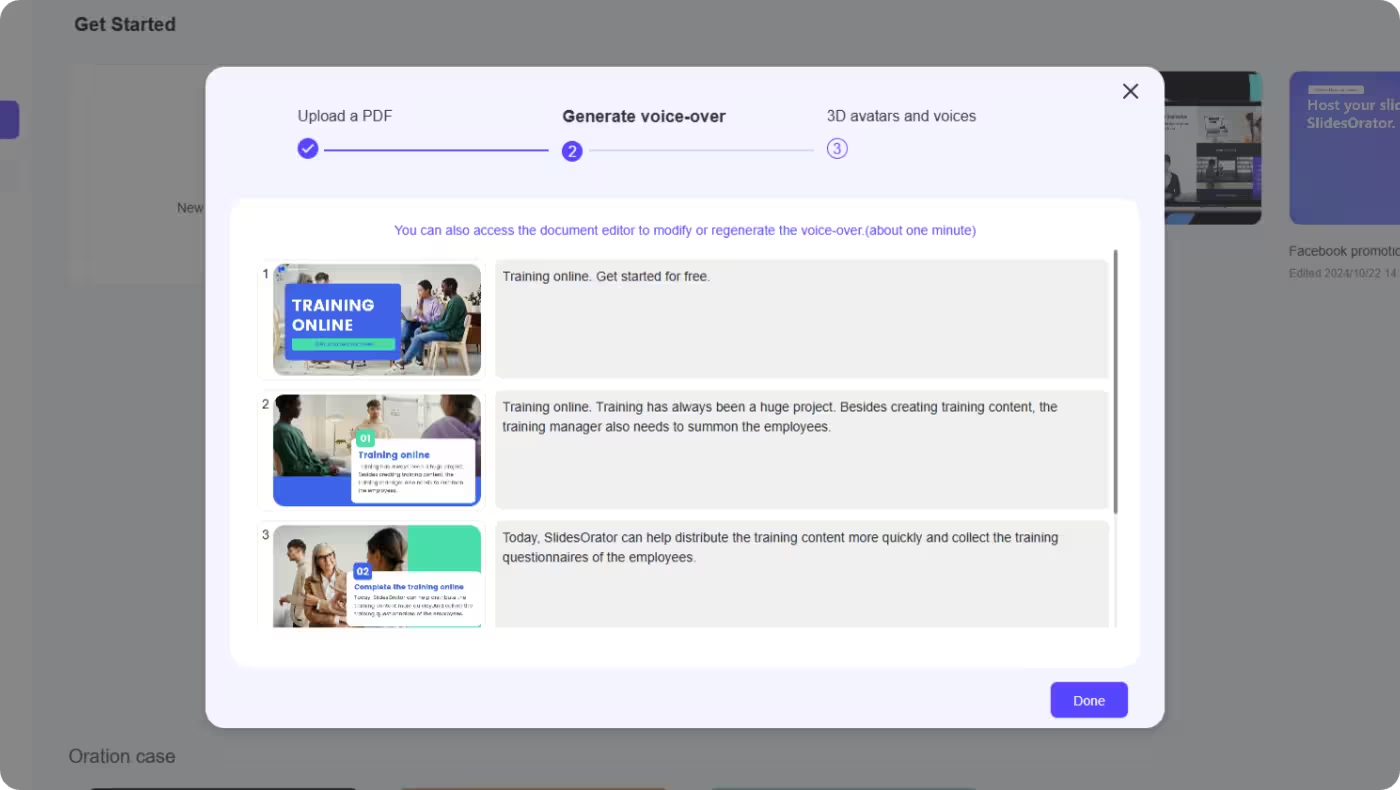
Generate Content
AI creates unified explanation + virtual presenter
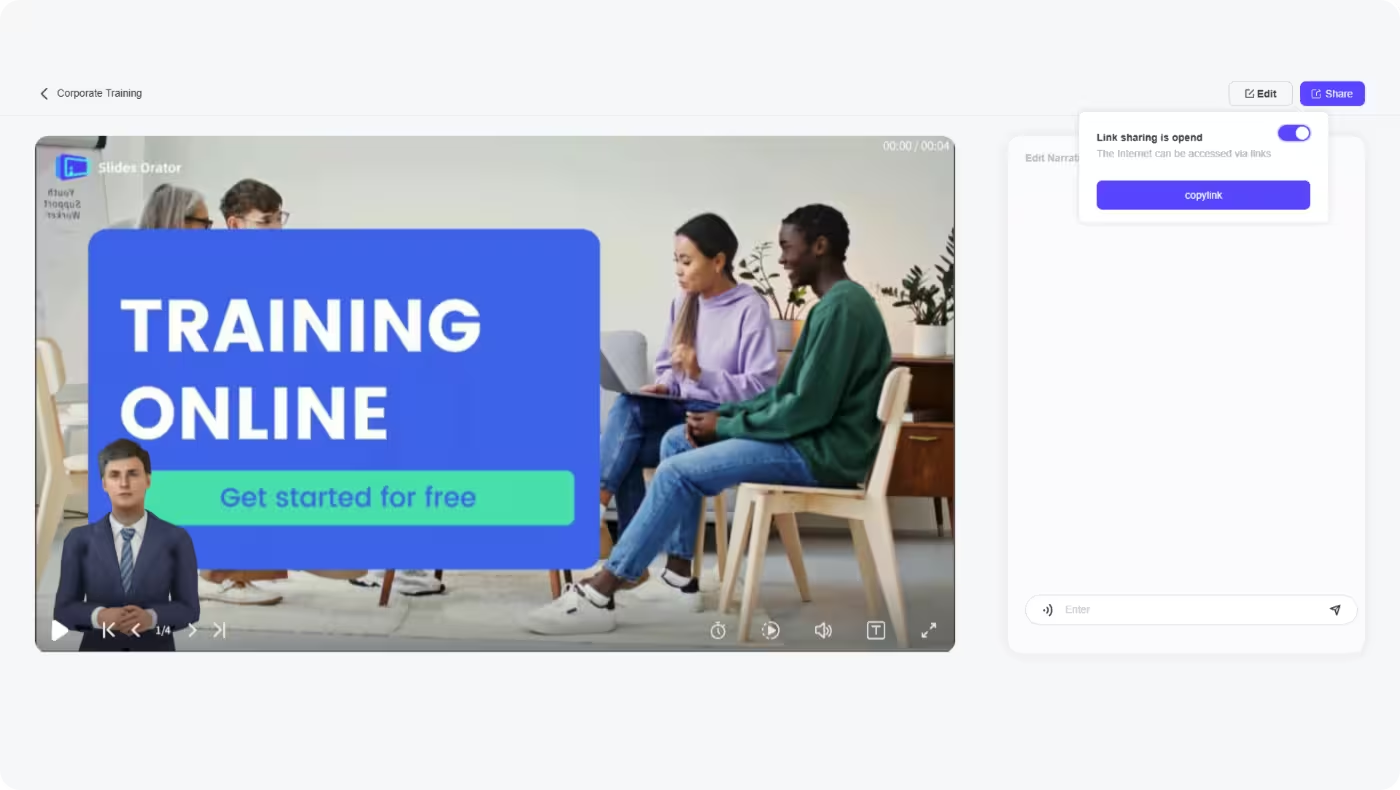
Share & Embed
Share by link; LMS or intranet integration is handled as a custom engagement.

Review Q&A Signals
Review viewing and Q&A signals; enterprise analytics are handled as custom engagements.
How Teams Use It
Illustrative scenarios showing typical setups — not customer quotes.
Onboarding Training
A team that repeats the same orientation session every month uploads the onboarding deck once. The AI presenter delivers it as a shareable link, so new hires can go through it whenever they join instead of waiting for the next scheduled session.
SOP Training
An SOP or brand manual becomes a narrated presentation with page-level Q&A. Employees ask about the specific step they're stuck on rather than scrolling through the whole document.
Security & Permissions
Data Encryption & Hosting
Enterprise deployment, hosting, and data security requirements are handled as custom engagements, confirmed case by case.
- Deployment requirements discussion
- Hosting and data security scope confirmation
- Compliance needs reviewed before an enterprise engagement
Permission Control
Department, role, or permission workflows are not part of the standard product and are handled as custom engagements.
- Department workflow discussion
- Role and permission requirements confirmation
- Custom access scope before implementation
Enterprise Custom Integration
API, HR system, LMS, and internal system integrations are not part of the standard product experience and are handled as custom engagements.
- Custom API integration discussion
- LMS or intranet integration discussion
- HR system integration discussion
FAQs
Related Solutions
Explore other AI-powered presentation solutions for different scenarios and industries

Education Presentations
Transform classroom presentations with AI-generated content and interactive learning experiences. Enhance student engagement through dynamic visual presentations and real-time feedback.
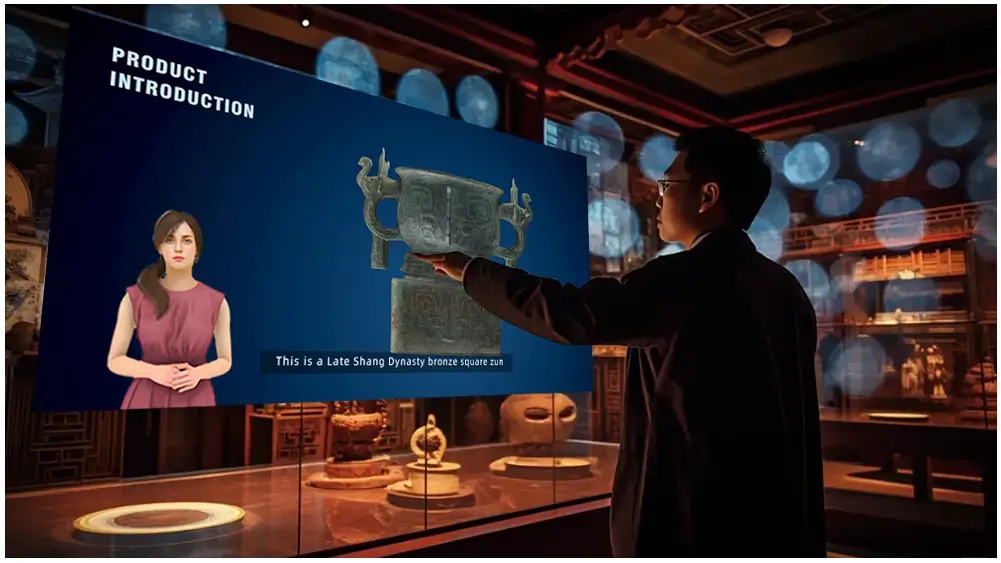
Exhibition Solutions
Create captivating exhibition displays with AI-generated content and interactive presentations. Stand out at trade shows with dynamic visual storytelling and immersive experiences.

Speech Copilot & Trade Shows
Prepare engaging speeches with AI-generated narration, real-time adjustments, and interactive digital avatars. Transform your presentations with intelligent speech rehearsal tools.
Ready to Transform Your Training Process?
Start creating AI-powered training presentations today or contact us for a customized enterprise solution.