MyPresenter AI for Schools

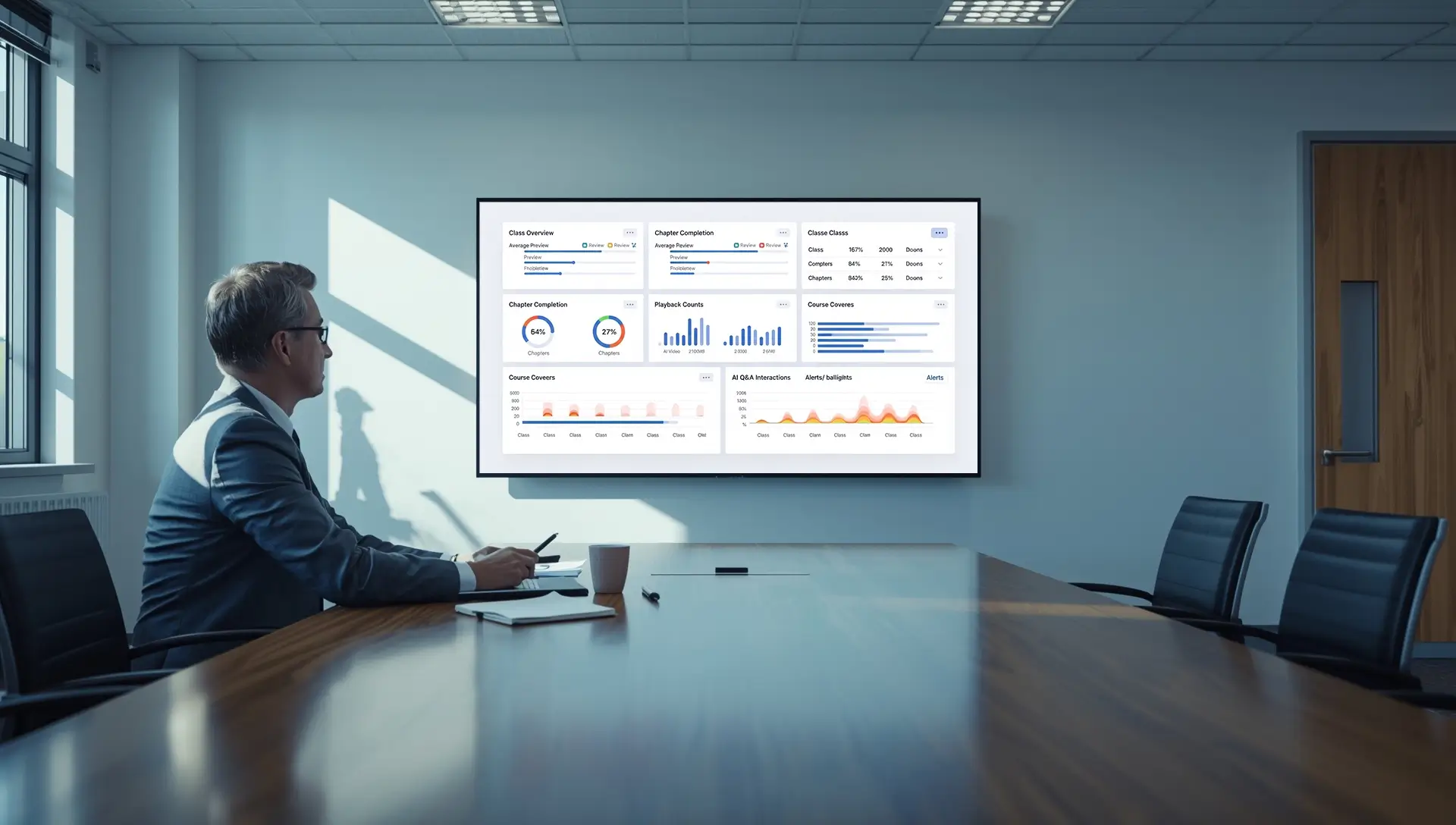
Standardize lessons across classes with PDF-based AI narration, editable scripts, bilingual output, and classroom Q&A. Campus analytics, dashboards, and integrations can be discussed for institutional cooperation.

AI for Schools

Traditional Education Pain Points: Students, Teachers, and Schools

Common challenges in traditional teaching workflows before adopting AI support.

Students

  • Passive listening; limited interaction during lectures
  • Inconsistent explanations across parallel classes; concept confusion
  • Hard to preview/review; no on-demand access to clear narration
  • Few formative checks; uncertain about understanding of key points
  • Materials scattered across apps; hard to find everything in one place
  • Limited accessibility/language support for international or bilingual learners

Teachers

  • Heavy prep and repetitive delivery; less time for coaching and Q&A
  • Re-recording slides/narration for updates each term; workflow is time-consuming
  • Low content reusability; hard to standardize delivery across classes
  • Limited visibility into who previewed/reviewed and where students struggle
  • Manual grading and admin tasks consume teaching time
  • Assets and tools are scattered; high switching costs across platforms

Schools

  • Teaching quality varies by class/teacher; difficult to standardize at scale
  • Limited visibility into learning questions and review needs
  • High digitalization spend; content not reusable at scale
  • Fragmented systems and content workflows
  • Challenging to support bilingual/international programs consistently
  • Limited teacher capacity; scaling consistent delivery across grades is hard

Solution Overview

AI for schools teaching platform — AI lesson generation, 3D digital lecturers, bilingual lessons, in-class chapter quizzes, and institutional cooperation options.

AI Lesson Generation

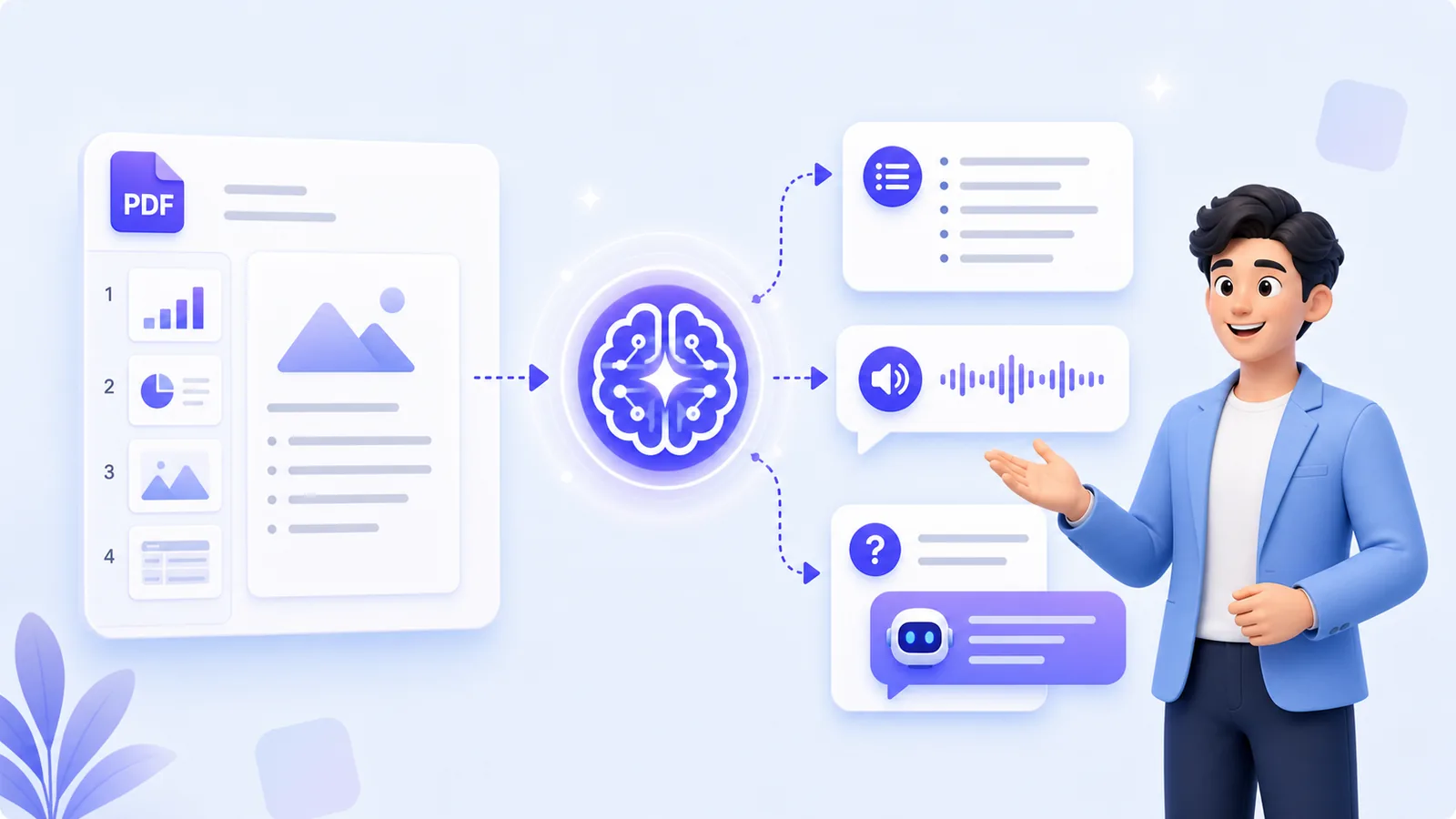
  • Upload PDF; auto script + narration
  • Per-slide review and edits before publish
  • Share via secure link or play in class

3D Digital Lecturers & Languages

  • Choose different lecturers (avatars/characters)
  • Control voice timbre, emotion, and speed
  • Multi-language generation; bilingual output

Presentation Q&A

  • Students ask questions around the current presentation
  • Context-aware answers based on slides and knowledge base
  • Question records can help improve course focus

Page-Level Checks

  • Add Q&A questions to each PDF page
  • Set reference answers and required-question options
  • Use checks for practice and guidance, not formal grading claims

Custom Analytics Cooperation

  • Standard product does not include full analytics dashboards
  • Enterprise reports can be discussed separately
  • Confirm scope before publishing analytics claims

Resource Integration & Sharing

  • Images/video/3D models in one lesson
  • Cross-class reuse and versioning
  • School/community content sharing

Custom School Deployment

  • Private deployment is not part of the standard product in this project
  • Institutional deployment can be discussed separately
  • Confirm security, audit, and access control scope before quoting

Campus Workflow Signals

Supported school workflows and custom reporting boundaries for AI narration and guided review.

Supported
Teaching consistency across classes
Supported
Reusable teacher preparation
Supported
Preview and review workflows
Custom
Custom institutional reporting

Integration & Security

Current access: Google email login; LMS embedding is not supported in the standard product. Governance controls for roles, isolation, and audits require institutional cooperation scope confirmation.

Integrations

  • Login: Google email only (currently supported)
  • LMS embedding: Not supported for now
  • Playback devices: iPad/tablets, desktops, laptops, large displays

Security & Governance

  • Role-based access (Admin/Teacher/Student)
  • Content isolation by school/org
  • Audit logs and sharing controls
  • Data privacy and export on request

Campus Promotion Plan

A flexible multi-step path from discovery and pilot to campus-wide rollout — simple to start, easy to scale.

Step 1: Discovery & Alignment

Clarify goals (consistency, time saving, language support), target subjects/grades, and success metrics/KPIs.

Step 2: Pilot Courses

Select 1–2 courses to generate AI-narrated lessons; demo in class and collect teacher/student feedback.

Step 3: Teacher Training & Course Consistency

Train teachers; unify narration templates and per-slide review; standardize delivery across parallel classes.

Step 4: Pilot Outcome Review

Evaluate via teacher and student feedback, quiz/test outcomes, and Q&A quality; decide go/no-go.

Step 5: Campus-wide Promotion

Expand usage across grades and classes; play in class with chapter quizzes and continue teacher enablement.

Step 6: Custom Institutional Scope

Discuss private deployment, analytics, dashboards, and access control only as separately confirmed institutional cooperation.

Why MyPresenter AI for Schools

A school-ready AI narration platform that unifies quality, simplifies deployment, and gives administrators visibility across grades and classes.

  • Campus-wide consistency: unified narration style across parallel classes
  • Bilingual and 20+ languages: meet international and bilingual teaching needs
  • Unified content lifecycle: upload → generate → approve → reuse per term
  • Browser-based playback: iPad/tablets, desktops, laptops, large displays — no complex installs
  • In-class chapter quizzes during playback to reinforce learning
  • Custom analytics and dashboards can be discussed for institutional cooperation

MyPresenter vs Traditional

Why campus leaders choose MyPresenter AI to unify quality and simplify operations.

Lesson delivery

MyPresenter AI Campus

Standardized, AI-narrated modules across classes

Traditional

Varies by teacher; hard to keep consistent

Languages

MyPresenter AI Campus

Bilingual + 20+ languages, consistent output

Traditional

Single language or ad-hoc translations

Content lifecycle

MyPresenter AI Campus

Upload → generate → approve → reuse each term

Traditional

Scattered materials; limited reuse

Visibility

MyPresenter AI Campus

Interactive Q&A gives clearer student question signals; dashboards require custom cooperation

Traditional

Manual collection; limited, delayed visibility

Explore More

See how MyPresenter AI supports different roles and education stages across your campus.

AI Education Hub

AI Education Hub

Browse PDF-based AI education workflows for teachers, students, classrooms, schools, and higher education.

Explore →
AI for Students

AI for Students

Review PDF lessons with AI narration, knowledge cards, and Q&A grounded in the current material.

Explore →
AI for Teachers

AI for Teachers

Upload PDF courseware, edit generated narration, choose voices, and share reusable lesson links.

Explore →
K‑12

K‑12

Create K-12 narrated lessons from PDF materials with quick checks and guided preview or review.

Explore →
In Classrooms

In Classrooms

Play AI-narrated PDF lessons in class while teachers guide Q&A and page-level checks.

Explore →
Higher Education

Higher Education

Turn lecture slides and research presentations into editable, multilingual AI-narrated lessons.

Explore →

FAQ

Standardizing lessons across classes, custom deployment, governance, and reporting — answers for school administrators.

Upgrade your campus with AI narration

Unify quality and scale content across classrooms with minimal setup.