Exhibitions · Museums · Showrooms

Your Exhibition’s AI Guide,On the Screens You Already Have

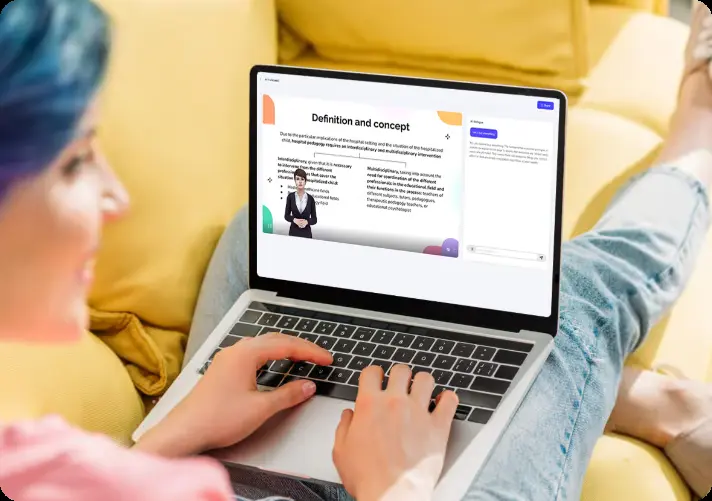
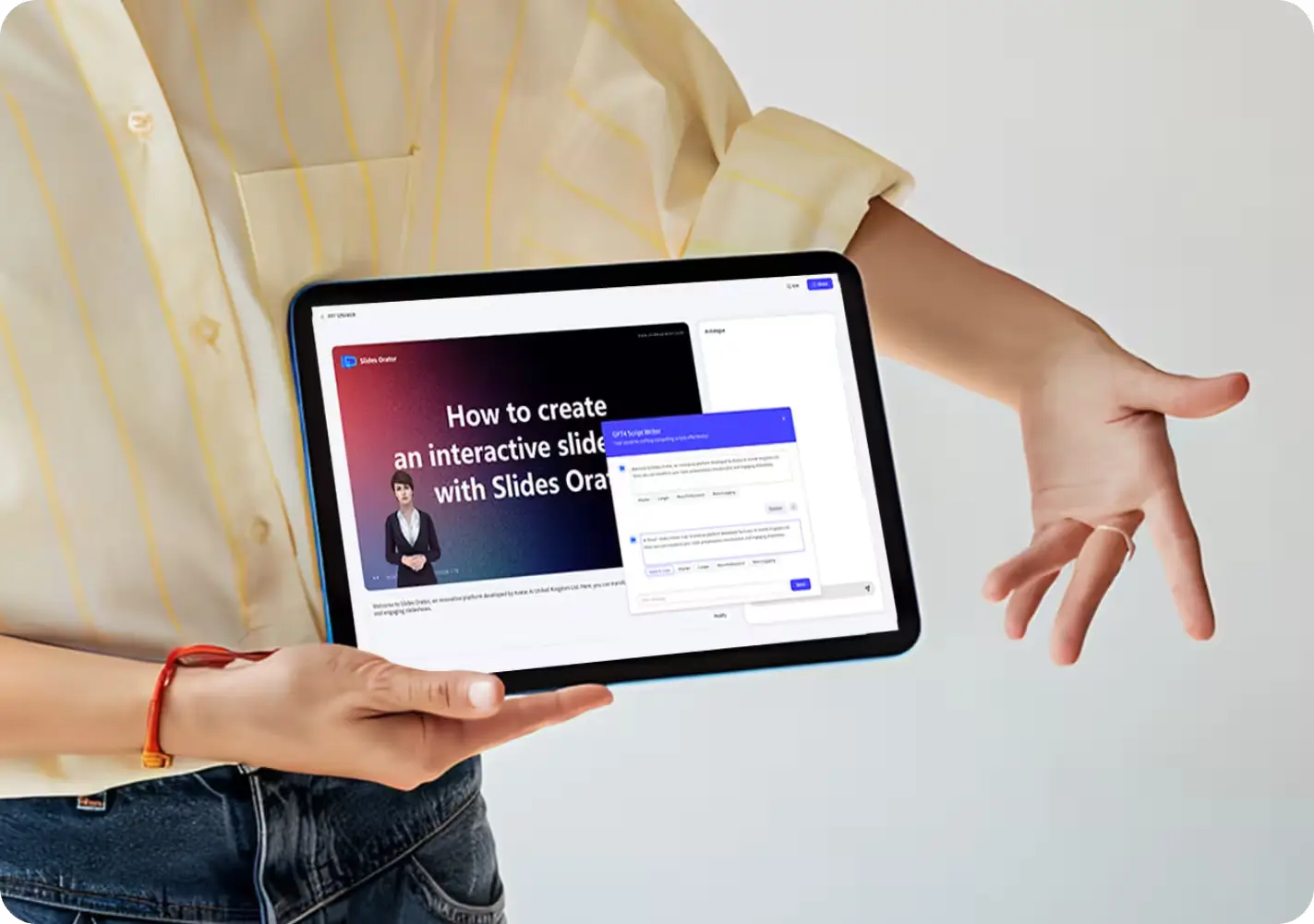
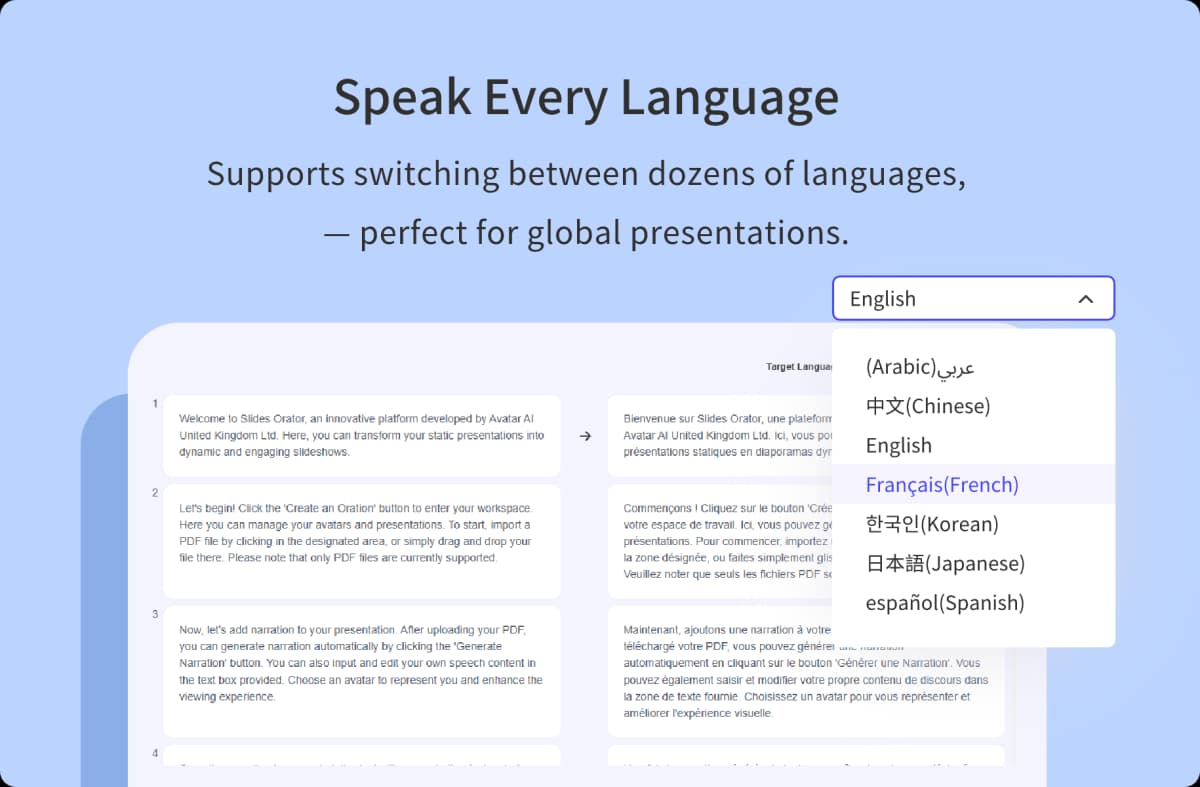
Upload one PDF and MyPresenter turns it into a live guide for any big screen, kiosk, or phone. It narrates your exhibits, takes visitor questions in 20+ languages, and runs all day. No hardware to buy, nothing for visitors to install.

Free to start · Ready in ~10 minutes · No filming required · Works in any browser

Expo Guide · knowledge base: your-exhibition.pdf

Hi! I’m the AI guide for this exhibition. What would you like to know?

Which booth shows the battery tech?

Booth B-12, “NovaCell” — live demo at 2 PM. Scan the QR for walking directions.

The Knowledge Base

One PDF Becomes Your Whole Exhibition’s Brain

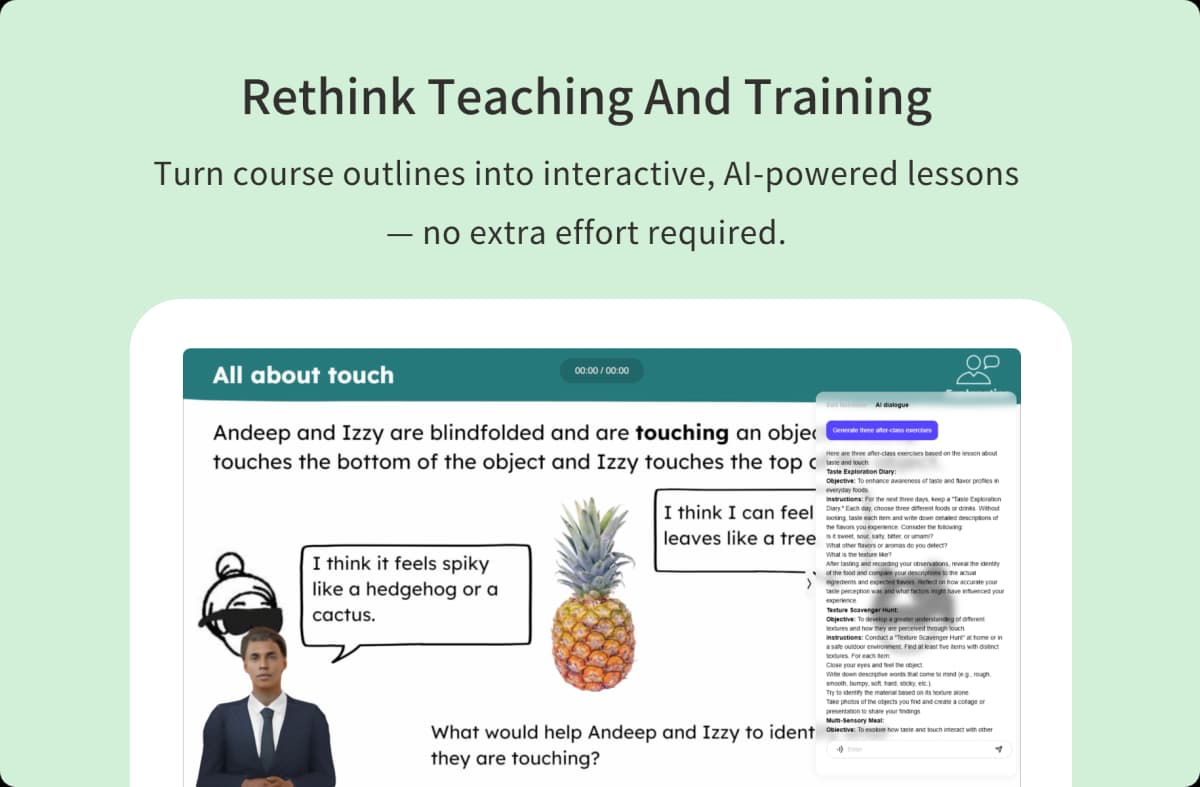
Most kiosk software just plays a video on loop. MyPresenter actually reads what you upload. Give it the exhibit catalog, a product deck, or the event brochure, and it builds a knowledge base out of it. Visitors don’t dig through menus. They ask:

  • “Which booth shows the battery tech?” → directions to Booth B-12
  • “今天下午有什么讲座?” → today’s schedule, answered in Chinese
  • “Is this painting an original?” → the exhibit’s provenance, from your own materials

Museums that added conversational AI saw visitor engagement rise 37% and average visits extend by 22 minutes (Museums and AI Network).

HOW THE KNOWLEDGE BASE ANSWERS

Your PDF says: “NovaCell solid-state demo, Booth B-12, daily at 14:00”

A visitor asks: “Where can I see the battery demo?”

The guide answers: “Booth B-12, NovaCell — the next demo starts at 2 PM. Want walking directions?”

Answers come only from what you uploaded. The guide doesn’t make things up.

How to Put an AI Guide on Your Exhibition Screen — in About 10 Minutes

Four steps from the PDF you already have to a live guide on your venue's screens.

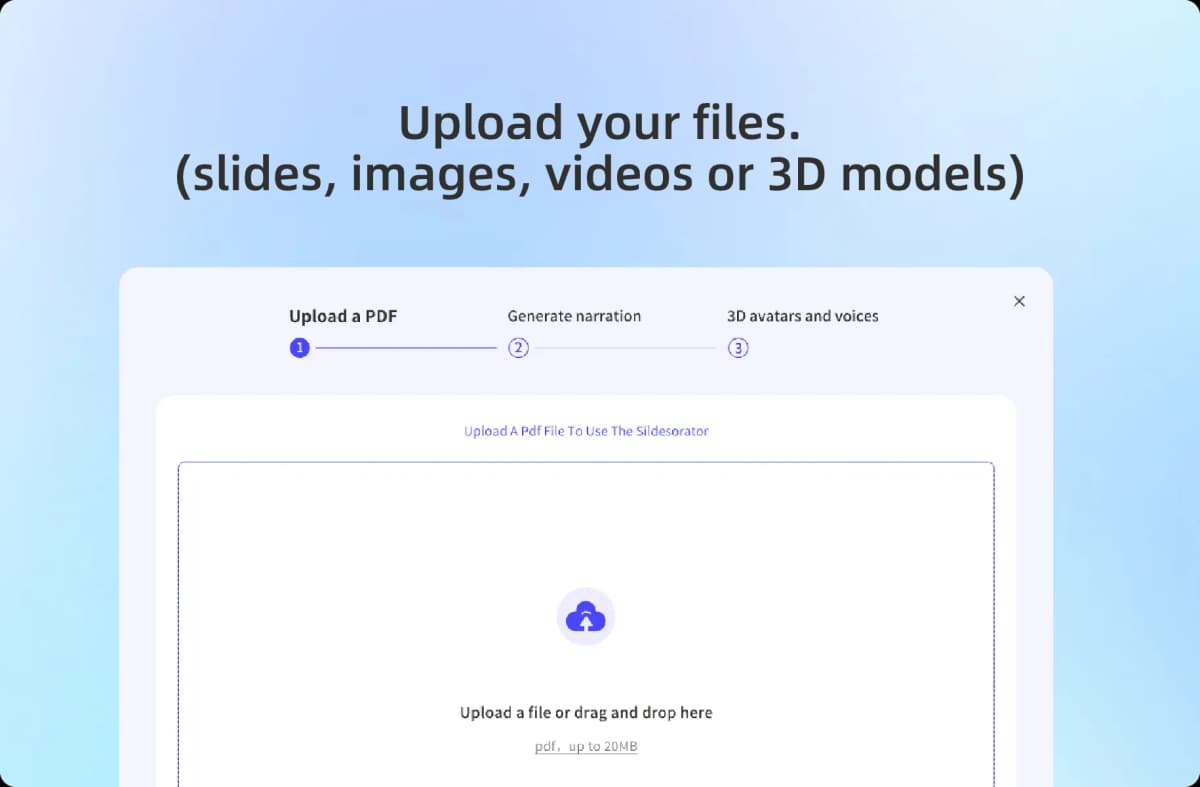
Upload your exhibit PDF
1

Upload your PDF

Exhibit catalog, product deck, event guide — whatever you already have.

AI builds the guide and knowledge base
2

AI builds the guide

It writes the narration, records the voiceover, sets up your presenter, and builds a Q&A knowledge base from your file.

Pick language and presenter
3

Pick language and presenter

Pick from 20+ languages and choose a presenter that fits your venue.

Open the playback page on your screen
4

Open the playback page on the screen

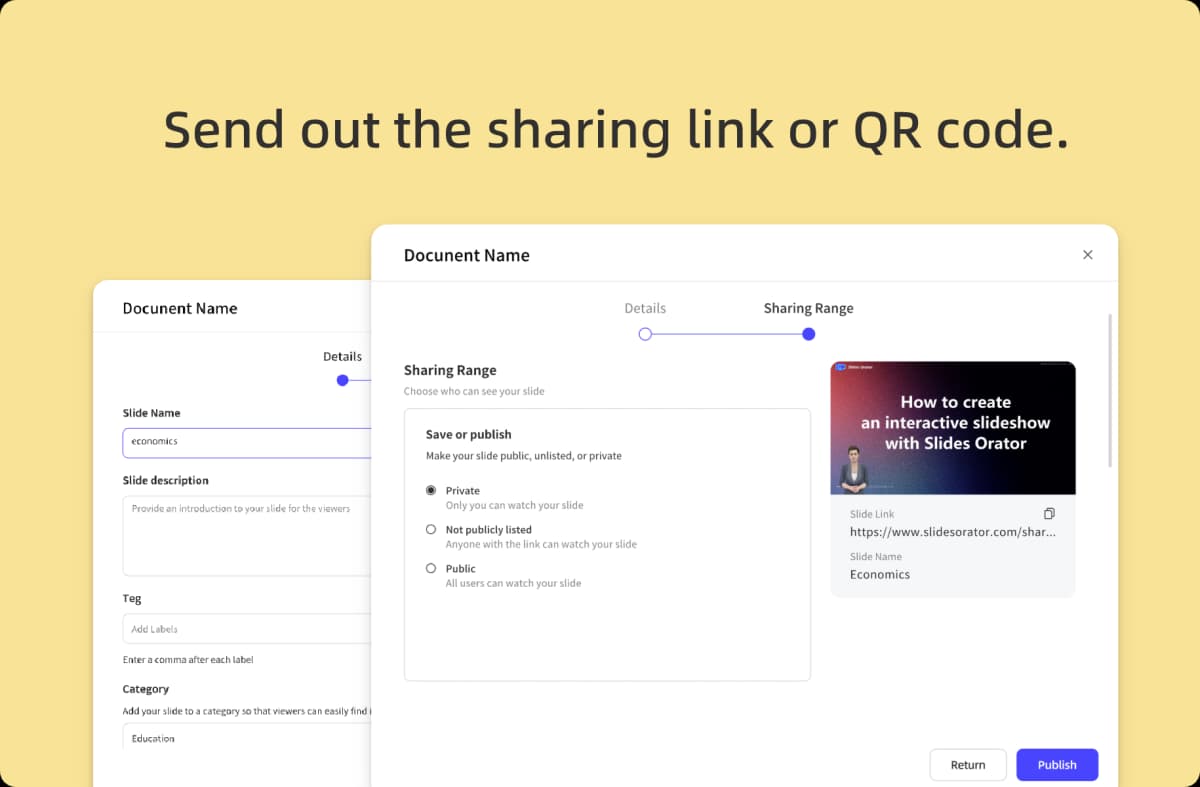
Any kiosk, TV, or LED wall with a browser. Fullscreen it, and you’re live. Print the QR code so visitors can continue on their phones.

Where It Runs

The Same Setup, in Three Very Different Rooms

AT A TRADE-SHOW BOOTH

The booth screen that never stops presenting

The setup: A small team, a six-day expo, and a 40-page product PDF. Not enough hands to pitch every passer-by.

With MyPresenter: Upload the deck the night before, pick English plus a second language, and open the playback page on the booth’s big screen.

During the show: The AI presenter loops the pitch. Visitors ask about specs, pricing, or availability and get answers on the spot, while your team talks to the serious buyers.

~10 min setupMulti-language narrationRuns unattended

BOOTH SCREEN · LIVE

AI presenter narrating your PDF

Does this model ship to Europe?

Yes — check page 18 of the deck for distributor details. Want me to jump there?
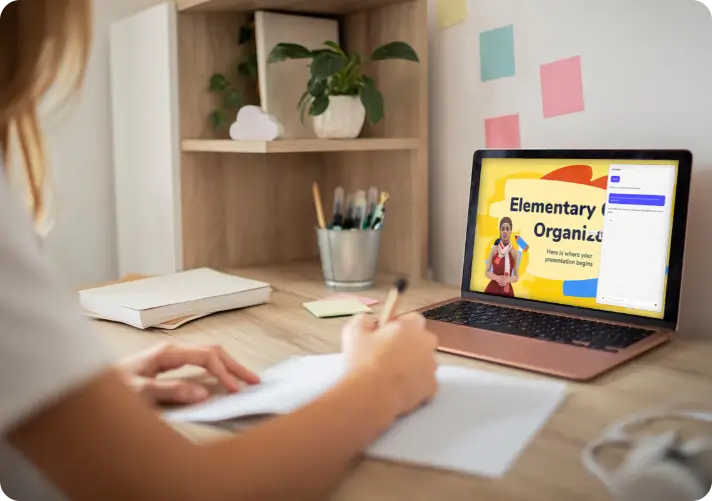
AT A MUSEUM OR GALLERY

Exhibit tours in every language, without hiring docents

The setup: A three-month special exhibition. Hiring guides for five languages is not in the budget.

With MyPresenter: Upload the exhibit labels and catalog as a PDF. Put the playback page on the entrance kiosk, and a QR code next to each exhibit.

During the visit: Visitors follow the tour on the big screen, or scan the QR and ask about whatever catches their eye, in their own language. The answers come from your catalog, not from the open internet.

20+ languagesQR per exhibitNo app for visitors

ENTRANCE KIOSK · LIVE

AI presenter narrating your PDF

这幅画是真迹吗?

是的——这是 1924 年的原作,借展自私人收藏。想听听它的流传经历吗?

AT A SHOWROOM OR SALES CENTER

A presenter that is still working after your team goes home

The setup: Corporate showrooms and sales centers get their most curious visitors in the evening — exactly when staff have left.

With MyPresenter: Upload the product or property PDF once. The showroom screen loops the guided presentation around the clock.

Any time of day: A visitor walks in at 8 PM, watches the pitch, and asks about floor plans or specs. The guide answers immediately, every day of the week.

24/7 loopingConsistent pitchUpdate the PDF anytime

SHOWROOM SCREEN · 8:12 PM

AI presenter narrating your PDF

What’s the difference between the two floor plans?

Plan A is 89㎡ with a study; Plan B is 104㎡ with a second bath. Want the side-by-side page?

The same setup also runs at scenic spots and tourist attractions, on campus tours, and inside touchscreen kiosks — anywhere a screen meets a visitor.

AI Guide vs. the Ways You Solve This Today

A fair comparison: docents are still better at reading a room. For most other jobs, this is faster and costs less.

Hired docentsAudio-guide appsKiosk content softwareMyPresenter
Setup effortHiring & trainingApp development / licensingBuild content by handUpload one PDF (~10 min)
Visitors install anything?NoYes — an appNoNo — big screen or QR in browser
Can visitors ask questions?YesNo — one-way playbackMenu taps onlyYes — free-form chat on your content
LanguagesLimited by staffPre-recorded setPre-built set20+ generated automatically
AvailabilityWorking hoursAlwaysAlwaysAlways — loops 24/7
CapacityOne group at a timeUnlimitedOne screen, fixed contentEvery screen and phone at once, each with its own Q&A
Live human judgmentBest in classHands serious buyers over to your staff

Deployment Options

Big Screen & Kiosk

Open the playback page on exhibition or showroom screens — no installation required.

QR Code Mobile Guide

Scan to continue on the visitor’s own phone, ideal next to exhibits and outdoors.

Website Module

Embed the guide into your official website or event landing page.

Custom Enterprise Deployment

Private cloud or on-premise deployment requires separately confirmed custom cooperation.

FAQs

Your Show Opens Soon. Your Guide Takes 10 Minutes.

Upload your exhibit PDF now — your first AI-narrated guide is free.

Wondering what it costs? See pricing →