AI lecture narration for university PDF slides

Turn lecture slides and research presentations into multilingual narrated lessons. Edit narration page by page, share a secure link, support Q&A, and reuse content across terms.

AI in Higher Education

Typical University Scenarios

From thesis defenses to course videos and international classes, scale your impact with AI narration.

Thesis Defense Assistant

  • Upload PDF slides or research materials
  • Choose target languages to generate corresponding narrated presentations

Lecture Narration

  • Transform PDF lecture materials into structured narrated lessons
  • Review and edit narration before sharing

Multilingual International Classes

  • 20+ languages for narration
  • Support cross-border collaboration and global courses

Higher‑Ed Teaching & Research Workflow

A streamlined path from upload to presentation—built for lectures, seminars, and thesis defenses with AI Q&A.
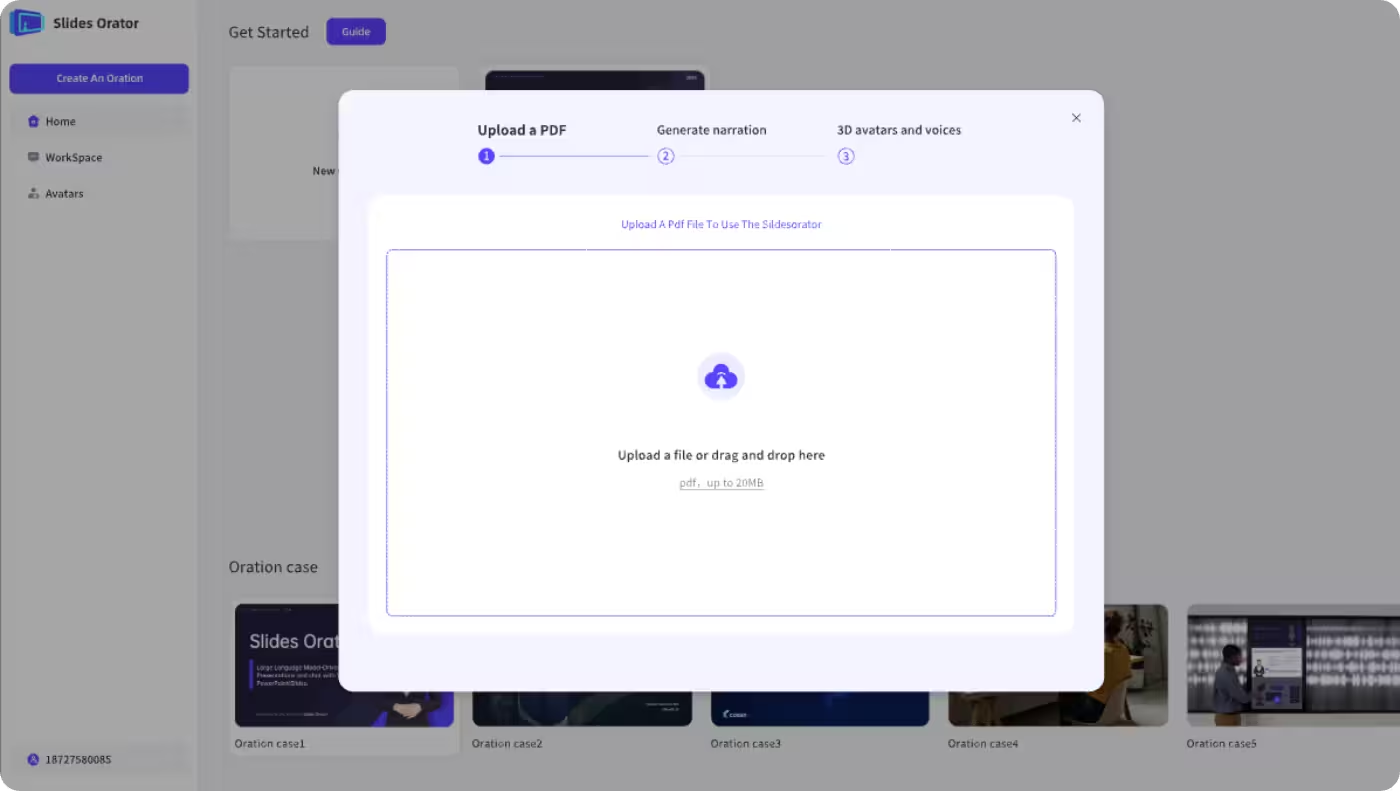
Step 1: Upload lecture slides or research abstracts
1

Upload materials

Upload academic content in PDF format—lecture materials, research papers, or conference presentations—for intelligent content analysis.

Step 2: Choose tone and languages
2

Choose tone & languages

Pick academic, friendly, or formal tones and choose one or more target languages.

Step 3: Generate narrated videos
3

Generate narrated videos

Automatically create clear, consistent lecture or research explainers with multilingual output.

Step 4: Present via share link with AI Q&A
4

Present via share link

Present via a shareable link and keep AI Q&A active during lectures, seminars, and thesis defenses.
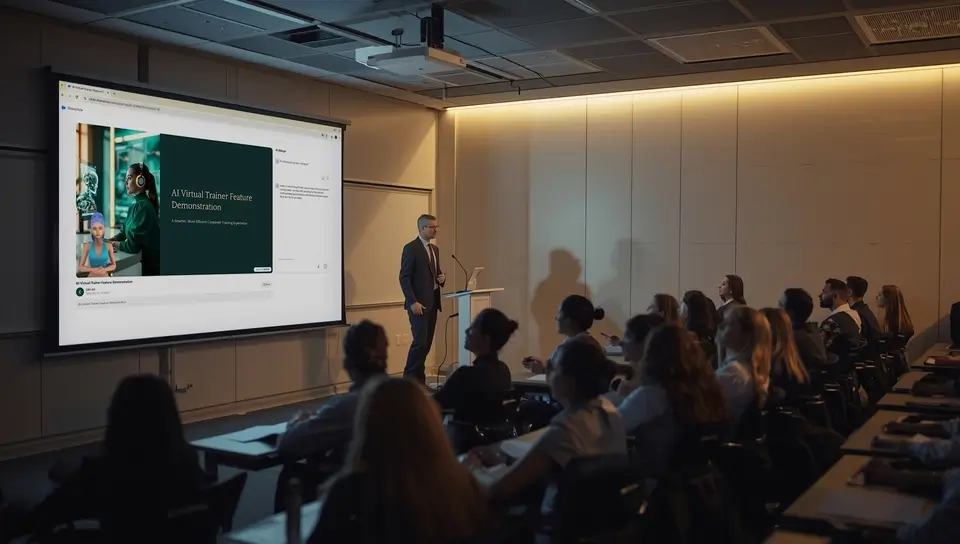
Step 5: Play and share
5

Play and share

Play instantly and share via link or embed; control playback in class or online.

Teacher vs Student Perspectives

Two‑sided value: faculty efficiency and student comprehension.

F

For Faculty

  • Reduce prep workload
  • Reuse high‑quality modules
  • Amplify research communication
S

For Students

  • Replay narrated videos anytime
  • Modular content improves understanding
  • Access multilingual learning resources

Explore More

Beyond the classroom pages: how the narration itself works, and how it differs from a design tool.

AI Education Hub

AI Education Hub

Browse PDF-based AI education workflows for teachers, students, classrooms, schools, and higher education.

Explore →
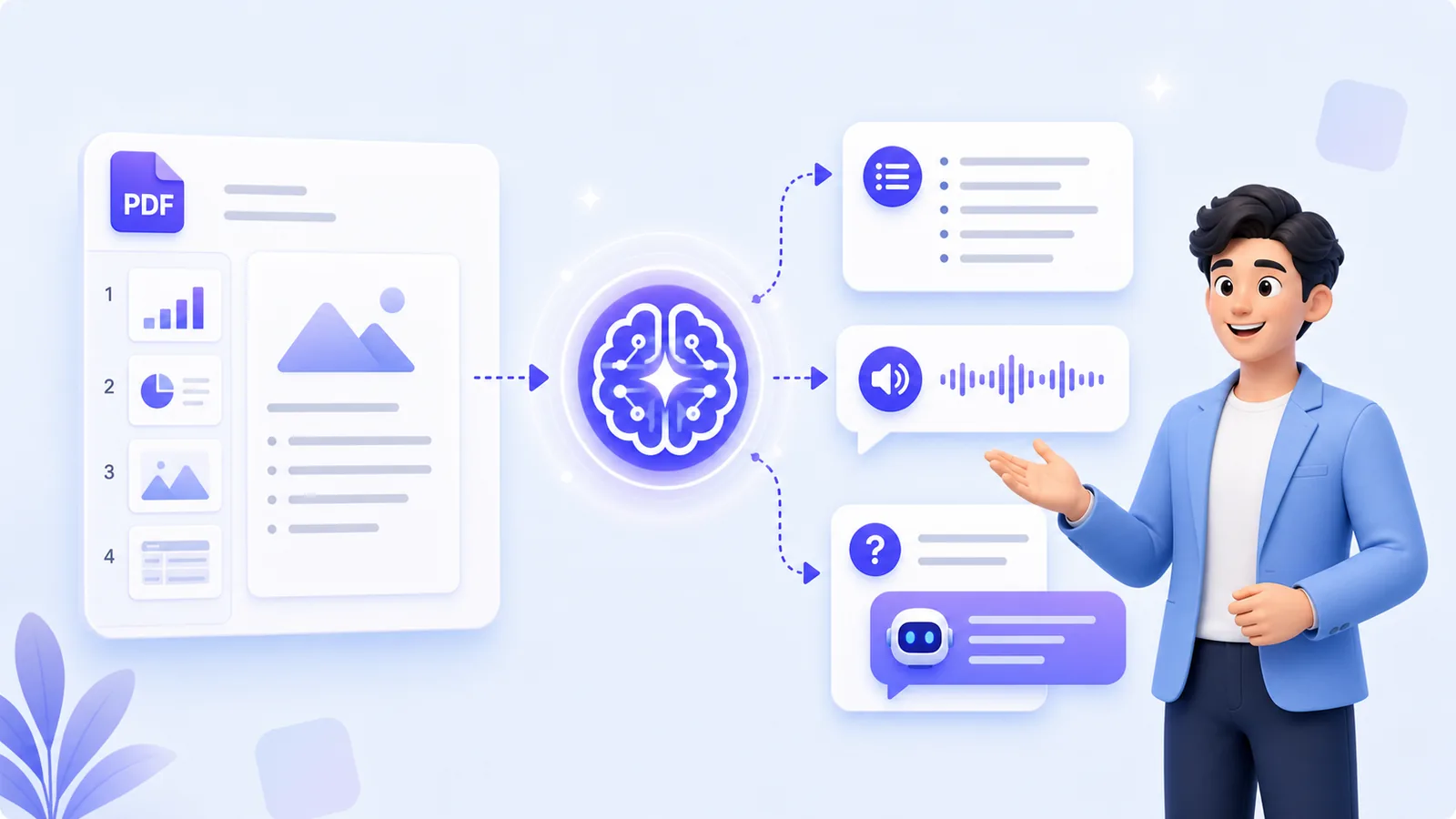
AI Explanation of PDF

AI Explanation of PDF

Upload a document and a digital presenter narrates every page, in the voice and language you pick. Viewers ask questions while they watch.

Explore →
MyPresenter AI vs Canva

MyPresenter AI vs Canva

Canva designs a good-looking deck. MyPresenter AI narrates the deck you already have and answers questions about it.

Explore →

FAQ

Key questions about AI narration in higher education and university deployment.

Accelerate teaching and research with AI

Generate multilingual, modular videos and present research more effectively.