Elementary — Reading & Speaking
- • Short narrated clips to build reading fluency
- • Picture‑supported explanations for new words and ideas
- • Replay at home with parents for simple practice
Create clear, consistent lessons from PDF materials. Support bilingual learners, play on classroom devices, add quick checks, and help students preview or review with ease.
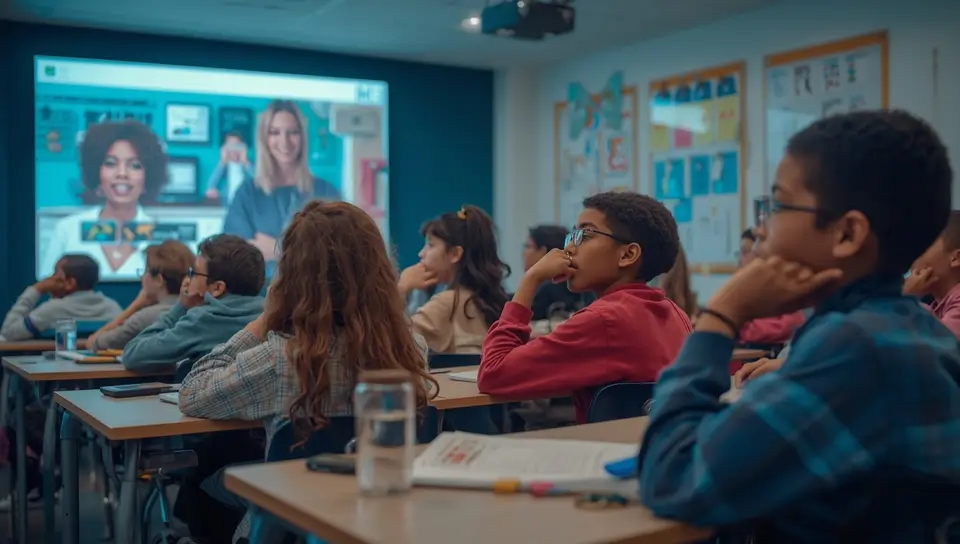
A quick look at how lessons get clearer, faster, and easier to run.
Short, consistent narration for tricky parts.
Generate versions in different languages for diverse learners.
Play in class on devices you already use.
Light, in‑class checks to see if key points landed.
Links for before and after class — easy to share.
Advanced dashboards require separately confirmed institutional cooperation.
Common hurdles before AI narration helps smooth the flow.
What each stage needs and how AI helps.
See slides and narration side by side. Edit the script where needed, then share, play in class, or save for review.
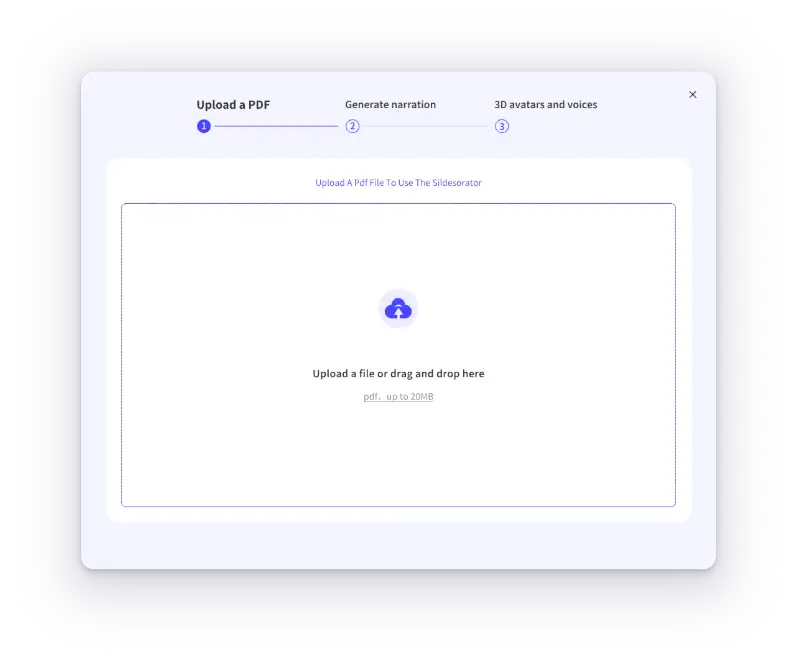
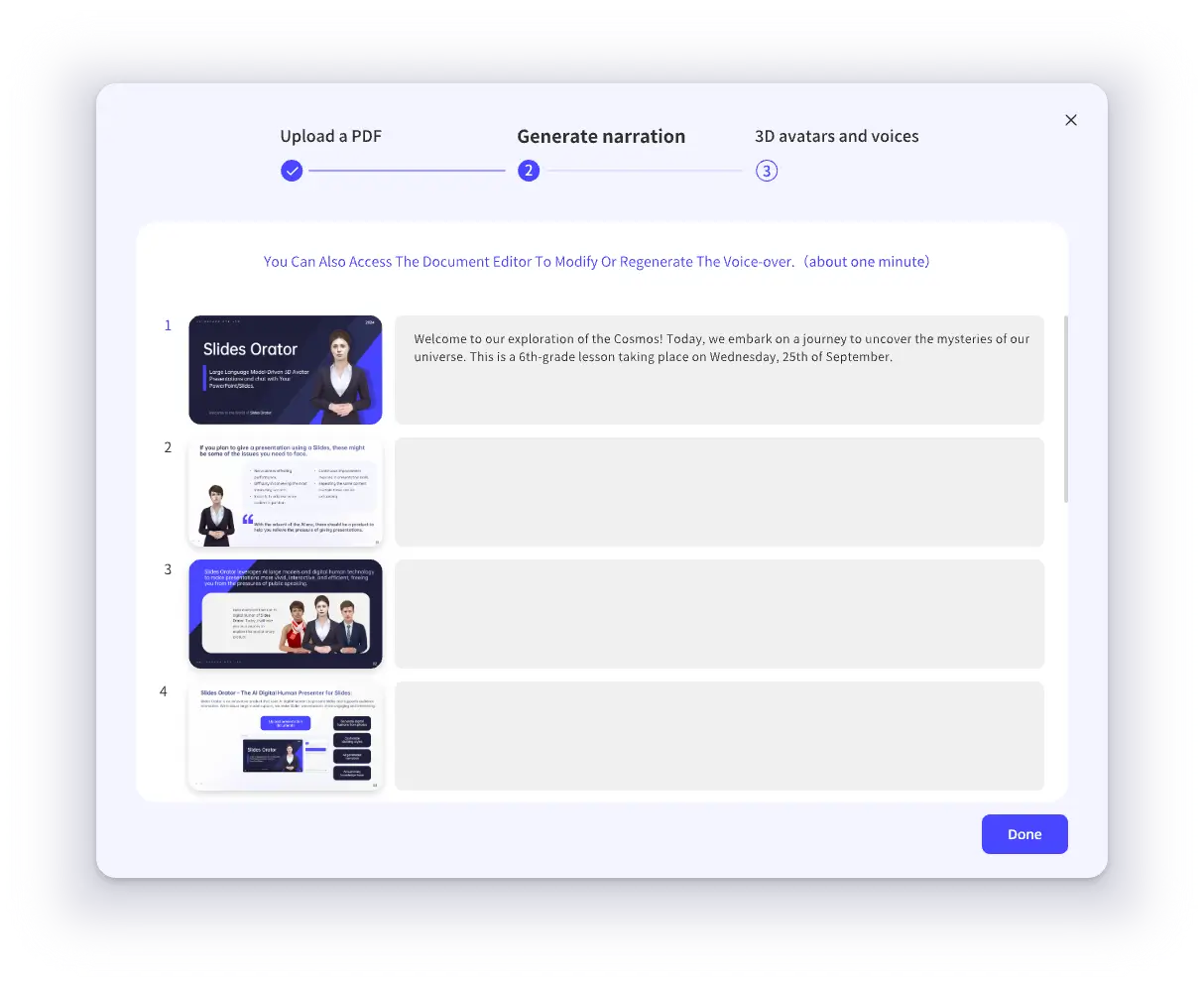
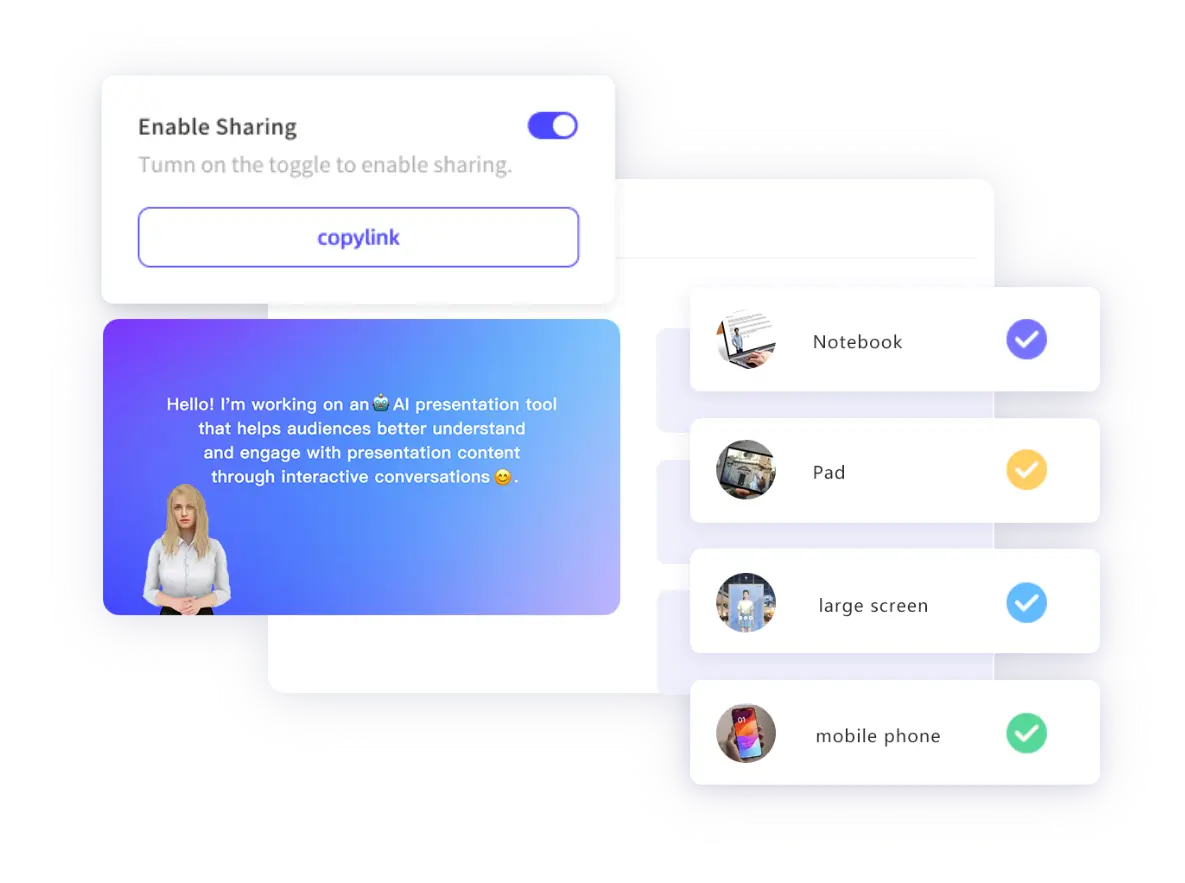
Everyday classroom moments where AI narration saves time and keeps lessons clear.
Review workflows are available in the standard product. Advanced dashboards require separately confirmed institutional cooperation.
Practical workflow changes once lessons are narrated by AI and teachers lead interaction.
AI handles standard explanations, so class time goes to practice and Q&A.
The same clear narration across parallel classes and terms.
Versions in different languages support diverse learners.
Preview links help students arrive with basic context.
Short checks show what to revisit right away.
See preview/review coverage to guide support.
What changes once lessons are narrated by AI and teachers lead interaction.
Varies by teacher; many repeats each term
With MyPresenter AI: narrated modules + teacher‑led interaction
Heavy prep; re‑explaining the same content
With MyPresenter AI: reusable modules reduce repetition and save time
Mostly single language; ad‑hoc help for ELL
With MyPresenter AI: bilingual versions with consistent quality
Students arrive cold; low preview
With MyPresenter AI: preview links build context before class
Limited or delayed signals
With MyPresenter AI: Q&A and review workflows show where students need more support
Designed for K-12 classrooms: personalization, efficiency, and engagement.
ELL/ESL friendly narration in multiple languages; support diverse learners fairly.
Update once, reuse across grades and terms; keep explanations consistent.
AI handles standard explanations so teachers spend time on Q&A and coaching.
See preview/review coverage and hotspots to guide in‑class focus.
See how MyPresenter AI supports different roles and education stages across your campus.

Browse PDF-based AI education workflows for teachers, students, classrooms, schools, and higher education.
Explore →
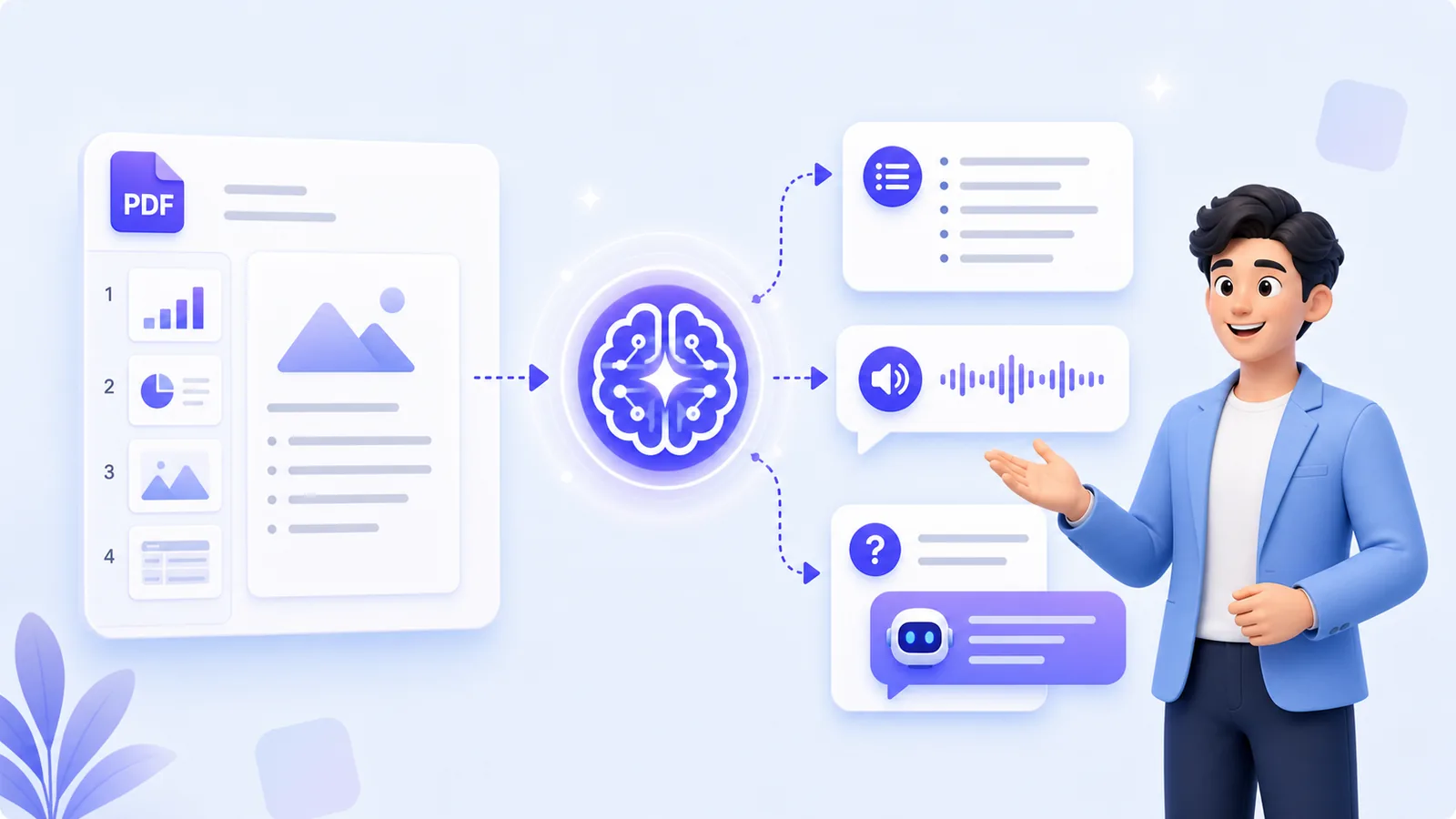
Review PDF lessons with AI narration, knowledge cards, and Q&A grounded in the current material.
Explore →
Upload PDF courseware, edit generated narration, choose voices, and share reusable lesson links.
Explore →
Play AI-narrated PDF lessons in class while teachers guide Q&A and page-level checks.
Explore →
Standardize PDF-based lesson narration across classes; analytics and integrations require custom cooperation.
Explore →
Turn lecture slides and research presentations into editable, multilingual AI-narrated lessons.
Explore →Answers for teachers and parents on K-12 AI narration.
Start a school pilot to try bilingual narration, quick quizzes, and guided review workflows in real classes.