
AI Education Hub
Browse PDF-based AI education workflows for teachers, students, classrooms, schools, and higher education.
Explore →Upload the lesson PDF you already have. It reads your slides out loud on the projector, page by page, in the voice and language you pick.
Share the link, and a student stuck on page 12 can ask on page 12. The answer comes from your file, not from whatever a general model happens to think.
You’ve given that explanation a hundred times. Now it gives the explanation, and you answer the questions.
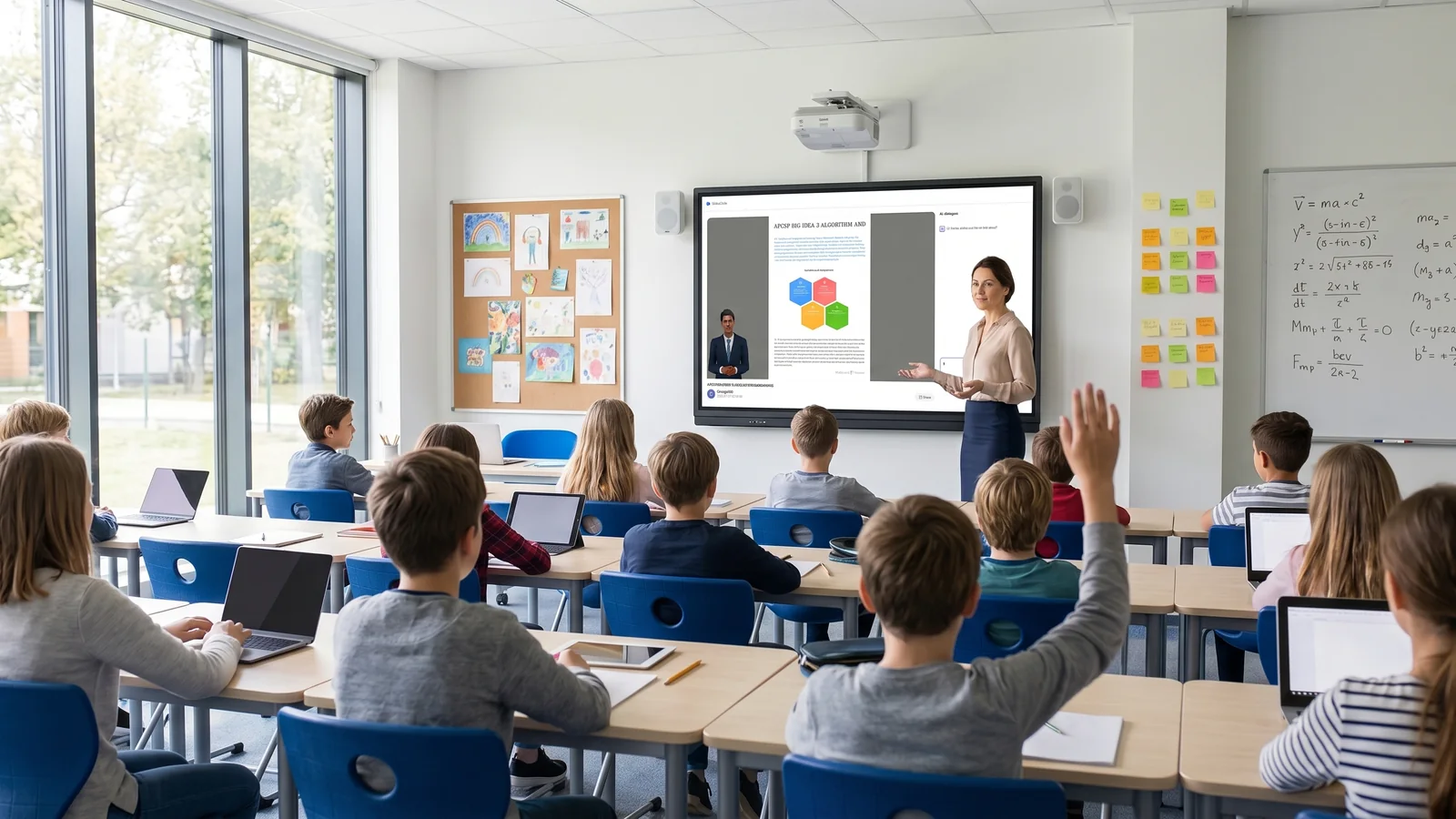
A classroom has one teacher, one screen and one pace. Here is what changes when every student has the same lesson open as well.
You open the link on your laptop and project it. It reads out the part of the lesson that hasn’t changed in years — the part you have given so often you no longer think about it. You’re watching faces instead of talking.
Then a student raises a hand and you answer. In a normal lesson that costs everyone else two minutes. Here it doesn’t. The others have the same page open on their own devices, so while you’re with one student the rest keep going, or replay the part they didn’t follow.
That second thing is what a room full of people can’t normally do. A lesson plays once, at one speed. Miss the sentence that mattered and it’s gone. On their own screen a student can stop, go back and hear it again, as many times as they need, without asking you to repeat yourself in front of everyone.
Where a student sits stops mattering, too. The back row gets the same page at the same size as the front row, and hears it through their own device instead of across the room.
Some practical things, because a classroom isn’t a demo. The lesson page needs a live connection, so test the Wi-Fi before you rely on it. Tablets, laptops and large displays all work well. A phone is fine for a student following along, but don’t use a phone for the classroom display. And if you want a second language, make that version the night before — you can’t switch mid-lesson.
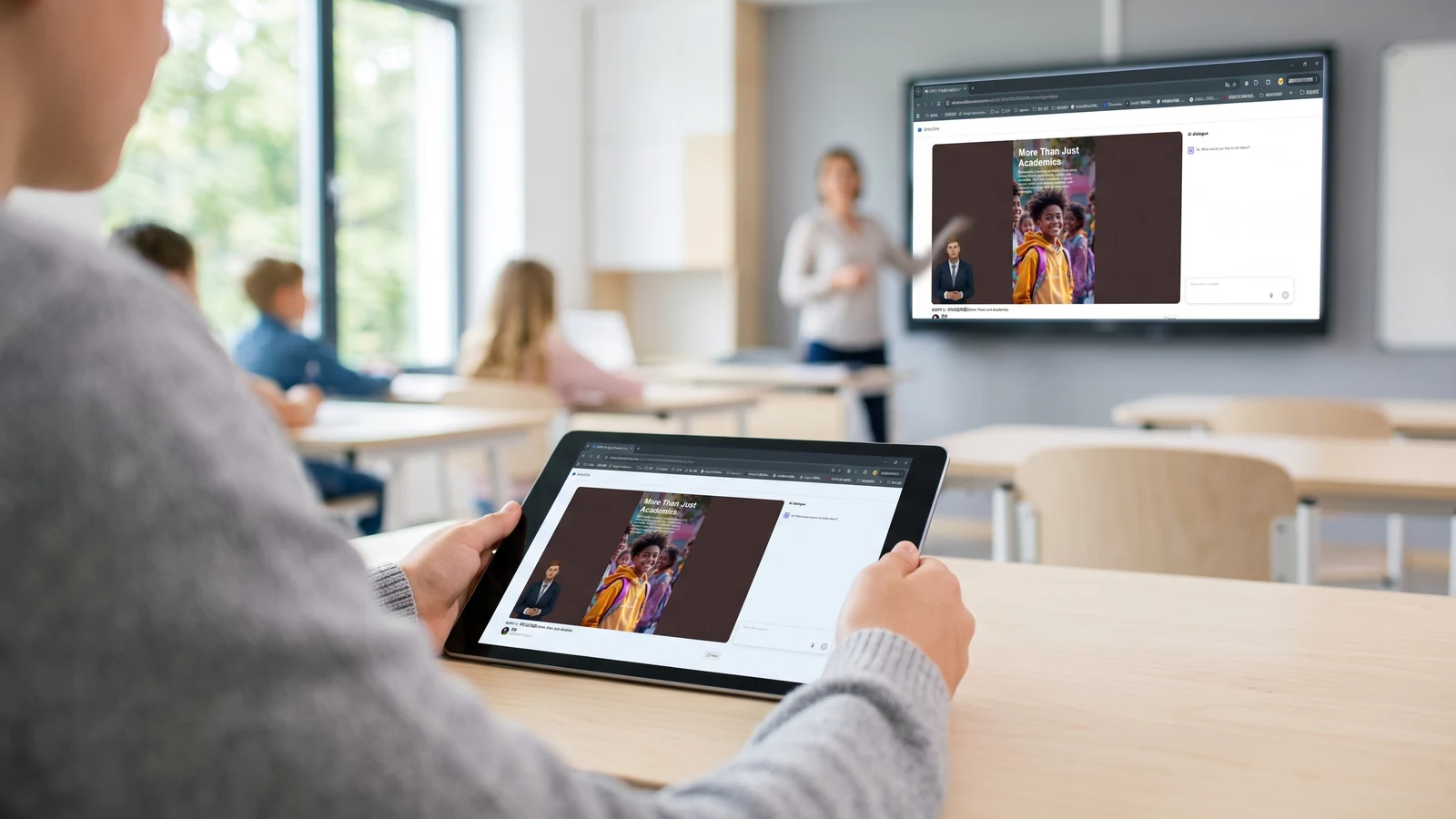
You make it once, for one lesson. It keeps working after that — for revision, for whoever was away, for the next class you teach it to, and for the version you teach next year.
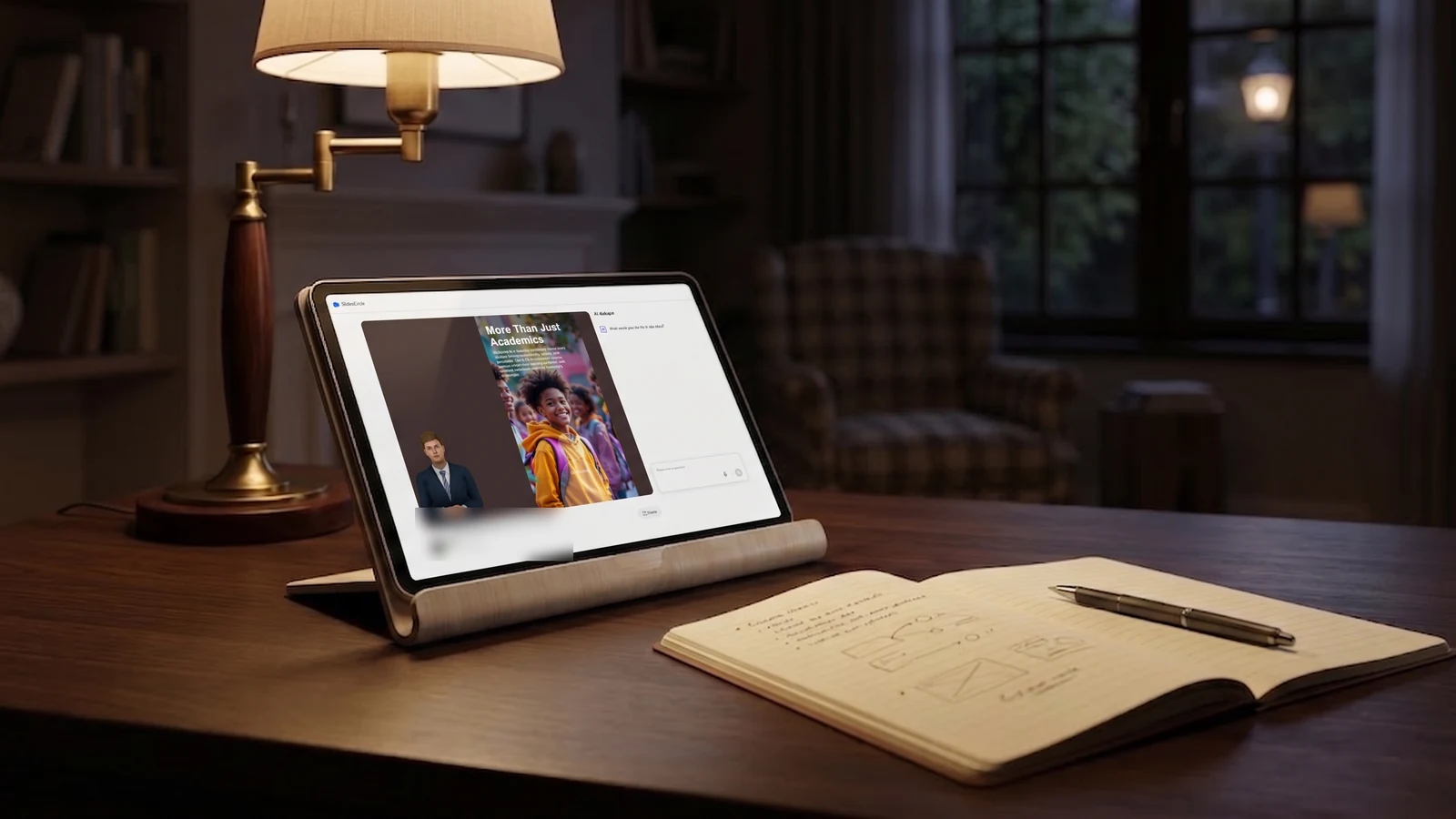
Students who open the link get the whole lesson at their own pace. They can stop, replay the part they didn’t follow, and ask on the page where they got stuck. They walk in with a question instead of a blank page.
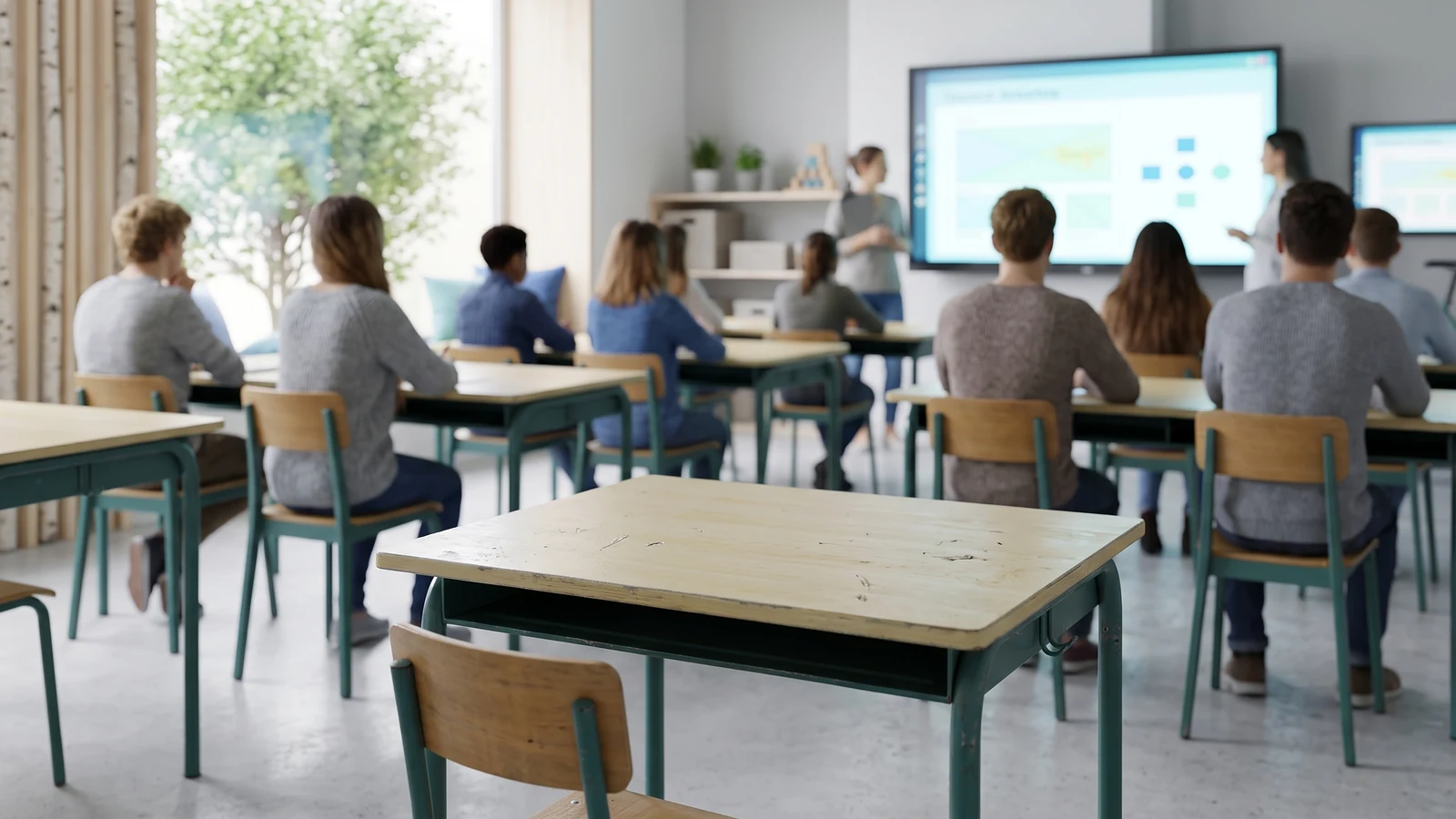
The same link is the revision material. A student going back over a chapter before an exam gets the narration and the questions again, not a folder of silent slides. It also covers whoever was away — illness, a scheduling conflict, a school trip — and you prepare nothing extra for them.
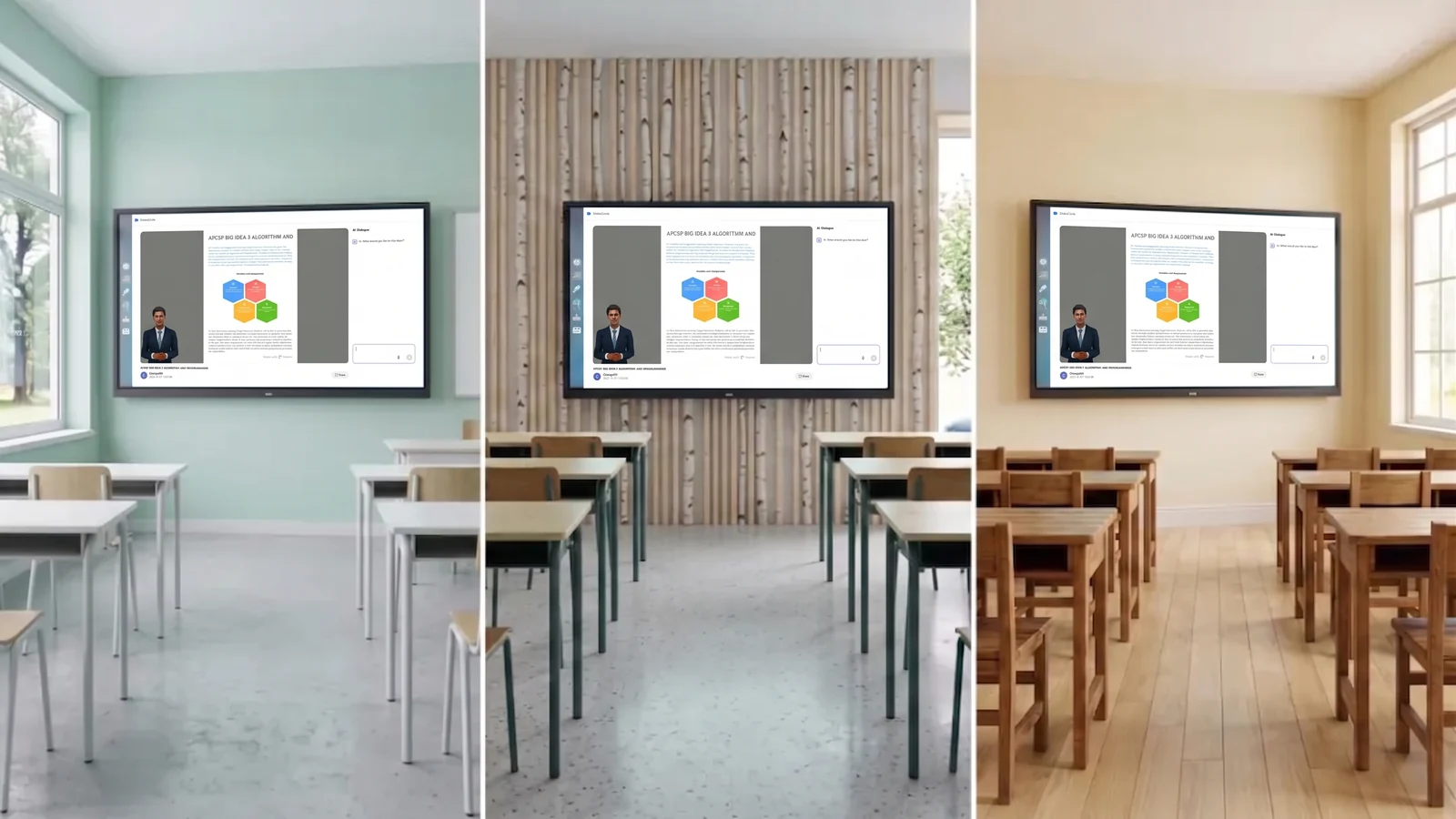
Four parallel classes hear the same explanation. The fourth one isn’t worse than the first, and the difference between them isn’t how tired you were by the end of the day.
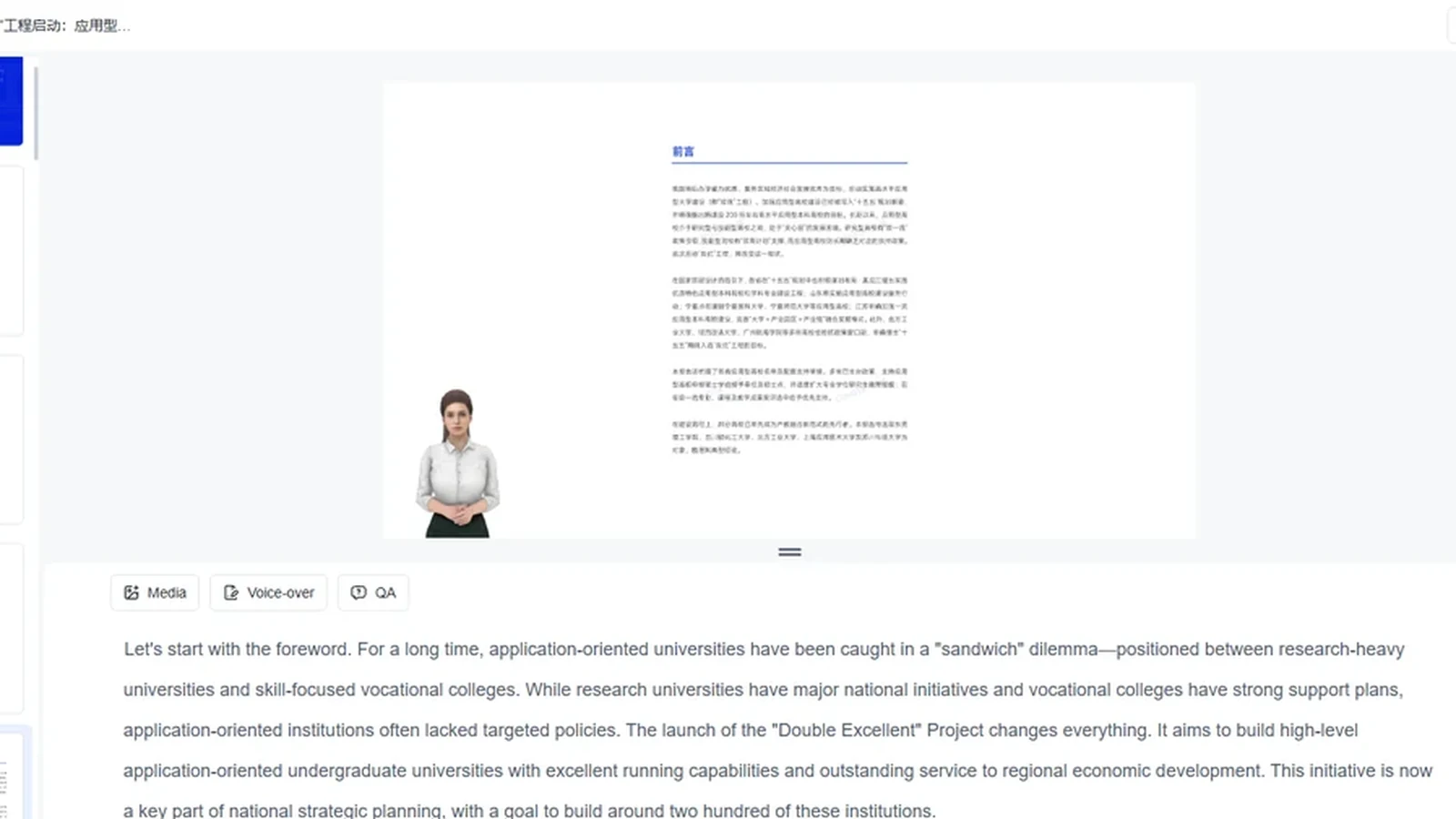
Fix that one page, regenerate its narration, and the next group gets the corrected version. The lesson gets better every time you teach it, instead of staying where it was the year you wrote it.
Beyond the classroom pages: how the narration itself works, and how it differs from a design tool.
Browse PDF-based AI education workflows for teachers, students, classrooms, schools, and higher education.
Explore →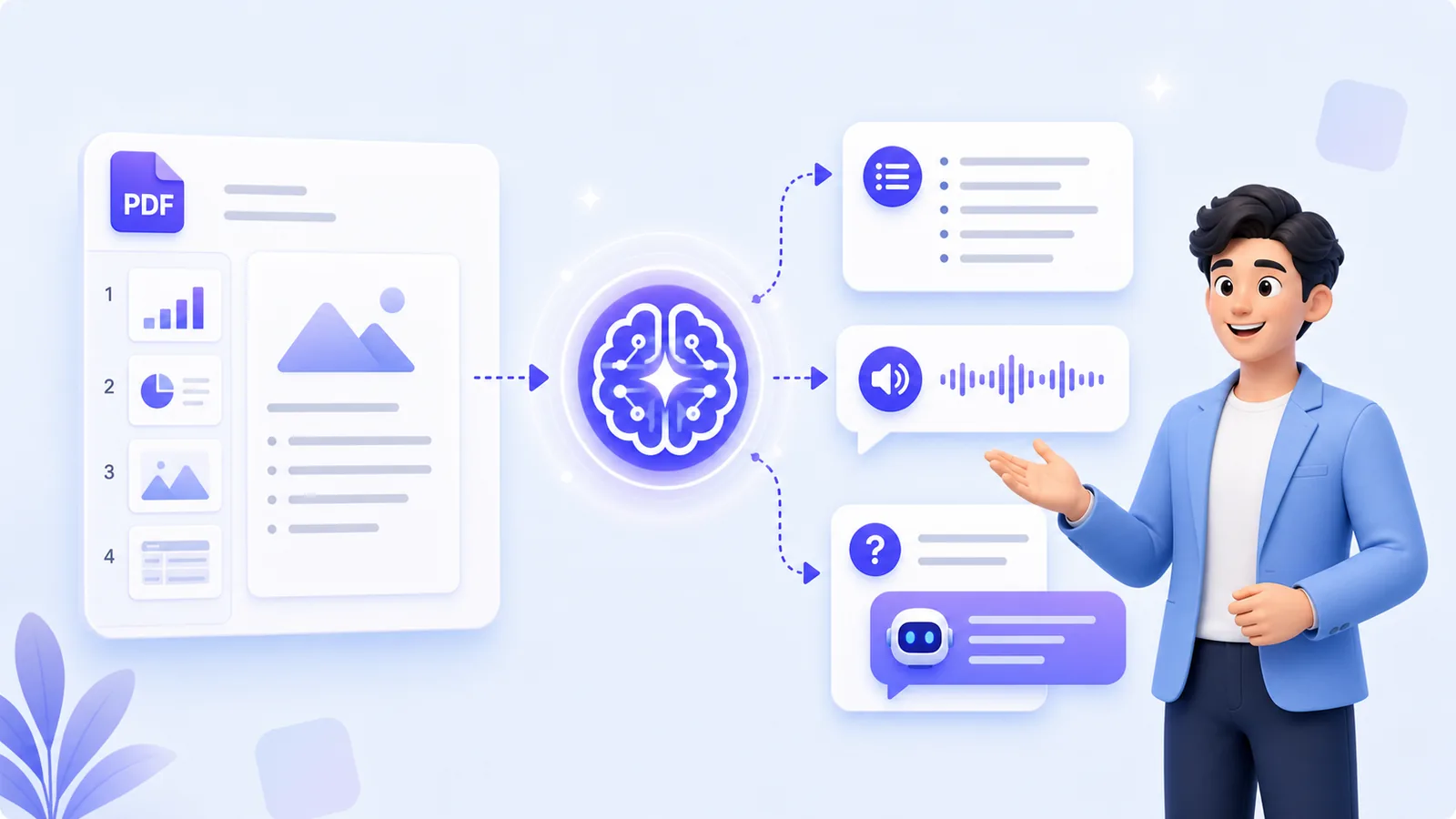
Upload a document and a digital presenter narrates every page, in the voice and language you pick. Viewers ask questions while they watch.
Explore →
Canva designs a good-looking deck. MyPresenter AI narrates the deck you already have and answers questions about it.
Explore →