3D Presentation AI for Interactive Slides
Turn PDF slides into an AI-narrated presentation with a 3D digital presenter, media assets, audience Q&A, and a shareable playback link. Stop re-recording the same talk — upload your slides, and MyPresenter AI explains every page and answers viewer questions for you.
MyPresenter AI is made for interactive presentations. It is not a text-to-3D model generation tool.
What is 3D Presentation AI?
Think of it as a presentation that can present itself. With MyPresenter AI, you upload your PDF slides and a 3D AI presenter does the rest: it reads through your slides, narrates each one, and answers questions from your audience along the way. (Working in PowerPoint? Just export your deck to PDF first, then upload the PDF.)
The result is something your viewers open with a single link. They watch the presenter walk through your slides and can ask about anything on screen, instead of reading a static file on their own.
One thing worth being clear about: MyPresenter AI is a presentation tool, not a 3D modeling tool. It gives you 3D avatar presenters and lets you bring in your own 3D assets like OBJ files — but it won’t generate 3D models from a text prompt.
How MyPresenter AI creates a 3D AI presentation
See how MyPresenter AI turns your PDF slides into an interactive presentation led by a 3D AI presenter.
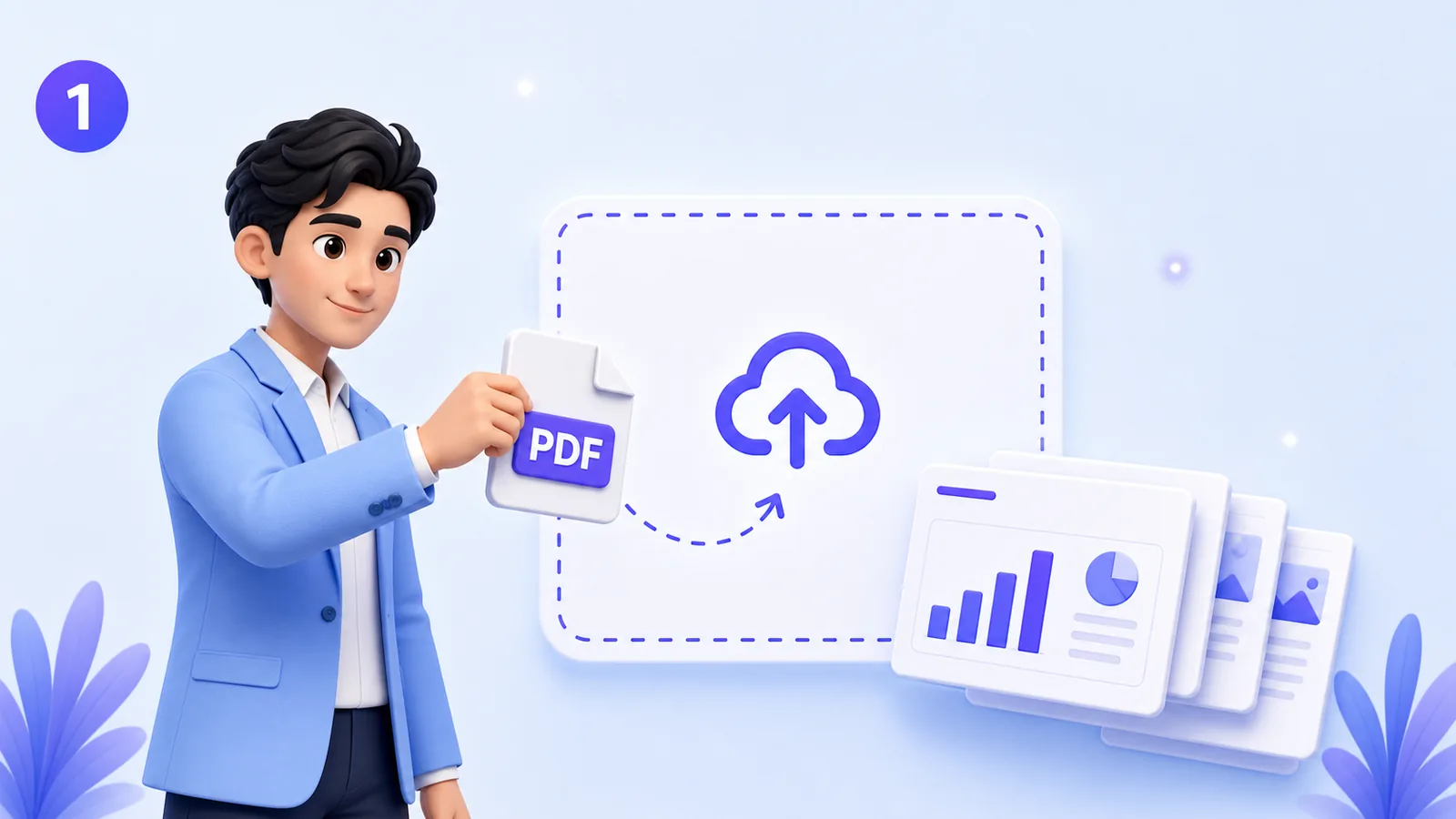
Upload PDF slides
Start by uploading your presentation as a PDF file.
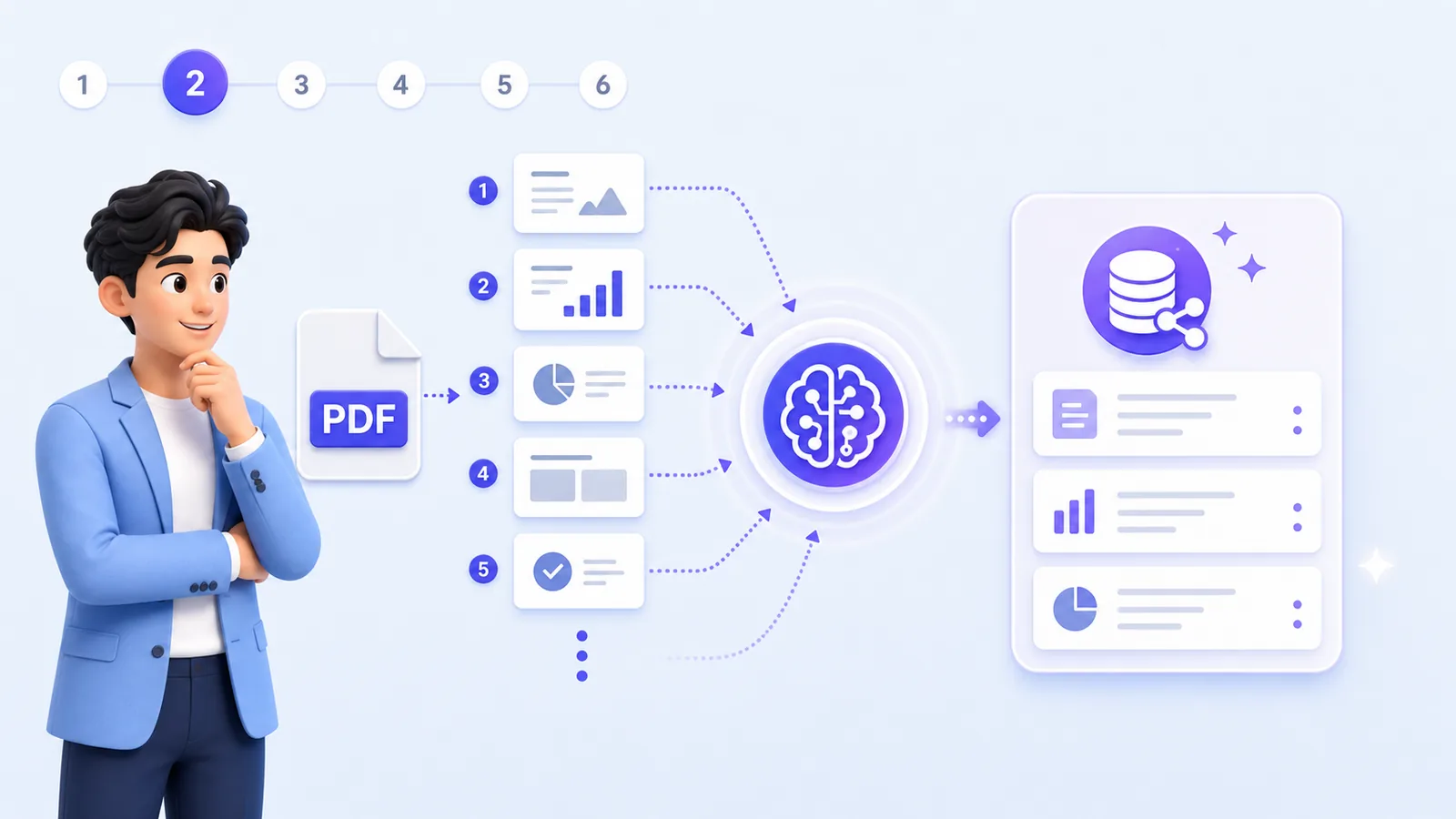
AI reads every page
MyPresenter AI analyzes the content and prepares a knowledge base from your slides.
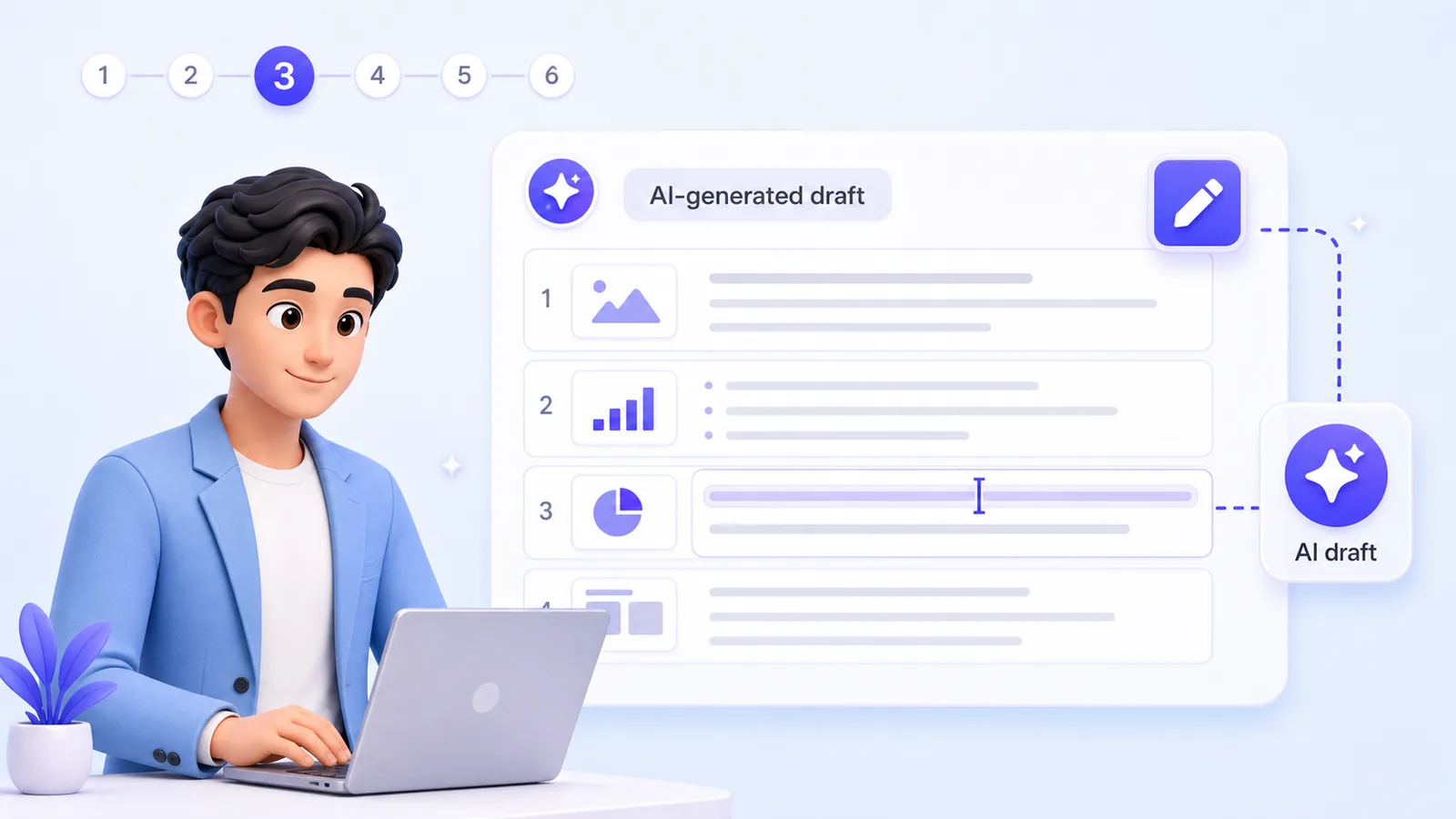
Generate editable narration
AI creates a draft explanation for each page. You can review and edit the wording before publishing.
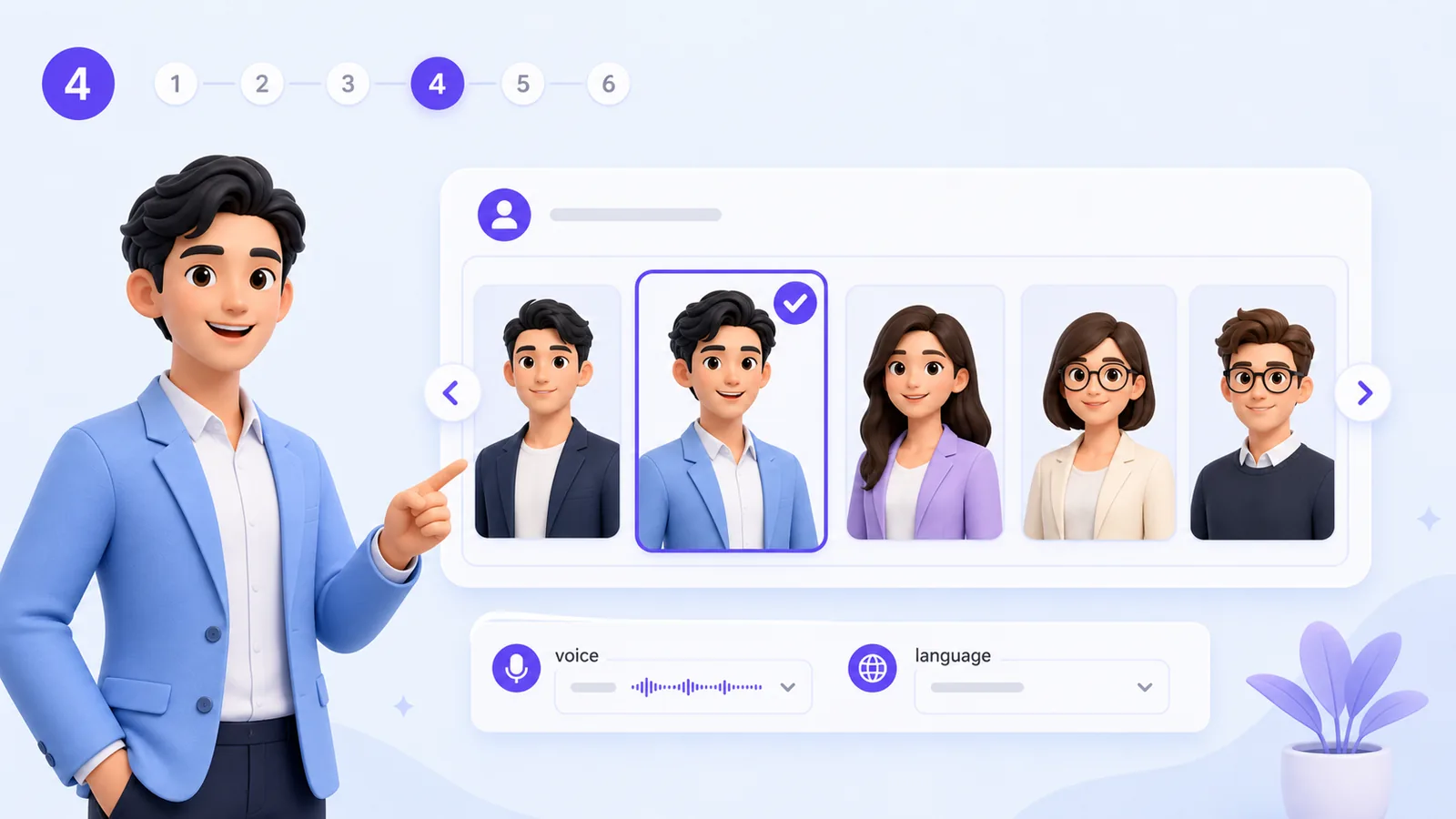
Choose a 3D digital presenter
Select a digital human presenter and voice style for your presentation.
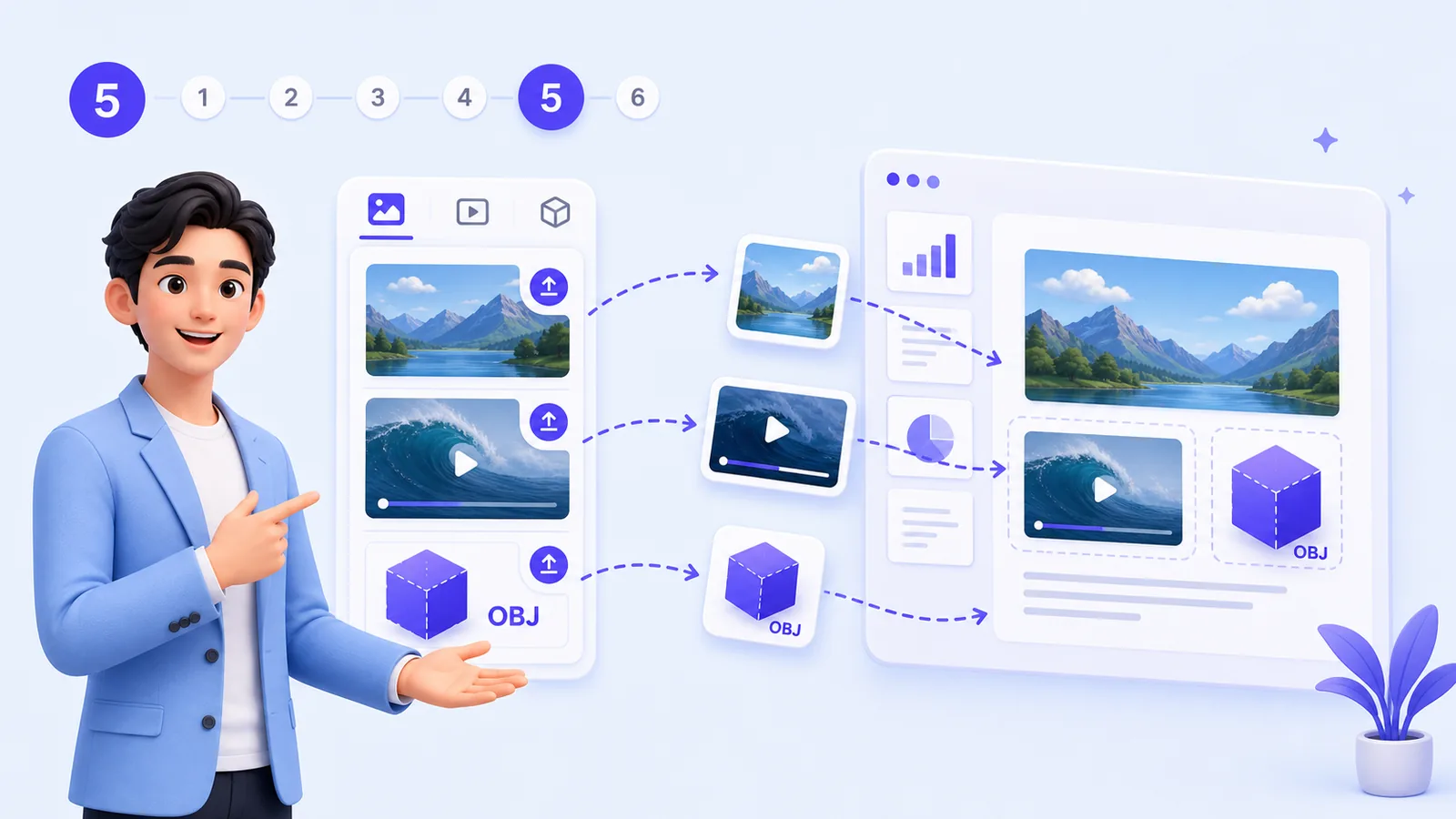
Add media assets
From your media library, add images, videos, or OBJ 3D models to a slide to make it clearer.

Publish and share
Publish the presentation and share a playback link with your audience.
Build presentations with AI narration, avatars, and Q&A
Everything you need to turn slides into an interactive 3D AI presentation.
AI narration from PDF slides
Generate page-by-page narration based on the content you uploaded.
3D digital human presenters
Let an AI presenter explain your slides instead of recording a manual voiceover.
Audience Q&A
Viewers can ask questions while watching. Answers are based on the presentation content.
Editable knowledge base
Review and adjust the knowledge behind the presentation so answers stay aligned with your material.
Media library
Add images, videos, and OBJ 3D models to support the explanation.
Shareable playback link
Publish once and share the presentation with viewers anywhere.
Where 3D AI presentations work best
From classrooms to exhibition booths, a 3D AI presenter makes slides more engaging.
Education
Teachers can turn lesson slides into replayable explanations that students can watch after class.
AI for educationCorporate training
Training teams can create consistent onboarding, policy, and SOP presentations.
Corporate trainingProduct demos
Sales and product teams can explain features with guided narration and visual support.
Interactive slide showExhibitions
Exhibition teams can use avatar-led presentations to introduce products, booths, or displays.
ExhibitionSpeech practice
Presenters can prepare narration, check flow, and improve delivery before a live session.
Speech copilot3D presenters and 3D assets in one presentation workflow
MyPresenter AI supports 3D in two different ways. The 3D digital presenter is an AI avatar that explains your slides and guides viewers through the presentation. The 3D media assets are supported OBJ models you upload and place inside the presentation experience.
Together they let you build an interactive slide show that feels more visual and easier to follow.
- 🧑🚀3D digital presenters — AI avatars explain slides and guide viewers.
- 🧩3D media assets — upload supported OBJ models as visual assets.
- 🚫Not a text-to-3D generator — MyPresenter AI does not create 3D models from prompts.
Can I use PowerPoint slides?
Yes, you can use your existing slides — just export them to PDF first. MyPresenter AI takes PDF slides as its upload format, so save your PowerPoint as a PDF and then upload that PDF. Your layout stays intact, and you can add the AI narration, 3D presenter, and media from there.
How MyPresenter AI is different from traditional presentation tools
A traditional slide deck still needs someone to explain it. MyPresenter AI puts the explanation inside the presentation, so it can present your slides and answer questions for you.
Share a presentation link, not just a file
The final output is a playback link. Your viewers open it in a browser, watch the AI presenter explain the slides, and ask questions while they go through the content. That makes it useful for lessons, training, demos, and any situation where people need more than a static slide deck.
Frequently Asked Questions
Turn your slides into a 3D AI presentation
Upload your PDF, add a 3D presenter, and share a single interactive link.